

How Google My Business Messaging Feature is Replacing Phone Calls for Local Enquiries

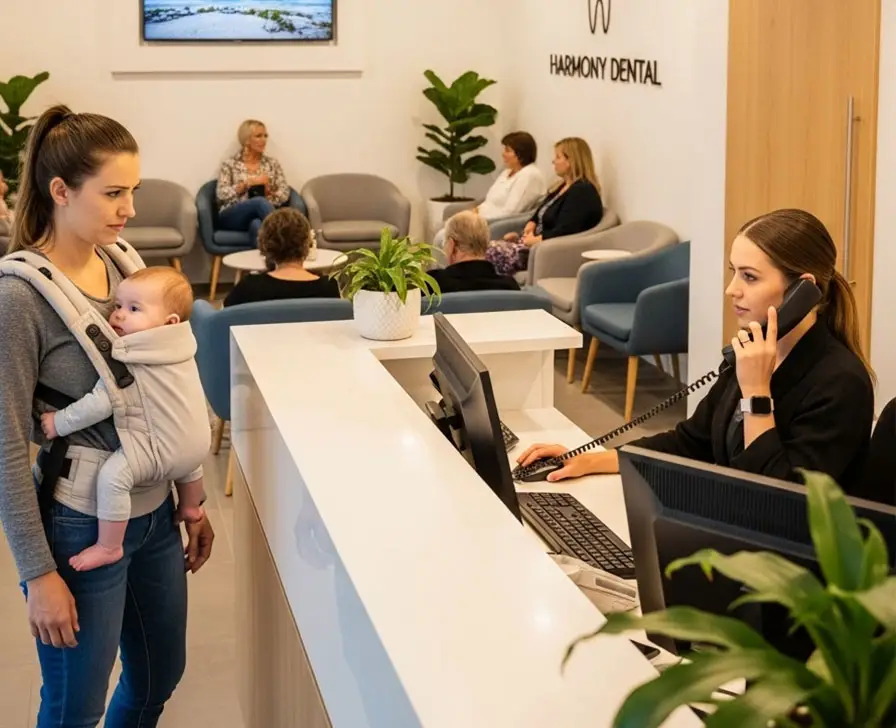
Let me tell you about a moment that happened in a dental clinic in Pune.
It was a Tuesday afternoon. The receptionist, Kavitha, was in the middle of explaining a treatment plan to a patient sitting across from her when the clinic phone rang. She held up a finger — one moment — and reached for the phone. The patient on the call wanted to know the clinic timings and whether they accepted walk-ins. A two-minute conversation. Helpful, necessary, but not urgent.
By the time she hung up, the patient sitting in front of her had been waiting in silence for two minutes. The flow of the conversation had been broken. She had to find her place again.
Twenty minutes later, the phone rang again. Someone asking about the cost of a root canal. Then again — someone who had found them on Google wanting to know if they had a parking facility nearby.
At the end of the day, Kavitha had answered 23 phone calls. Of those, 14 were basic enquiries — questions about timings, services, fees, and location — that could have been answered without anyone picking up a phone.
Meanwhile, across town, another dental clinic had activated the Google My Business Messaging feature three months earlier. Their receptionist had answered the same kinds of questions — but through text messages, at her own pace, between patients, without interrupting a single in-person conversation.
And here is the number that tells the whole story: that second clinic was receiving 40 percent of its new patient enquiries through Google Messages. Not phone calls. Messages.
This shift — quiet, gradual, and now accelerating — is one of the most important changes in how local businesses communicate with potential customers. And most business owners have not even noticed it is happening.
The Way People Communicate Has Fundamentally Changed
To understand why the Google My Business Messaging feature is becoming so important, you first need to accept something that the data has been telling us for years but that many business owners still resist acknowledging:
A large and growing proportion of people — particularly those under 40 — would rather send a message than make a phone call.
This is not laziness. This is not a generational quirk that will eventually go away. This is a deeply embedded behavioral shift that has been building for over a decade, driven by the rise of WhatsApp, Instagram DMs, and chat-based customer service across every major consumer platform.
Think about your own behavior. When you want to ask a quick question — whether a shop has a particular item in stock, whether a clinic has availability this week, whether a service provider can come to your area — do you instinctively reach for the phone and call? Or do you look for a way to send a message first?
For millions of people, the answer is message first. Always message first.
The reasons are practical and psychological in equal measure.
Messaging does not require the other person to be available right now. You can send a message at 10 PM when a thought occurs to you, without worrying about whether the business is open or whether you are disturbing someone.
Messaging does not put you on the spot. A phone call is a live, real-time interaction where you need to have your questions ready, respond in the moment, and navigate the social dynamics of a conversation. A message lets you think, compose, and send at your own pace.
Messaging creates a record. You can refer back to what was said. You do not have to frantically write down the address or the fee or the appointment time while someone is speaking because you can just scroll up and read it again.
And for many people — especially those who are shy, those for whom phone calls create anxiety, or those who simply value their time and attention — messaging is not just preferred. It is the only communication method they will comfortably initiate.
If your business is not reachable by message, you are invisible to a significant and growing segment of your potential customers.
What Is the Google My Business Messaging Feature?
The Google My Business Messaging feature — sometimes called Google Business Messages — allows potential customers to send you a direct message from your Google Business Profile, without leaving Google Search or Google Maps.
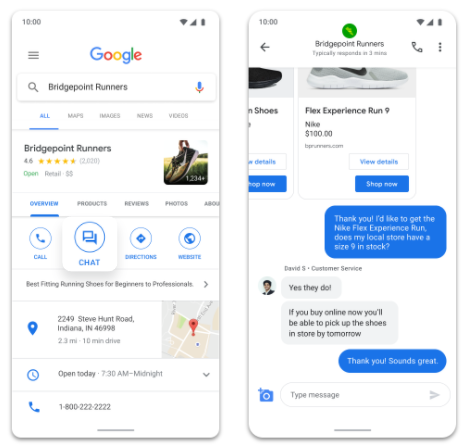
When the feature is activated, a “Chat” or “Message” button appears prominently on your listing alongside the Call and Directions buttons. A customer who has found you on Google can tap that button, type their question, and receive a response directly in the Google interface on their phone.
From the business side, messages arrive in the Google Business Profile app, which sends a notification to your phone or tablet. You can respond directly from the app, in real time or when convenient. The conversation is threaded and organized, so you can see the full history of every exchange.
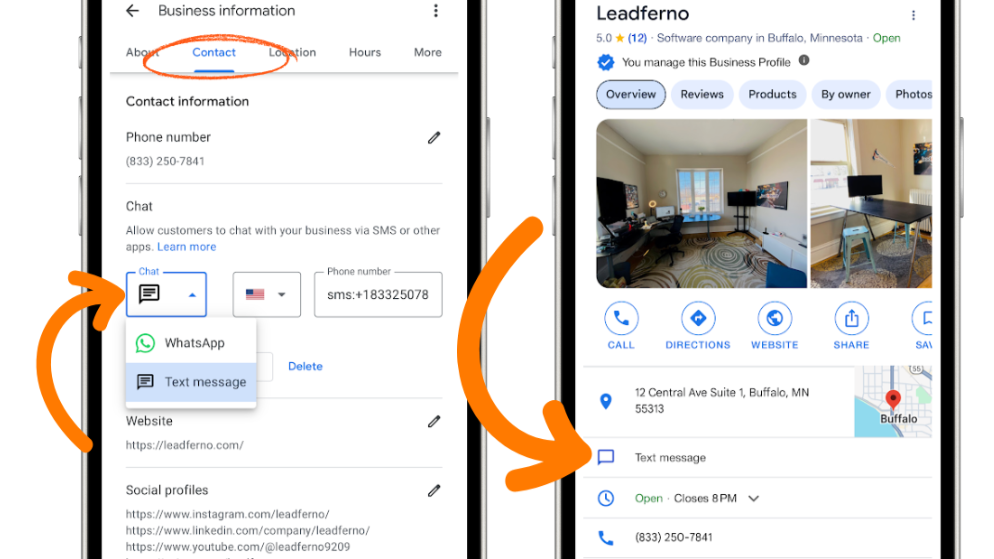
The feature is free. It is built into Google Business Profile — the same platform where you manage your photos, reviews, and business information. Activating it takes about two minutes.
And yet, the majority of local businesses in India have not turned it on.
Why This Feature Is More Powerful Than It First Appears
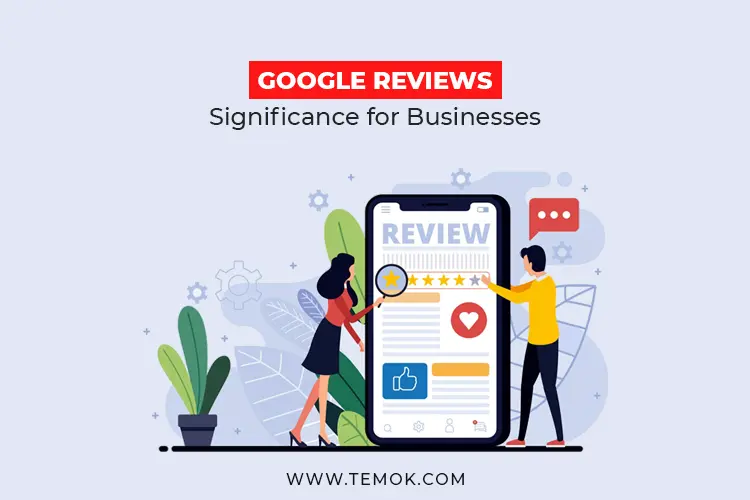
On the surface, Google Messaging sounds simple — almost too simple. It is just a chat button. How powerful can a chat button really be?
The answer is: extraordinarily powerful. And the reason comes down to where it lives and when it is seen.
When a potential customer is looking at your Google Business Profile, they are already in a high-intent state. They searched for what you offer. They found you. They are evaluating you. They are close — very close — to making contact.
At that moment, they have three options: call, get directions, or message.
For the growing segment of people who prefer messaging, the presence or absence of that message button is a binary decision point. If it is there, they tap it and start a conversation. If it is not there, many of them do not call instead — they simply look at the next listing.
The message button is not competing with your phone number. For people who would have called anyway, it does not change their behavior. For people who would not call — who prefer to message, or who are in a situation where calling is inconvenient — it captures an enquiry that would otherwise have been lost entirely.
In other words, the Messaging feature does not replace your phone enquiries. It adds to them. It opens a second channel that reaches people your phone number cannot reach.
That is not a small thing. Depending on your customer demographic — and particularly if you serve younger customers, urban customers, or customers in professional environments where stepping away for a phone call is difficult — that second channel could represent a significant percentage of your total potential enquiries.
The Moment the Phone Call Became Complicated
Let us think honestly about what it actually takes for someone to call a business they have never contacted before.
They need to be in a situation where making a call is socially and practically appropriate. They need a few minutes of uninterrupted time. They need to be somewhere quiet enough to hear and be heard. They need to be mentally prepared to engage in a live conversation, handle any unexpected questions, and navigate the call to a satisfying conclusion.
For someone sitting in a crowded metro, this is not happening. For someone in the middle of a workday who has ninety seconds between meetings, this is not happening. For someone who is managing two children at home and cannot guarantee thirty seconds of silence, this is not happening. For someone with social anxiety who finds unscripted phone conversations stressful, this may never happen.
These are not edge cases. These are common, everyday situations that a huge proportion of your potential customers are in when they first encounter your business on Google.
For all of them, a message is not just more convenient. It is the only realistic option for initiating contact right now.
By having the Messaging feature active on your profile, you are essentially saying: I am here whenever you are ready, in whatever way works for you. That is a welcoming, customer-centric posture. And it removes friction from the customer journey at the exact moment when friction is most likely to result in a lost enquiry.
Real Businesses, Real Results — What Happens When You Turn It On
Let me share a few patterns that emerge consistently when local businesses activate and actively manage their Google Messaging.
The After-Hours Enquiry
One of the most immediate and consistent benefits businesses report is capturing enquiries that come in outside business hours. A potential customer thinks of a question at 9 PM. With messaging, they can send it immediately. When the business opens in the morning, the message is waiting — a warm lead that would have been completely lost if the only option had been to call during working hours.
Many businesses find that 20 to 30 percent of their Google Messages arrive outside their operating hours. These are enquiries that their phone line would never have captured.
The Comparison Shopper
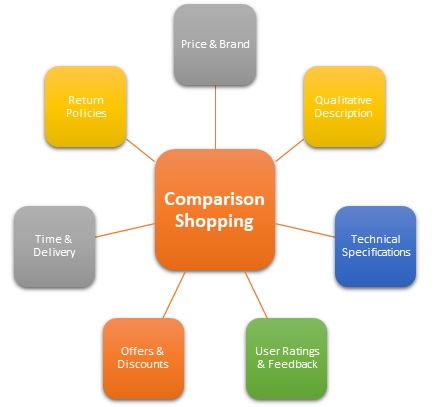
Many customers contact multiple businesses simultaneously when making a purchase decision. They are comparing options. In this scenario, the businesses that respond fastest — and messaging makes fast response easy — have a significant advantage. A customer who sends messages to three coaching centres and receives a helpful, detailed response from one within fifteen minutes is very likely to enroll there, even if the other two might have been equally good options.
Speed of response is a competitive advantage. Messaging makes speed possible in a way that phone calls — which require both parties to be simultaneously available — often do not.
The Hesitant First-Timer
Some customers have a specific question that feels too small or too basic to justify a phone call. They want to know if you have parking. They want to know if you are open on Sundays. They want to know the price of a single specific item. They feel like calling for a two-sentence question is an imposition.
For these customers, a quick message is the perfect solution. They get their answer. You get a warmer lead. And in many cases, what starts as a simple question about parking turns into a full enquiry about services and availability.
The low barrier of messaging captures these tentative, hesitant first touches that a phone-only approach would miss entirely.
The Response Time Rule — Why This Feature Rewards the Attentive
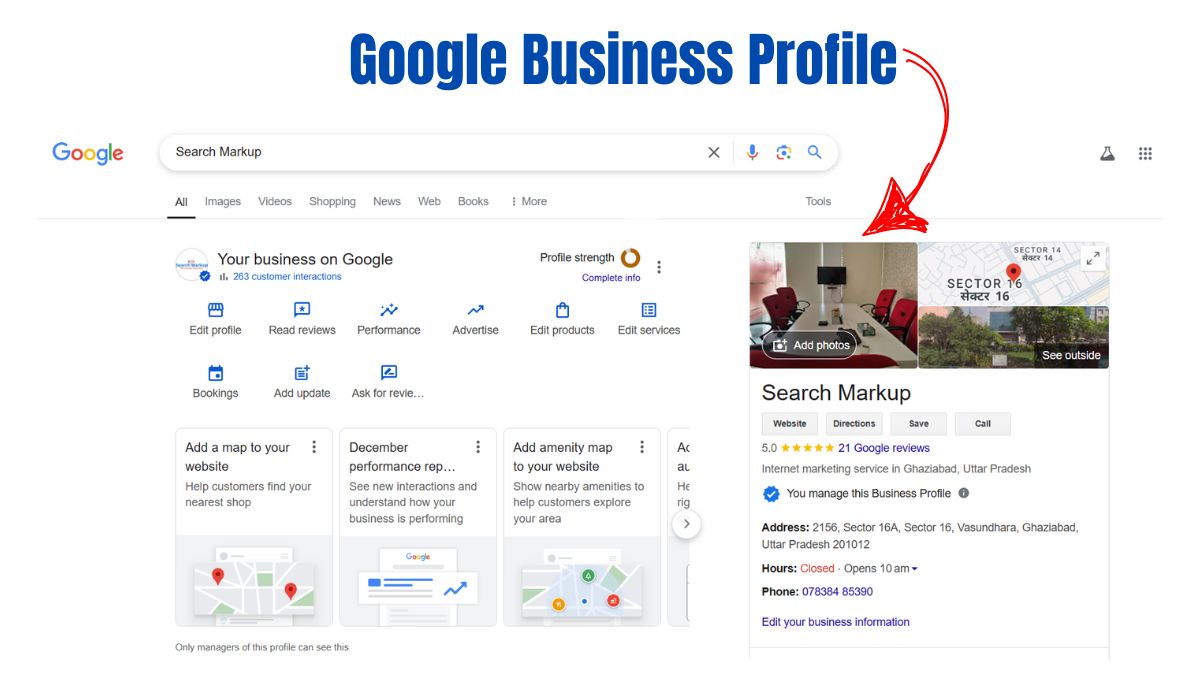
Here is something important about Google Messaging that most business owners do not realize until after they activate the feature: Google monitors your response time and displays it publicly on your listing.
If you consistently respond to messages within a few minutes, your listing shows something like “Usually responds in a few minutes.” If you typically take an hour or two, it shows that. If you are slow or inconsistent, it shows that too.
This publicly displayed response time is a trust signal that potential customers see before they even decide to send a message. A listing that shows “Usually responds in a few minutes” communicates attentiveness and reliability. A listing that shows “Usually responds in a few days” — or worse, one that has messaging disabled because the owner never responded and Google eventually turned it off — communicates the opposite.
This means that activating the messaging feature comes with a responsibility: you need to actually respond to messages, and respond reasonably quickly.
For most local businesses, this is entirely manageable. We are not talking about a call centre operation. We are talking about responding to a handful of messages per day — often fewer than ten — within an hour or two of receiving them. The Google Business Profile app makes this straightforward, and if you have notifications enabled, you will never miss an incoming message.
But it does require commitment. A business that activates messaging and then ignores incoming messages is worse off than one that never activated it — because the unanswered messages create a negative impression and the feature may be disabled by Google due to inactivity.
If you are going to do this, do it properly. Check your messages at least two or three times a day. Respond helpfully and promptly. Treat every incoming message as what it is — a potential customer who has made the effort to reach out.
What to Say — Crafting Messages That Convert
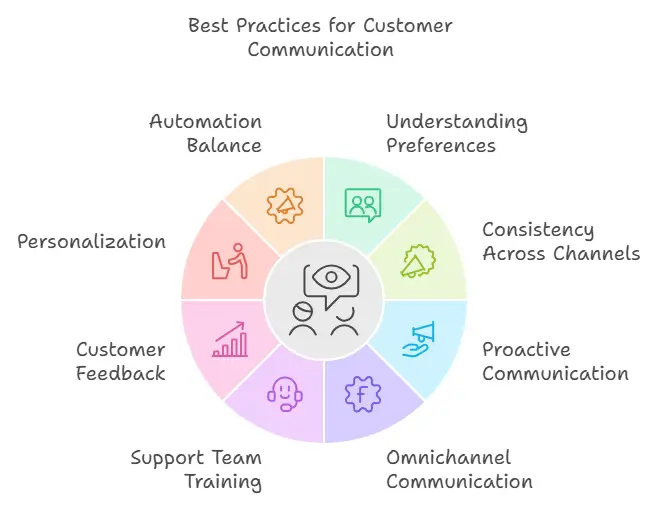
One of the underappreciated aspects of Google Messaging is that it gives you an opportunity to do something phone calls rarely allow: be thoughtful about what you say.
On a phone call, you are responding in real time with whatever comes to mind. You might forget to mention something important. You might phrase something poorly under pressure. You might miss a cue that the customer wanted more information about a particular aspect of your service.
With messaging, you have a moment to compose your response. You can be more thorough. More helpful. More strategic.
Here are some principles that help local businesses convert Google message enquiries into actual customers.
Respond to the question asked, then go one step further. If someone asks “Do you offer home visits?” do not just say yes or no. Say yes, explain the areas you cover, mention the process for booking, and invite them to ask any other questions. Answering the question plus one more relevant piece of information shows helpfulness and keeps the conversation moving toward a booking.
Use the customer’s context. If someone says they are asking because their elderly mother needs physiotherapy at home, acknowledge that context. “That sounds like exactly the situation we help with regularly — here is how our home visit service works for patients who have difficulty traveling.” This feels personal and attentive rather than generic.
Make the next step easy. Every response should have a clear path forward. Whether that is “you can book directly through this link,” “call us at this number to schedule,” or “shall I check availability for this week?” — give the customer a specific, easy next action.
Do not write essays. Messaging is a conversational medium. Long paragraphs feel overwhelming. Use short sentences, clear structure, and cover the essentials. If the person needs more information, they will ask.
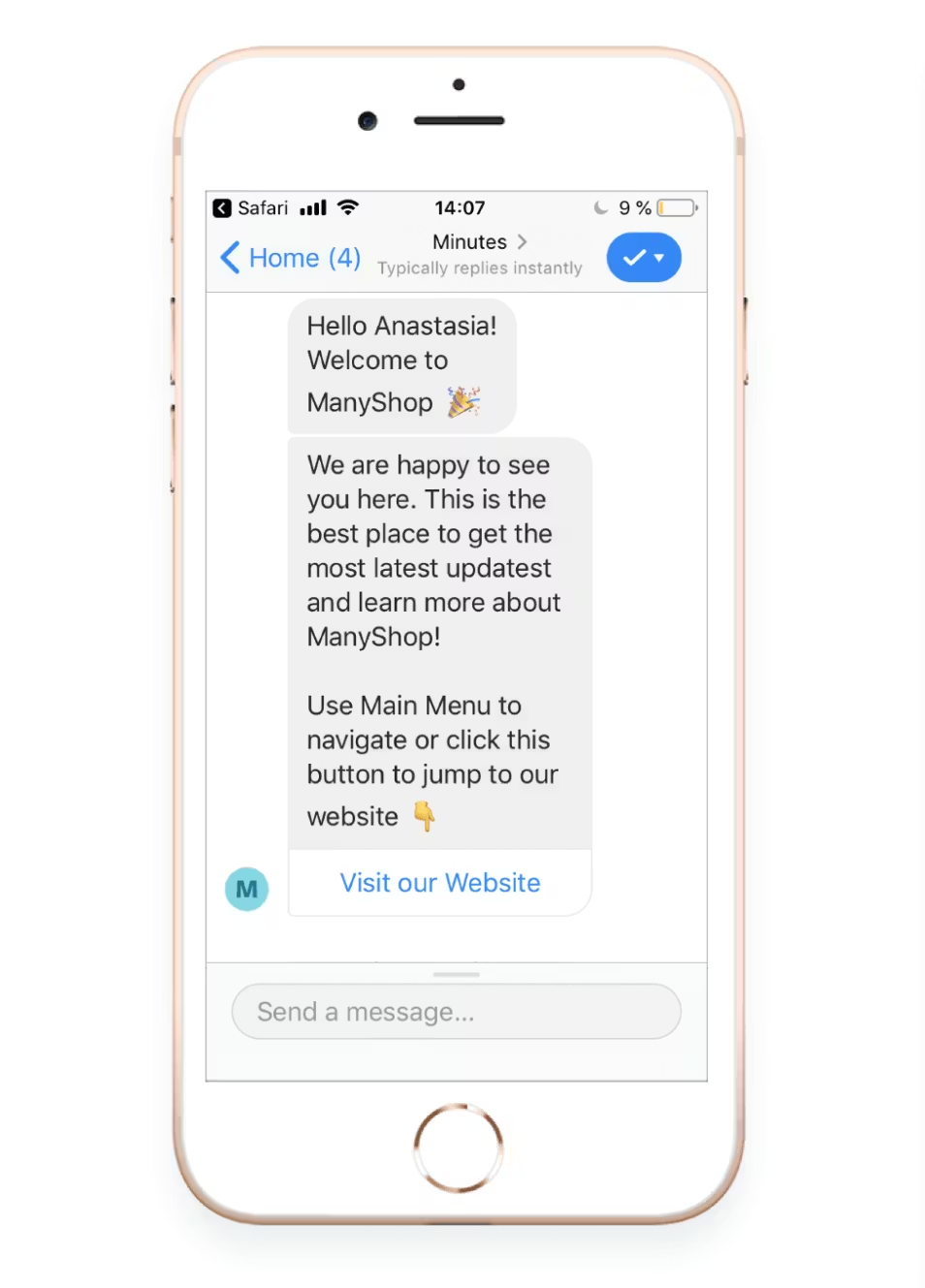
Set up a welcome message. Google Messaging allows you to set an automatic welcome message that is sent instantly when someone initiates a conversation. This is the first thing they see before you respond personally. Make it warm, specific, and helpful: “Hi! Thanks for reaching out to [Business Name]. We usually respond within an hour. Please share your question and we will get back to you as soon as possible.” This sets expectations and immediately reassures the customer that their message has been received.
Integrating Messaging Into Your Daily Workflow
The businesses that use Google Messaging most effectively are not the ones that treat it as a special task requiring dedicated time. They are the ones that integrate it naturally into their existing daily rhythm.
Here is a simple workflow that works well for most local businesses.
Morning — when you arrive and open up, check your messages. Respond to anything that came in overnight. This typically takes five to ten minutes and ensures that early-morning enquiries get a response before the business day fully begins.
Midday — a quick check during a natural break in your day. Respond to anything that came in during the morning. Again, usually a few minutes.
Evening — before you close up, a final check and response. Set the expectation with any unanswered messages that you will follow up first thing tomorrow.
For businesses with staff, messaging can be delegated to a receptionist or customer service person who checks it alongside other communication channels. The key is that someone is responsible for it consistently.
As volume grows — and it will grow once the feature is active and your response time is good — you may want to develop templated responses for your most common questions. Not robotic copy-paste answers, but starting points that you personalize quickly before sending. This saves time without sacrificing the warmth and attentiveness that make messaging effective.
The Competitive Landscape — Most of Your Competitors Have Not Done This Yet
Here is a piece of information that should motivate you to act on this today rather than eventually.
Despite the messaging feature being available and free for years, adoption among local businesses in India remains surprisingly low. Walk through Google Maps listings in any city across any business category and you will find that the majority of profiles either have messaging disabled or have it technically active but respond so slowly that Google has stopped showing the feature prominently.
This means that for most local businesses, activating messaging and managing it attentively is an immediate competitive differentiator. You are not fighting to stand out in a crowded field of businesses all doing this well. You are stepping into a relatively empty space where simply doing the basics consistently puts you ahead of most competitors.
A potential customer who visits three Google listings and finds that two have no messaging and one has messaging with a note that says “Usually responds in a few minutes” — that customer knows which business is easiest to reach. And easy to reach often translates directly into “the one I contact first,” which often translates into “the one I choose.”
This window will not stay open indefinitely. As more businesses wake up to the power of this feature, competition for fast response times and quality messaging interactions will increase. The businesses that build the habit now — that train their teams, establish their workflows, and develop their messaging skills today — will have an advantage that compounds over time as their review count, response time history, and customer relationship depth grows.
Beyond Messaging — The Broader Lesson About Meeting Customers Where They Are
The Google My Business Messaging feature is one specific tool. But it points to a broader principle that is worth holding onto.
Your potential customers are not a monolith. They are diverse people with different communication preferences, different schedules, different comfort levels, and different constraints. Some of them love phone calls. Some of them never make phone calls if they can help it. Some of them send WhatsApp messages all day long. Some of them prefer to read information and only reach out when they are ready to commit.
The businesses that grow most consistently are not the ones that pick one communication style and stick to it regardless. They are the ones that make themselves accessible in multiple ways — and that take seriously the signals the market is sending about how people want to communicate.
The market is sending a clear signal right now. Messaging is rising. Phone calls are declining for initial enquiries. Younger customers, urban customers, and time-pressed customers are gravitating toward asynchronous text-based communication as their first point of contact with businesses they are considering.
Google My Business Messaging is where Google has built a bridge between that preference and your business. All you have to do is walk across it.
Turn the feature on. Set a welcome message. Check your messages daily. Respond promptly and helpfully. And watch what happens to your enquiry volume over the next sixty to ninety days.
Your Action Plan — Getting Started Today
If you are ready to activate Google Messaging for your business, here is exactly what to do, step by step.
Open your Google Business Profile app on your phone or go to business.google.com on your computer. Navigate to the Messages or Chat section of your profile. Turn on the messaging feature. It may ask you to confirm your notification settings — make sure notifications are enabled so you receive an alert every time a message arrives.
Set up your welcome message. Make it friendly, specific to your business, and clear about your typical response time. Do not promise instant responses if you cannot deliver them — honesty here builds trust.
Test the feature by searching for your own business on Google from a different phone or browser and sending yourself a test message. Verify that it arrives in your app and that the process feels smooth from the customer’s perspective.
Check your messages at least three times a day — morning, midday, and evening. Respond to every message within a few hours at most. Build this into your daily habit until it feels as natural as checking email.
After thirty days, look at your Google Business Profile insights. You will be able to see how many messages you have received and how your response rate and time are trending. Use this data to evaluate the impact and refine your approach.
That is the complete setup. It takes thirty minutes to get right and a few minutes a day to maintain. For a free feature that could meaningfully increase your enquiry volume, that is one of the best returns on time investment available to any local business today.
Closing Thought — The Customer Who Would Never Have Called Is Now Messaging You
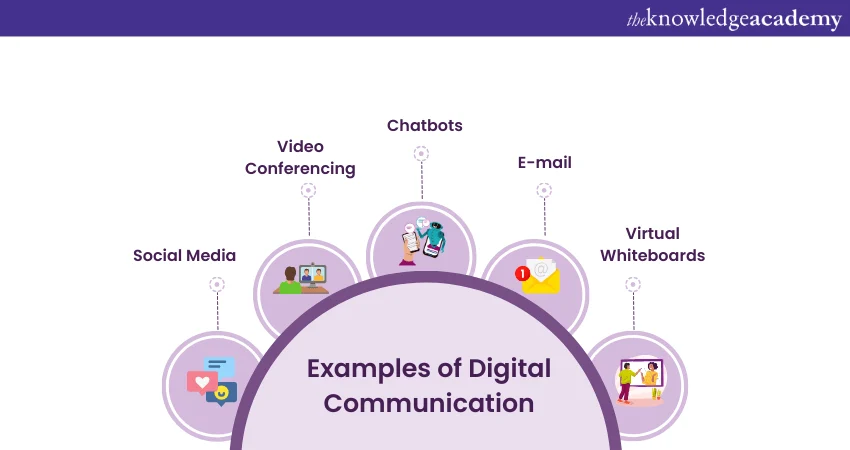
There is a customer out there right now who needs exactly what your business offers. They found you on Google. They are looking at your listing. And they have a question — a simple, honest question that, if answered well, would move them from curious to committed.
They are not going to call. Not because they are not interested. Not because they are not ready. But because calling is not how they communicate. Calling feels like too much effort, too much social pressure, too much disruption to their current moment.
If you have messaging enabled, they tap the button and type their question. You respond within the hour. A conversation begins. An enquiry converts.
If you do not have messaging enabled, they scroll to the next listing. Someone else answers their question. Someone else gets their business.
It really is that simple. And it really is that consequential.
The phone call was never the only way to reach you. It was just the only option you offered. Give people another option — one that works for how they actually live and communicate — and you will be surprised how many of them take it.
Written by Digital Drolia — practical digital strategies for local businesses that want to grow without complexity or big budgets. Found this useful? Share it with a local business owner who is still relying on the phone as their only line of communication.