
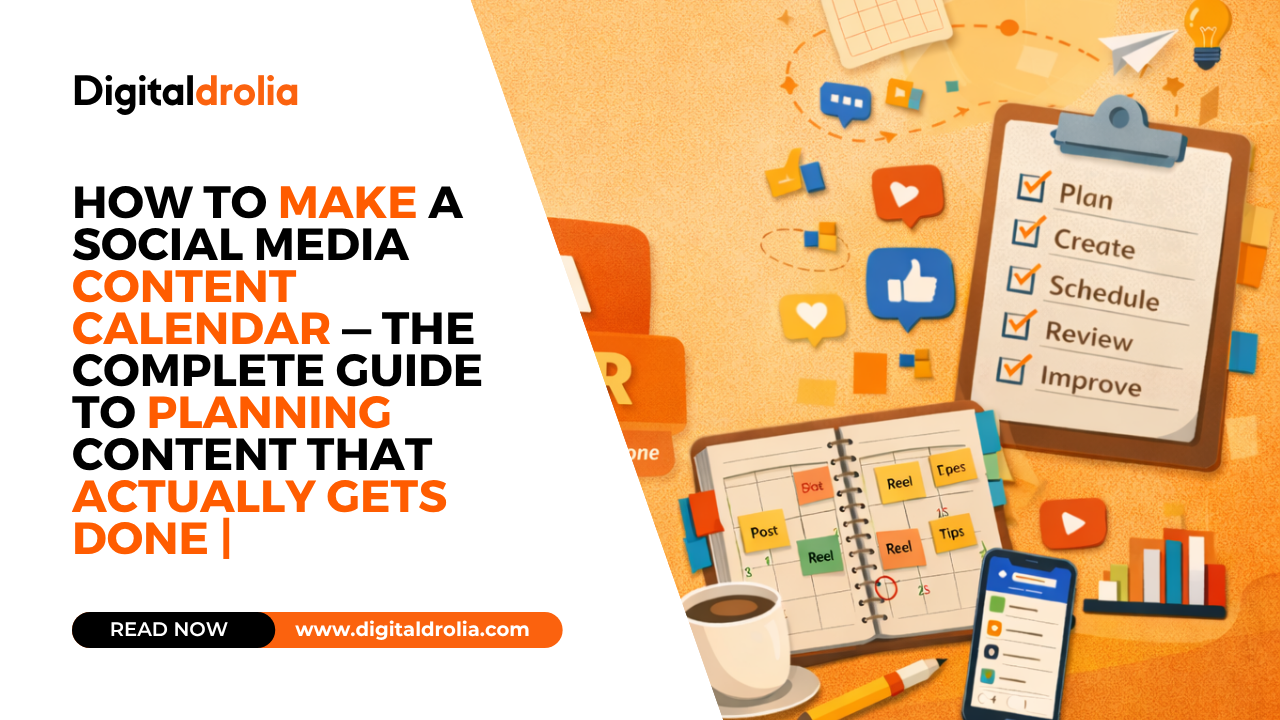
How to Make a Social Media Content Calendar — The Complete Guide to Planning Content That Actually Gets Done | Digital Drolia

Here is a scenario that probably feels familiar.
It is Monday morning. You open Instagram with every intention of posting something for your business today. You stare at your phone. Nothing comes to mind. You think for twenty minutes, come up with something mediocre, decide it is not good enough, and close the app. You tell yourself you will post tomorrow.
Tuesday comes. Same thing. Wednesday, you manage to throw something together in five minutes — a rushed photo, a vague caption, a handful of random hashtags. It performs terribly, which kills your motivation. Thursday and Friday pass without a single post.
By the following week, you are three days behind, your feed looks inconsistent, and the whole thing feels like more trouble than it is worth.
Sound familiar?
This is not a discipline problem. This is not a creativity problem. This is a planning problem. And the solution is one of the most powerful tools in any serious content creator or business owner’s arsenal — a social media content calendar.
A content calendar transforms social media from a daily source of stress and guesswork into a strategic, manageable system. It means you never sit down to post without knowing exactly what to create. It means your content has variety, purpose, and consistency. It means you can batch your work, reduce decision fatigue, and show up for your audience reliably — without burning out.
This guide is going to teach you everything. Not just what a content calendar is, but why it works, how to build one from scratch, what to put in it, how to plan a full month of content, and how to maintain it without it becoming a burden.
By the end, you will have a system — not just a spreadsheet.
Let us get into it.
What Is a Social Media Content Calendar and Why Does It Matter?
A social media content calendar is exactly what it sounds like — a scheduled plan that maps out what you will post, when you will post it, on which platform, and in what format. It can live in a Google Sheet, a Notion database, a physical planner, a dedicated tool like Buffer or Later, or even a simple Excel file.
But a content calendar is more than just a schedule. Done right, it is a strategic document that reflects your business goals, your audience’s needs, your content mix, your campaigns, and your creative vision — all organized in a way that makes execution straightforward.
Here is why it matters so much:
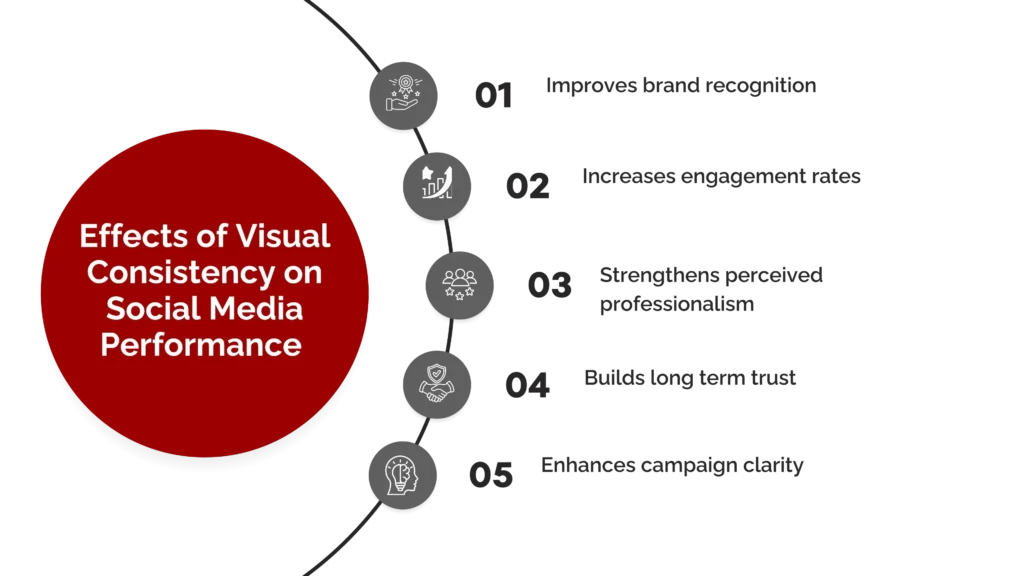
Consistency becomes automatic. The number one factor in social media growth is consistency. Algorithms reward accounts that post regularly. Audiences trust accounts that show up reliably. A content calendar makes consistency a system rather than a daily act of willpower.
Quality improves dramatically. When you plan ahead, you have time to think, create, refine, and review your content before it goes live. Compare that to the rushed, last-minute posts that happen when you have no plan — the difference in quality is significant.
Stress disappears. The daily anxiety of “what do I post today” is one of the most common complaints from business owners and creators. A content calendar eliminates that question entirely. You already know what to post. The decision was made a week ago, in a calm, strategic state of mind.
Your content becomes strategic, not random. Without a plan, most people post whatever feels right in the moment — which leads to an inconsistent mix of topics with no clear purpose. A content calendar ensures that every post serves a specific goal, covers a specific pillar, and contributes to a larger narrative.
You can plan around important dates. Product launches, festivals, industry events, seasonal trends, campaigns — all of these can be built into your calendar in advance, so you are never scrambling to create timely content at the last minute.
Collaboration becomes possible. If you work with a team — a designer, a copywriter, a photographer, a social media manager — a content calendar gives everyone visibility into what is coming and when it is needed. Without it, everything becomes chaotic and last-minute.
Before You Build Your Calendar — The Strategic Foundation
Most people jump straight into creating a calendar without laying the strategic groundwork first. This is a mistake that leads to a calendar full of content that looks busy but achieves nothing.
Before you open any tool or template, answer these foundational questions.
Question 1 — What Are Your Social Media Goals?
Your goals determine everything else about your content calendar — what you post, how often, on which platforms, and in what format.
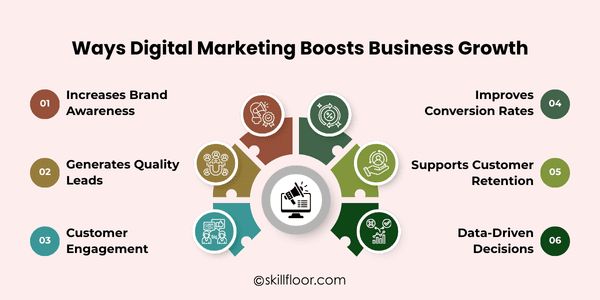
Common social media goals for businesses and creators include growing brand awareness and reaching new audiences, driving traffic to a website or blog, generating leads and enquiries for a product or service, converting followers into paying customers, building community and engagement around a brand, establishing thought leadership and expertise in a niche, and retaining and nurturing existing customers.
You do not have to pick just one — but you do need to prioritize. If your primary goal is lead generation, your content mix will look very different from someone whose primary goal is brand awareness. Write your top one or two goals down clearly before moving forward.
Question 2 — Who Is Your Audience?
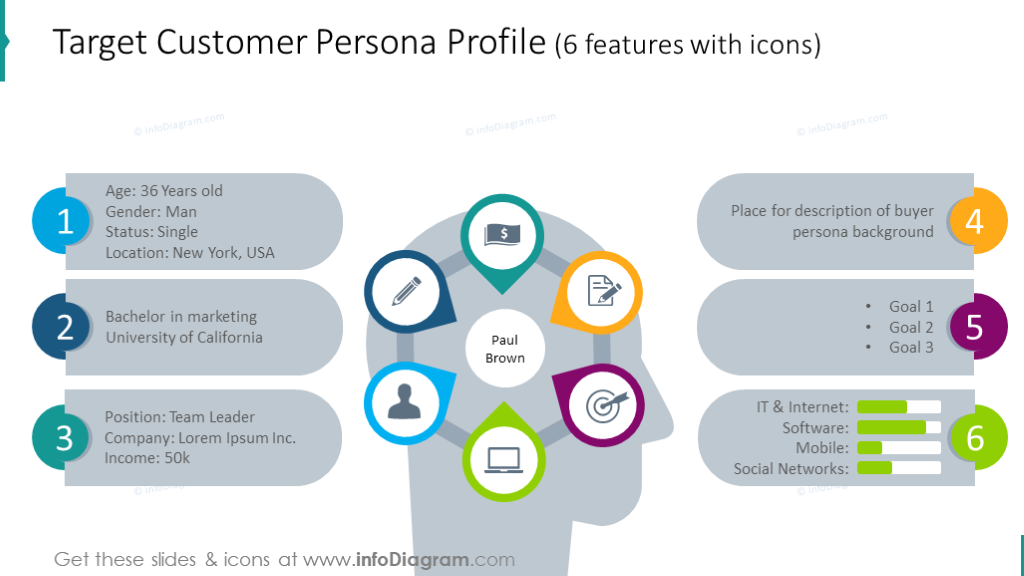
You need a clear, specific picture of who you are creating content for. Not “young people” or “small business owners” — but a detailed profile of your ideal follower or customer.
What is their age range? What do they do professionally? What are their biggest challenges and frustrations? What do they aspire to? What kind of content do they already consume and love? What platforms do they spend the most time on? What time of day are they most active online?
The more clearly you can answer these questions, the more precisely you can plan content that resonates. Content that resonates gets shared, saved, and commented on — which is what drives growth.
Question 3 — Which Platforms Will You Focus On?
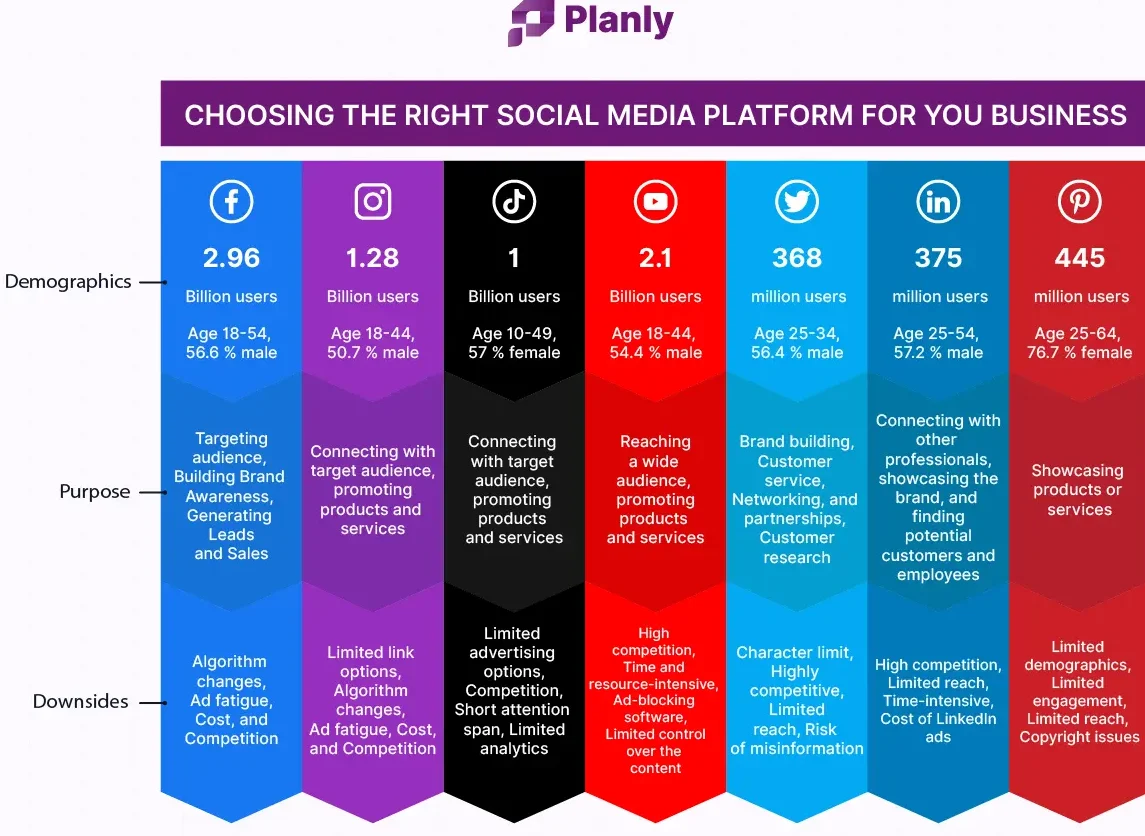
One of the biggest mistakes new content creators make is trying to be everywhere at once — Instagram, Facebook, LinkedIn, Twitter, YouTube, Pinterest, TikTok — all simultaneously. This is a recipe for burnout and mediocrity.
For most businesses and solo creators starting out, focusing on one to two platforms is far more effective than spreading thin across five. Choose based on where your audience actually spends their time, which platforms suit your content type (visual businesses belong on Instagram, professional services on LinkedIn, food and lifestyle on YouTube), and which you can realistically maintain with the resources you have.
Once you have established a strong presence on your primary platform, you can expand. But start focused.
Question 4 — What Are Your Content Pillars?
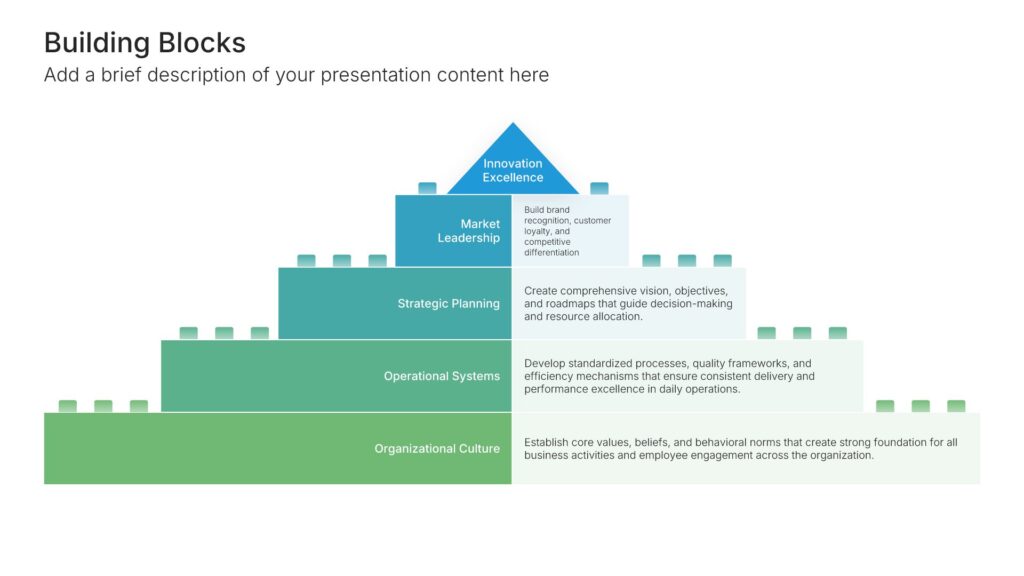
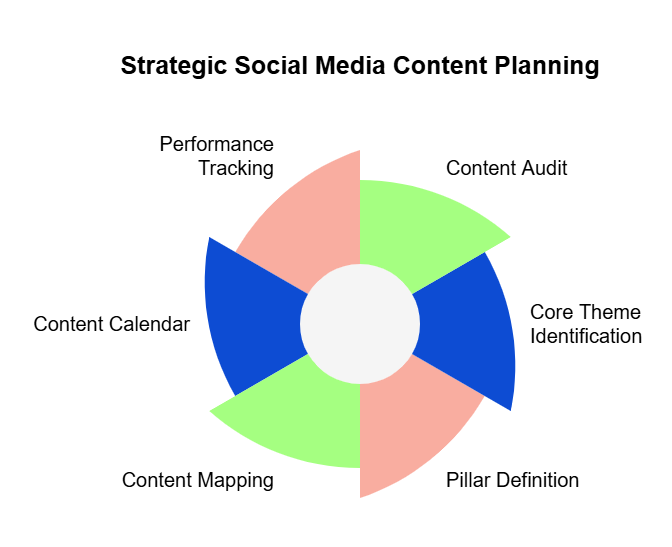
Content pillars are the three to five broad topic areas that your account consistently covers. They define the range and variety of your content and ensure that your calendar is not just repetitive promotional posts.
For a digital marketing account, pillars might be education (teaching concepts), practical tips (actionable advice), case studies (real results), industry news (updates and commentary), and personal brand (the human behind the account).
For a restaurant, pillars might be food showcase (beautiful dish photos and videos), behind the scenes (kitchen life and team stories), recipes and cooking tips, customer stories and reviews, and local community content.
For a fitness coach, pillars might be workout content, nutrition advice, client transformations, mindset and motivation, and lifestyle content.
Every post on your calendar should belong to one of your pillars. This gives your content natural variety — you are not posting the same type of thing every day — while maintaining thematic consistency that helps your audience know what to expect from you.
Question 5 — How Often Can You Realistically Post?
Be honest here. Do not plan a seven-days-a-week posting schedule if your current reality is that you barely have time for two posts a week. An overambitious calendar that you cannot maintain is worse than a modest one you can sustain.
Consider how much time you actually have each week for content creation — not just posting, but writing captions, shooting photos or videos, editing, designing graphics, researching ideas, and scheduling. Be realistic about that number.
General realistic benchmarks for most small businesses and solo creators: Instagram three to five times per week plus daily Stories, LinkedIn three to four times per week, Facebook three to five times per week, YouTube one video per week, Twitter five to seven times per week.
But these are benchmarks, not requirements. Two high-quality posts per week on Instagram, done consistently for six months, will outperform seven mediocre daily posts every time. Quality and consistency beat quantity.
Step One — Choose Your Calendar Format and Tool
Once you have your strategic foundation, choose where your calendar will actually live. The tool matters less than the habit of using it — but different tools have different strengths.
Option 1 — Google Sheets or Excel (Free, Flexible, Recommended for Beginners)
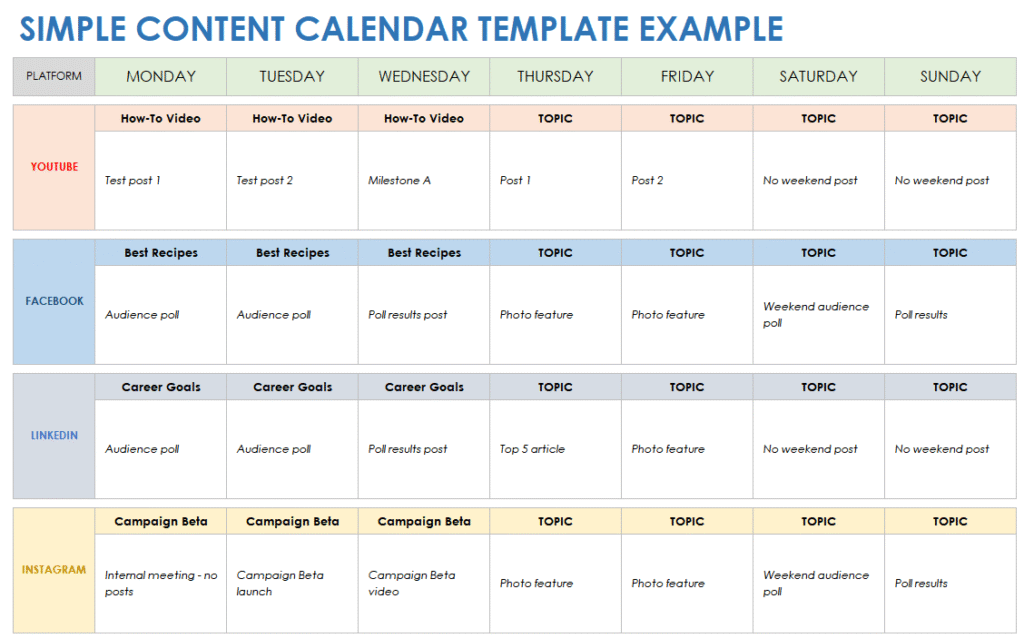
A simple spreadsheet is often the best starting point. It is free, fully customizable, shareable with team members, and requires no learning curve.
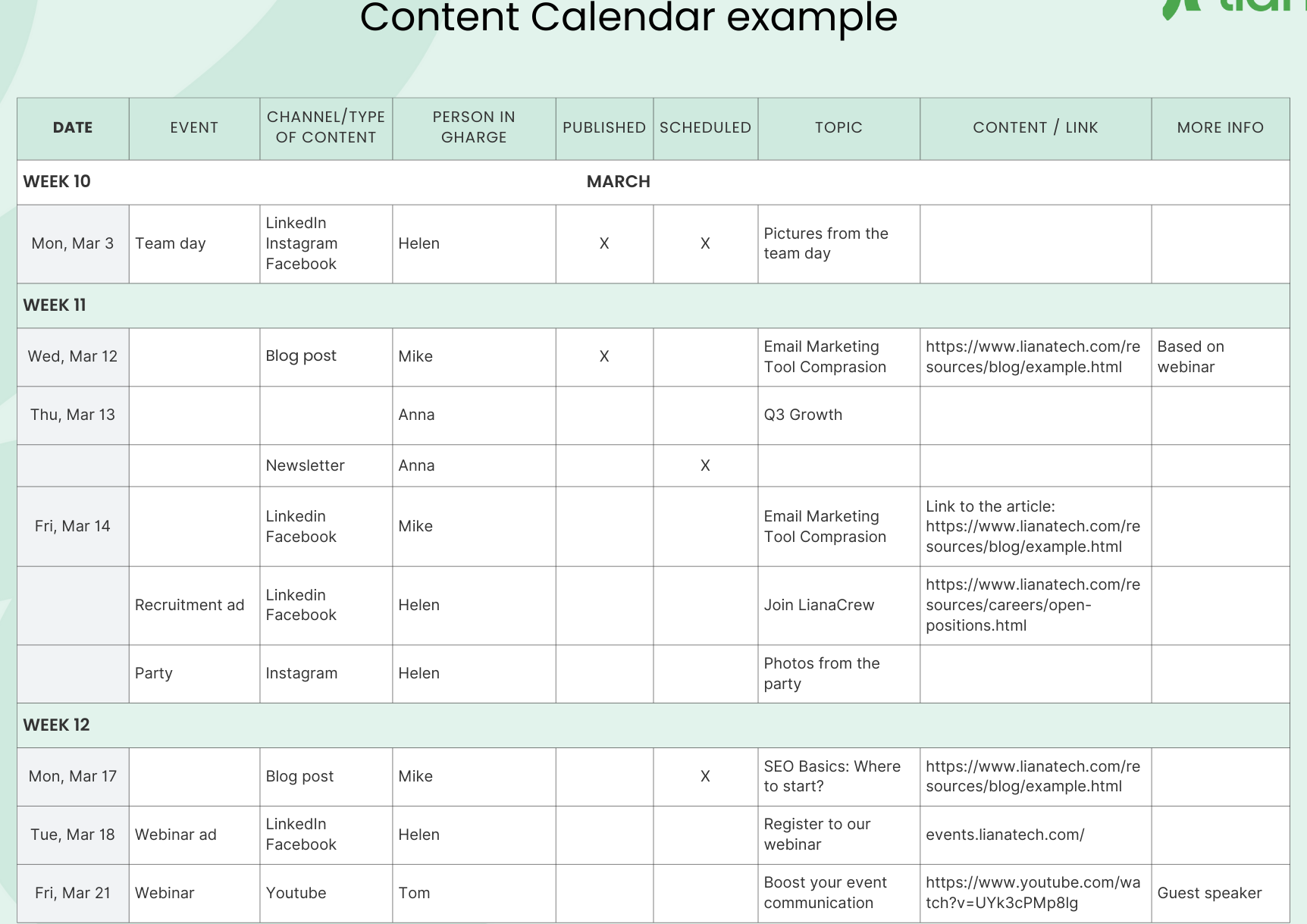
A basic content calendar spreadsheet has columns for the date, day of the week, platform, content pillar, post format (image, video, carousel, reel, story, etc.), caption, visual assets needed, hashtags, status (idea, in progress, ready to post, posted), and any additional notes.
You can add color coding to make it scannable — one color per platform, or one color per content pillar. Google Sheets allows conditional formatting so certain status labels automatically change color, giving you a visual overview of where each piece of content stands.
Option 2 — Notion (Free and Paid, Highly Visual)
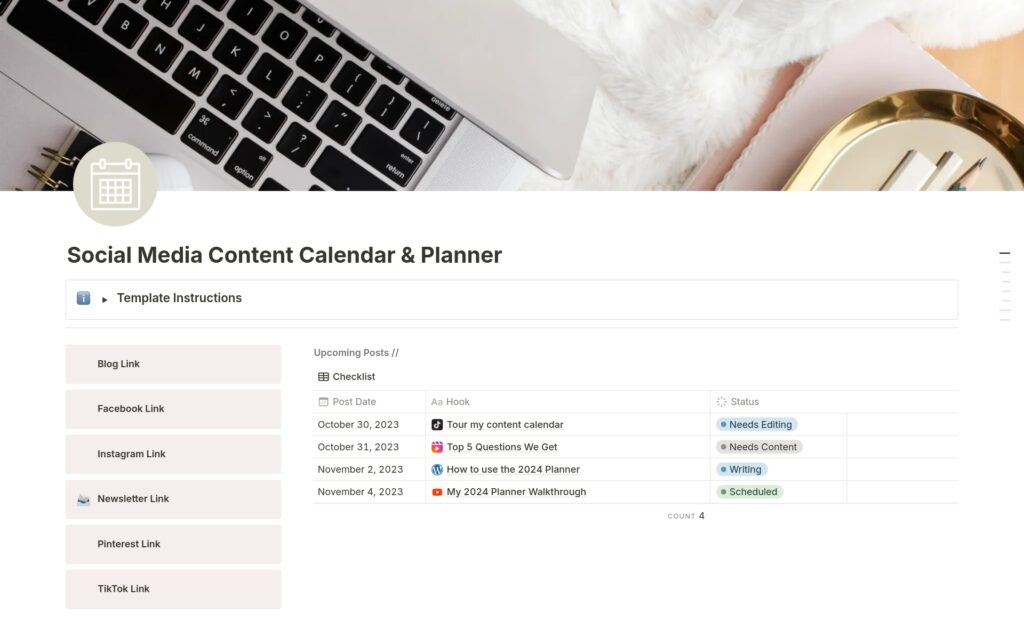
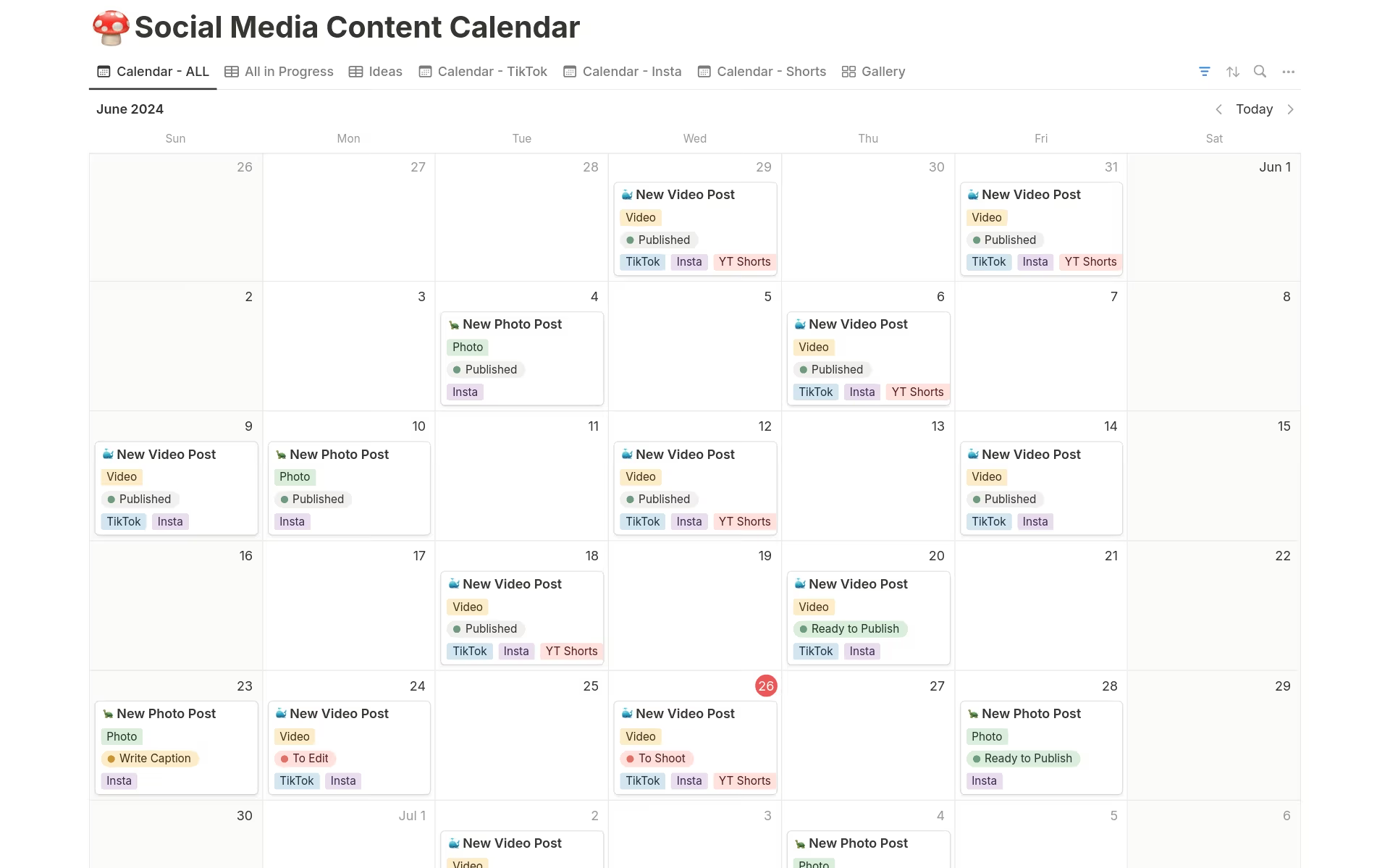
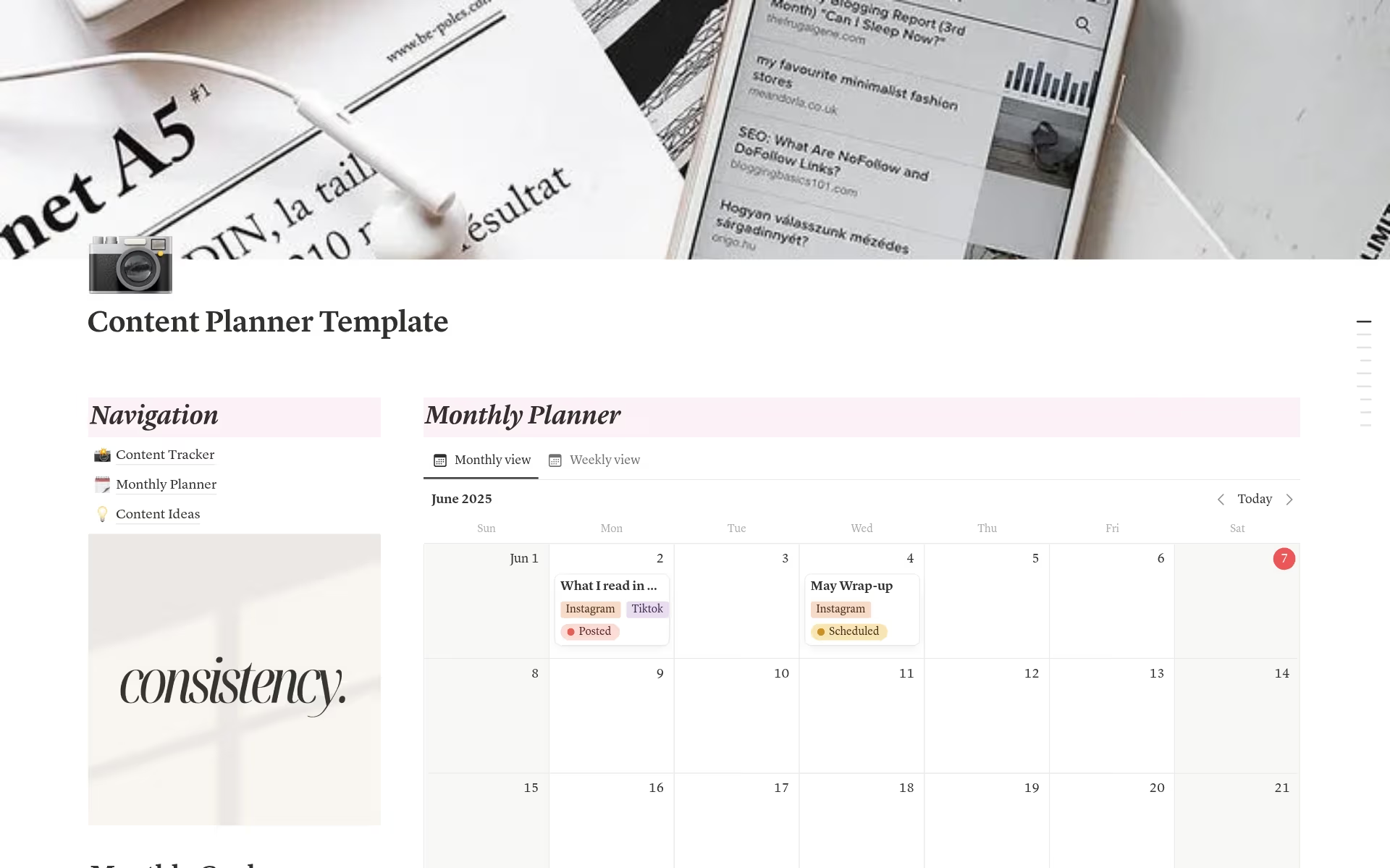
Notion is a powerful all-in-one workspace that many content creators love for planning. You can create a content calendar in Notion as a database, then switch between different views — a table view for planning, a calendar view for seeing your posting schedule by date, a kanban board view for managing content through production stages (idea, writing, design, scheduled, posted).
Notion also lets you attach files, embed links, and create templates for consistent caption writing — making it more than just a calendar but a full content management system.
Option 3 — Dedicated Social Media Tools (Paid)
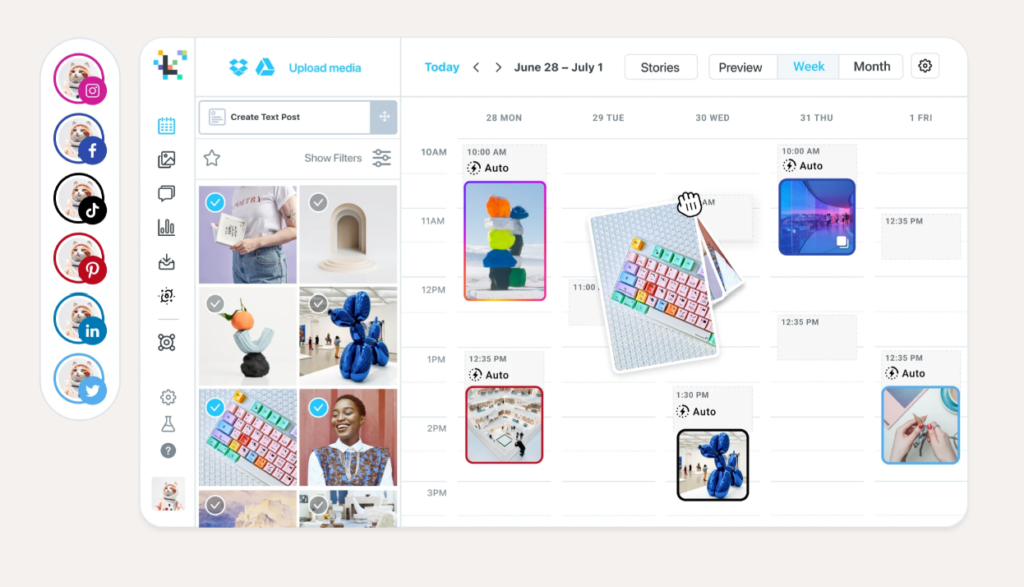
Platforms like Buffer, Later, Hootsuite, and Sprout Social are purpose-built for social media management. They allow you to plan your calendar, write captions, upload visuals, and schedule posts to publish automatically — all in one place.
The advantage of these tools is that your calendar is directly connected to your publishing — you can see your scheduled posts in a calendar view and adjust timing with simple drag and drop. The disadvantage is cost — most of these tools have monthly subscriptions.
For a solo creator or small business, Buffer and Later both have free plans that cover basic scheduling for one to three platforms, which is enough to get started.
Option 4 — Physical Planner or Whiteboard
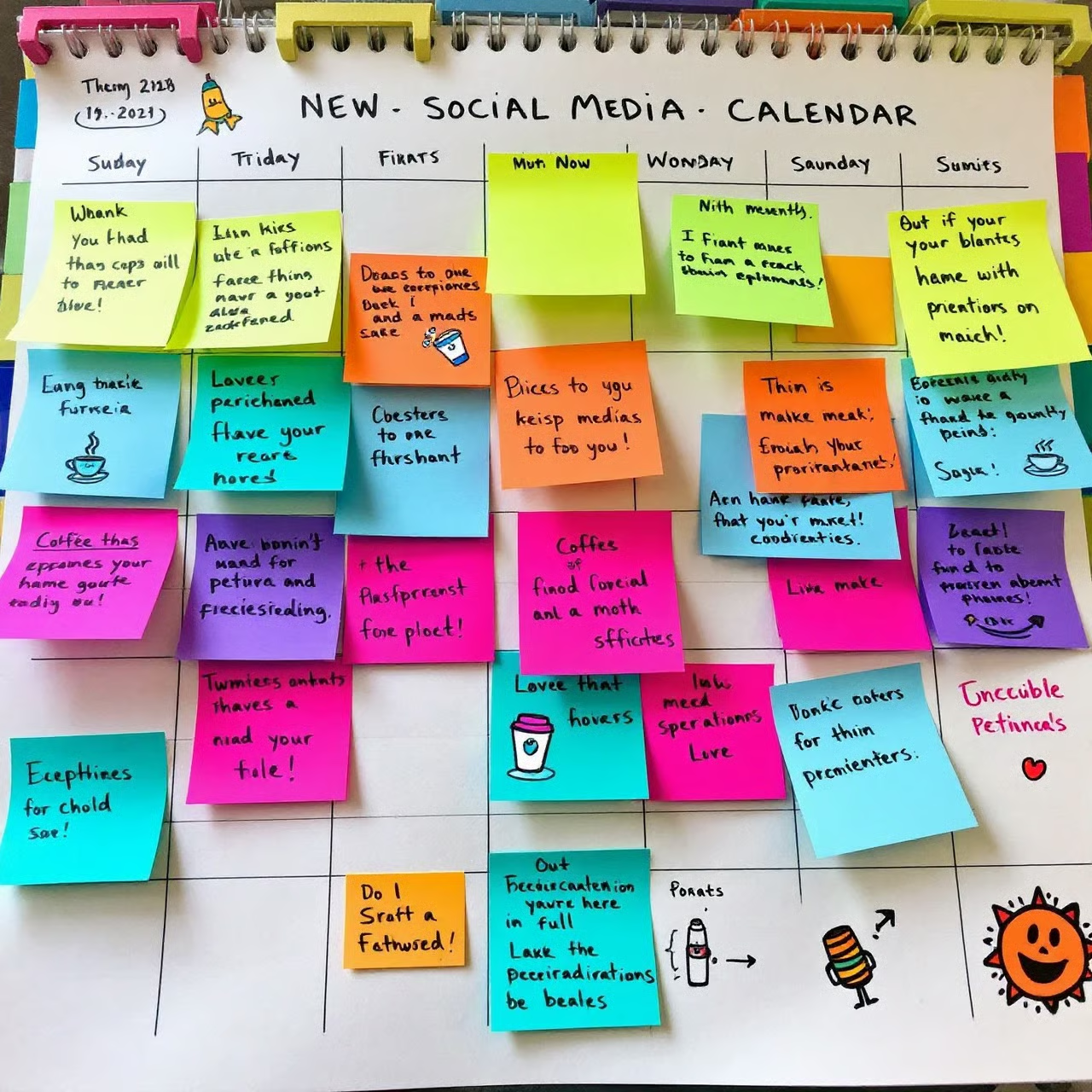
Do not underestimate the power of analog planning. Some people think and plan better with pen and paper. A simple monthly wall calendar where you mark post dates, content types, and key themes can be surprisingly effective — especially for visual thinkers who like to see the whole month at a glance.
The limitation of physical planners is that they do not sync with your team, cannot be accessed remotely, and lack the flexibility to easily rearrange content. But as a high-level planning tool alongside a digital calendar, they work beautifully.
Step Two — Set Up Your Calendar Structure
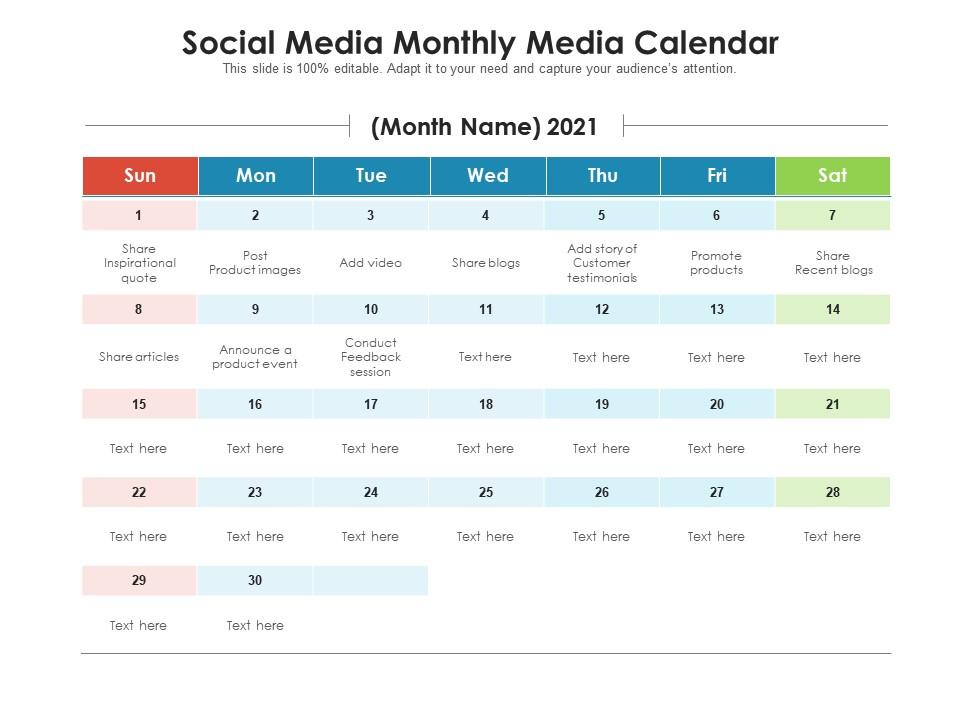
Regardless of which tool you choose, your content calendar needs a clear structure. Here is the recommended setup for a monthly content calendar.
The Monthly View
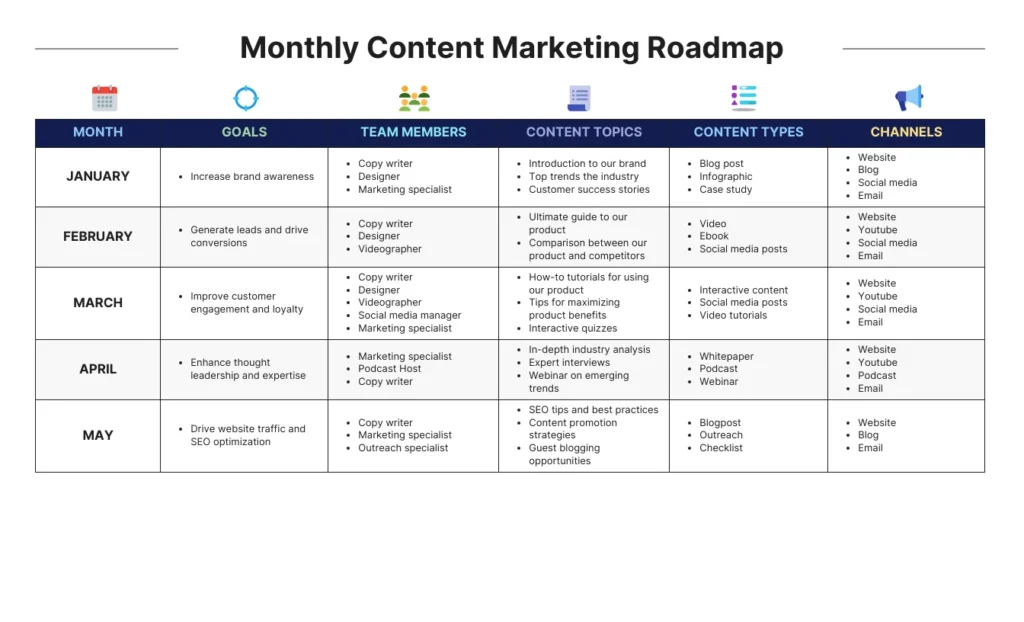
Start with a monthly overview — a bird’s eye view of the entire month. This is where you mark important dates before you plan any specific content.
Go through the month and mark national holidays and festivals relevant to your audience. In India, this might include Republic Day, Holi, Eid, Independence Day, Diwali, Christmas, and New Year — depending on your audience and brand values.
Mark industry-specific dates. If you are in marketing, mark World Social Media Day (June 30). If you are in health and wellness, mark World Health Day (April 7). If you are a restaurant, mark National Food Days that are relevant to your cuisine.
Mark your own business dates — product launches, sales, events, webinars, anniversaries, or any campaigns you are running.
Mark any personal or team availability constraints — travel, leaves, busy periods where content production will be limited.
Once these dates are marked, you have the skeleton of your calendar. Everything else fills in around these anchor points.
The Weekly View
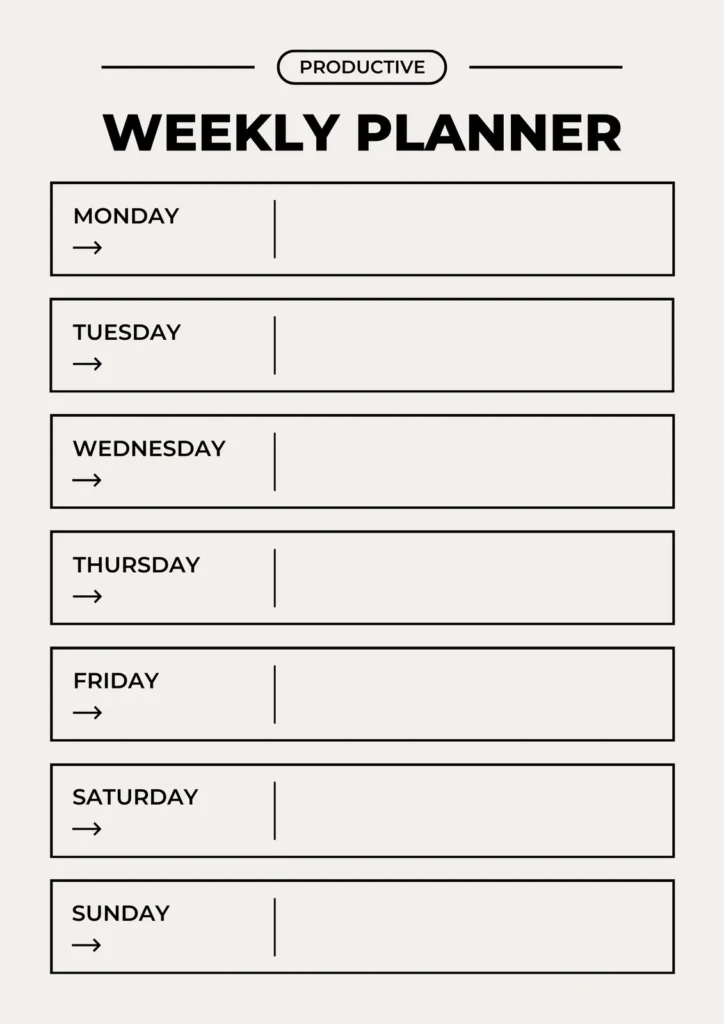
Within each week, plan your specific posts. For each post, capture the following information in your calendar:
Date and day — when it will be published. Platform — which social media channel. Content pillar — which of your core themes this post belongs to. Format — is this a single image, a carousel, a reel, a video, a story, a text post, or a live? Topic or title — a brief description of what the post is about. Caption status — has the caption been written? Visual status — have the visuals been created or sourced? Hashtags — which hashtag set will you use? Publishing status — is this scheduled, posted, or still in progress?
Color coding by pillar or by platform makes this weekly view instantly scannable. At a glance, you should be able to see whether your week has a good variety of content types and topics, whether any platform is being neglected, and where the content production gaps are.
Step Three — Plan a Full Month of Content
This is where most guides stop — at the structural level — without actually helping you figure out what to put in the calendar. Let us fix that.
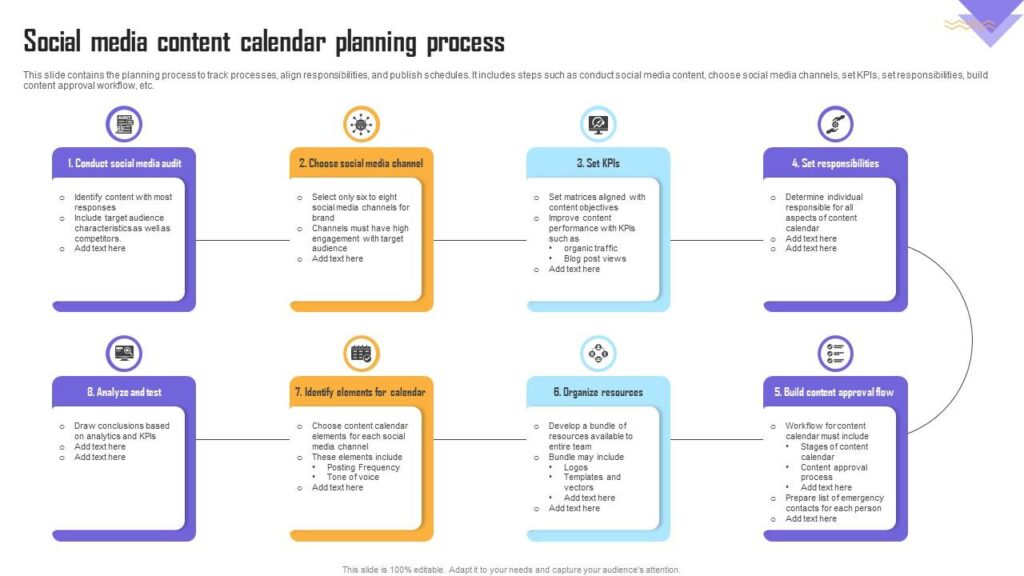
Planning a month of content is a process that works best when done in one dedicated session — ideally at the start of each month or the last week of the previous month.
The Monthly Planning Session
Set aside two to three hours for this session. This feels like a lot of time upfront, but it saves you far more than that in daily scrambling throughout the month.
Start with your anchor content. Look at the important dates you have already marked. What content opportunities do they create? Diwali coming up? Plan a festive-themed post three to four days before. A product launch on the 15th? Plan a teaser post on the 12th, the launch post on the 15th, and a follow-up post on the 18th. A webinar on the 20th? Plan a registration announcement post on the 10th, a reminder post on the 18th, and a recap post on the 21st.
These anchor posts are your non-negotiables. They are tied to specific dates and cannot be moved. Fill them in first.
Next, distribute your content pillars. Take your remaining post slots for the month and distribute them across your content pillars. If you have five pillars and are posting five times per week, a simple rotation might look like: Monday — Education, Tuesday — Tips, Wednesday — Behind the Scenes, Thursday — Testimonials, Friday — Personal Brand. This rotation ensures variety automatically without having to think about it every week.
Then fill in specific topics. For each slot, decide the specific topic. This does not mean writing the full caption — just a working title or brief description. “How to write a great Instagram bio.” “Behind the scenes of our packaging process.” “Client testimonial from Ravi’s bakery.” “5 mistakes new digital marketers make.” These topic decisions are the hardest part, and doing them all at once in a dedicated session is far more efficient than trying to decide what to post every morning.
Check for variety. Once you have filled in all your topics, step back and look at the month as a whole. Is there too much of one type of content? Are there any weeks that look thin or repetitive? Are your promotional posts evenly spaced or all clustered together? Does the content tell a coherent story throughout the month, or does it feel random? Adjust as needed.
Identify your high-effort pieces. Some posts require significantly more production effort than others. A well-designed carousel, a well-edited reel, a detailed how-to post with custom graphics — these take time. Identify these pieces in your monthly plan and make sure they are scheduled to be produced well in advance of their posting date.
Step Four — The Content Production Workflow
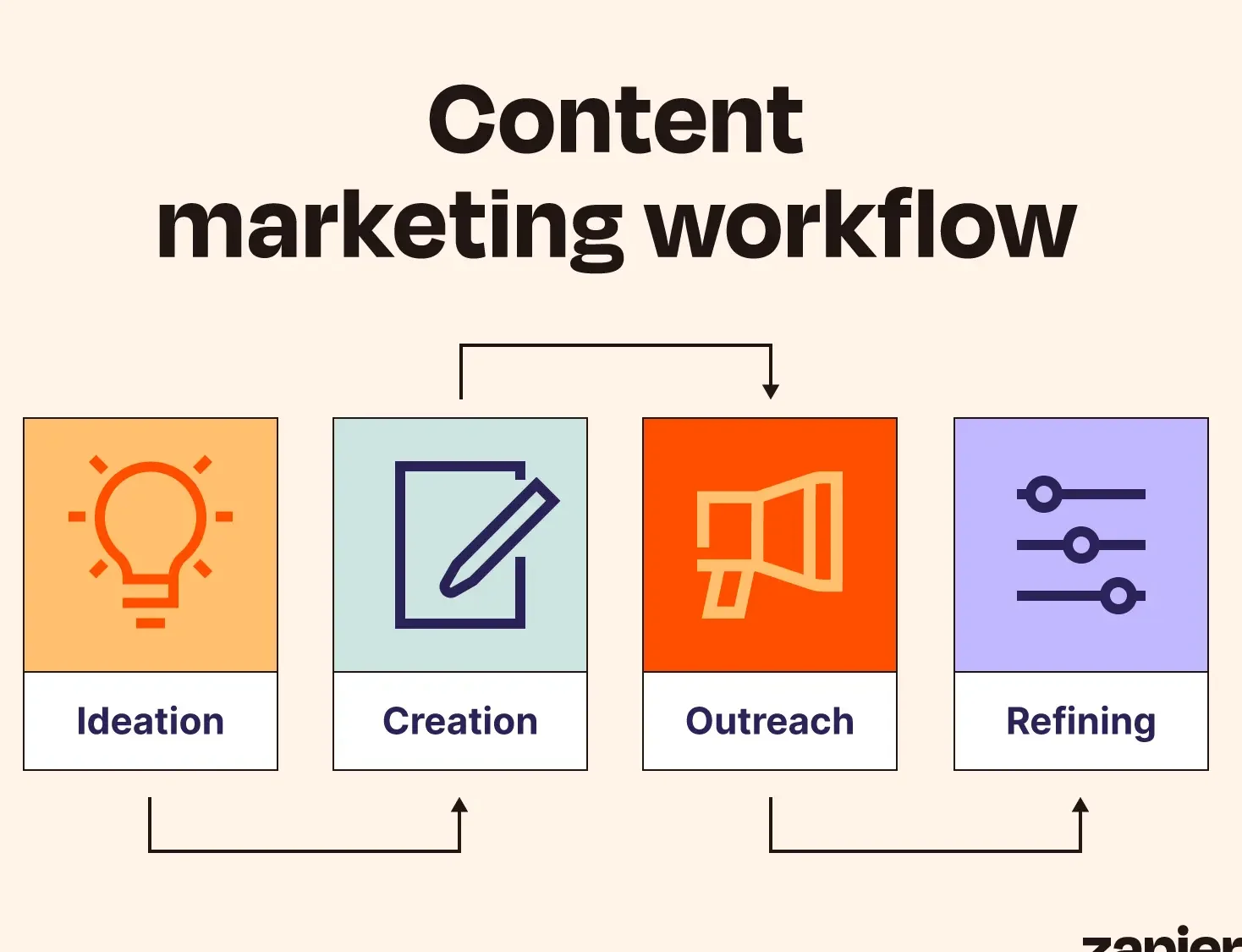
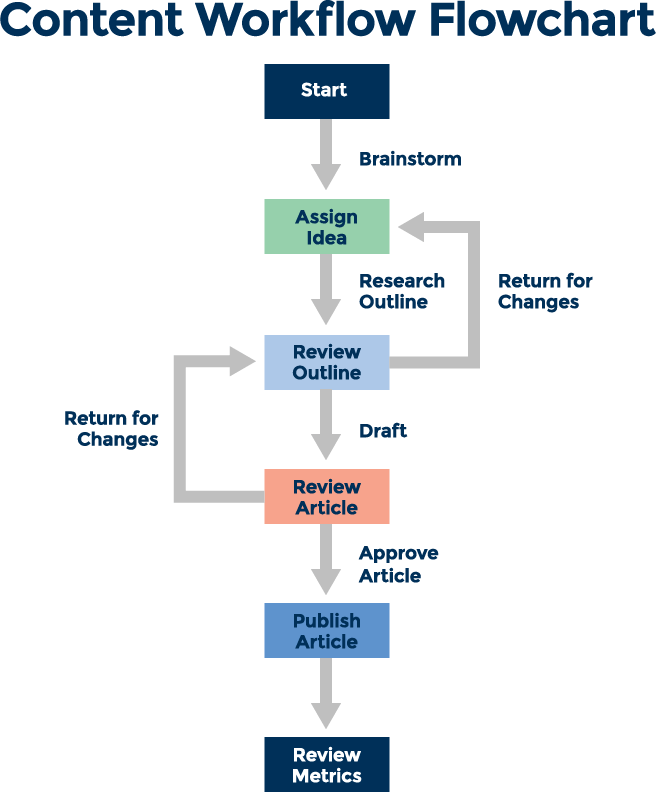
A content calendar is only as good as the content that fills it. Having a clear production workflow — the process by which ideas become finished, published posts — is what makes your calendar functional rather than aspirational.
Stage 1 — Ideation
Ideas can come from anywhere — customer questions, industry news, personal experiences, competitor content analysis, trending topics, keyword research, or pure creative brainstorming. The trick is to capture them systematically.
Keep a running ideas list — a note on your phone, a column in your spreadsheet, a dedicated section in Notion — where you dump content ideas whenever they occur to you. This means your monthly planning session starts with a bank of ideas to draw from, rather than a blank slate.
Good sources of content ideas that never run dry: questions your customers ask repeatedly (answer them as posts), comments on your posts that reveal what your audience wants more of, content gaps in your industry (things nobody else is covering), your own professional experiences and lessons learned, responses to common misconceptions about your industry, data and research in your field that you can interpret and simplify, and seasonal or trending topics that are relevant to your niche.
Stage 2 — Writing
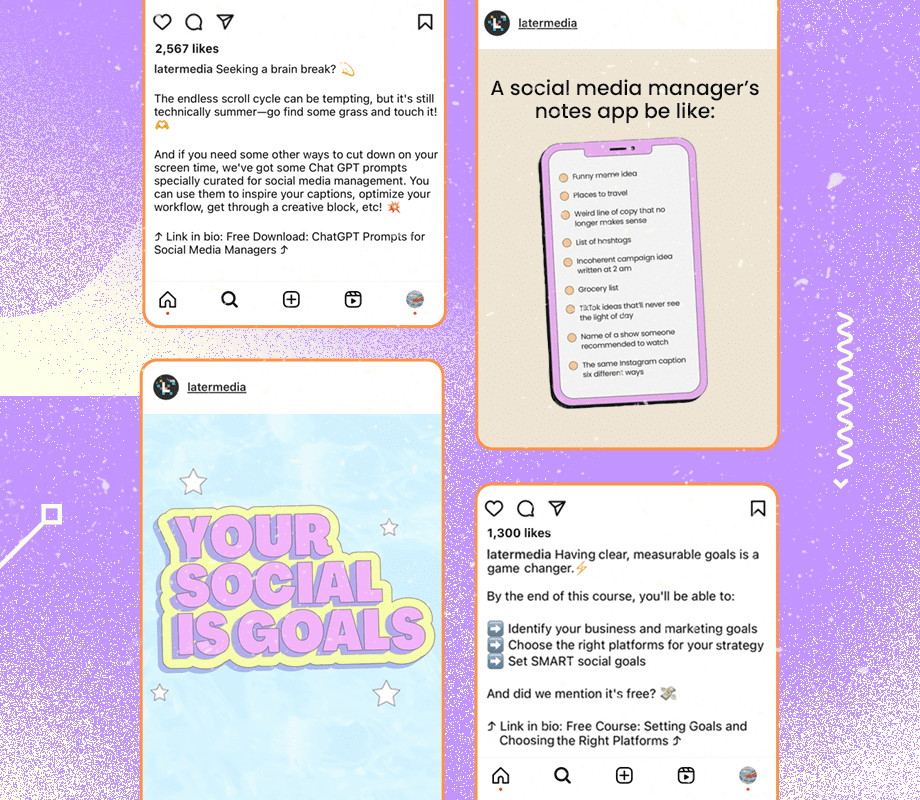
Write captions in batches rather than one at a time. Sit down once or twice per week and write all the captions for the upcoming week. This is dramatically more efficient than writing one caption per day, because writing requires a different cognitive mode than executing and posting.
Keep a caption template for each of your content types to make writing faster. An educational post template might look like: hook, context, main points numbered, key takeaway, call to action. A storytelling post template might look like: scene setting, the challenge, the turning point, the lesson, the invitation to comment. Having these templates means you are filling in a structure rather than inventing one from scratch each time.
Stage 3 — Visual Creation
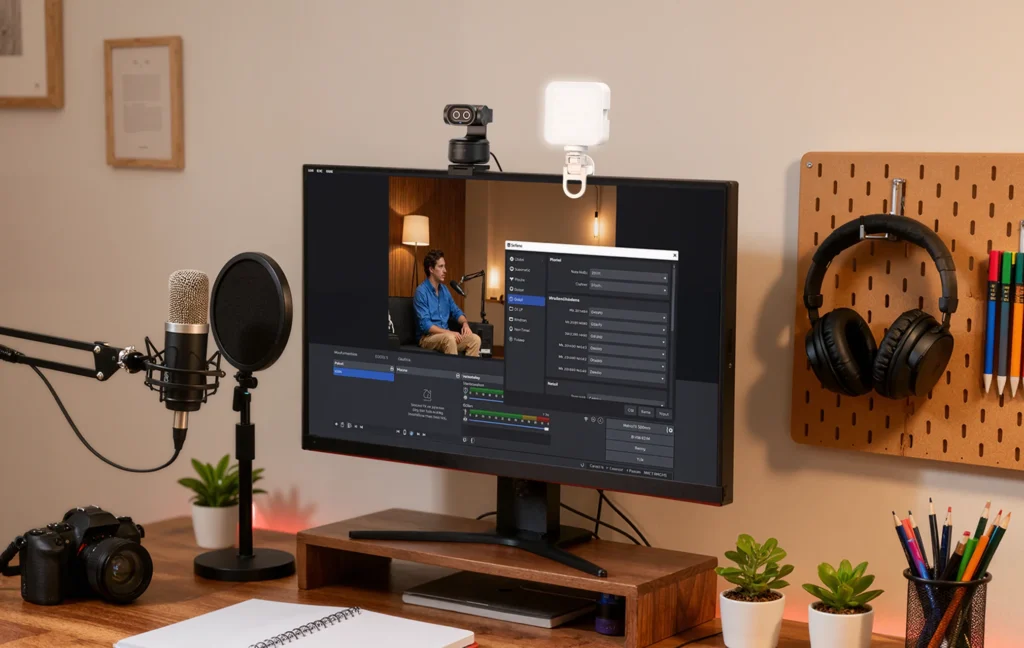
Depending on your content type, visual creation might mean photographing products, shooting video content, creating designed graphics in Canva, editing photos with Lightroom, or a combination of all of these.
Batch your visual creation. If you need to shoot product photos for the month, do it all in one session — set up your backdrop, arrange your lighting, and shoot everything you need. This is far more efficient than setting up and tearing down equipment every few days.
Create visual templates. For designed content like quote cards, tips carousels, and announcement graphics — create reusable Canva templates in your brand colors and fonts. Once the template exists, creating new versions takes minutes rather than hours.
Build a content bank. Always be creating more visual assets than you need right now. A content bank — a folder of ready-to-use photos, graphics, and videos — gives you a safety net for weeks when production time is limited.
Stage 4 — Review and Approval
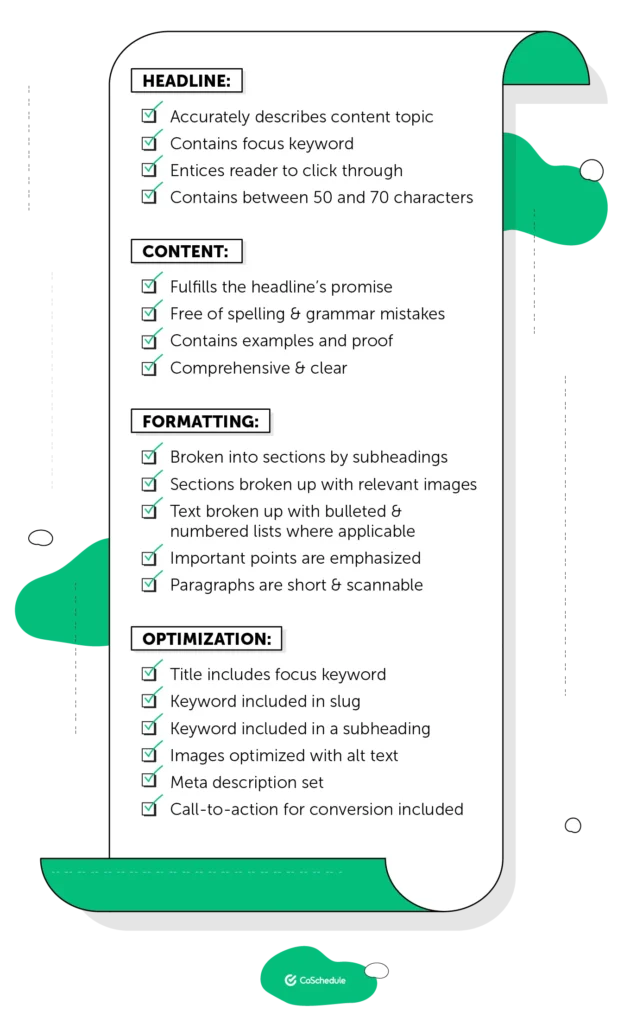
Even if you are a solo creator, building a brief review step into your workflow is valuable. Before scheduling a post, read the caption one more time. Check the visual for any errors or quality issues. Confirm the hashtags are relevant. Make sure the call to action is clear.
If you work with a team, this stage might involve a manager or client approving content before it is scheduled — which makes your calendar even more critical as a shared reference point.
Stage 5 — Scheduling
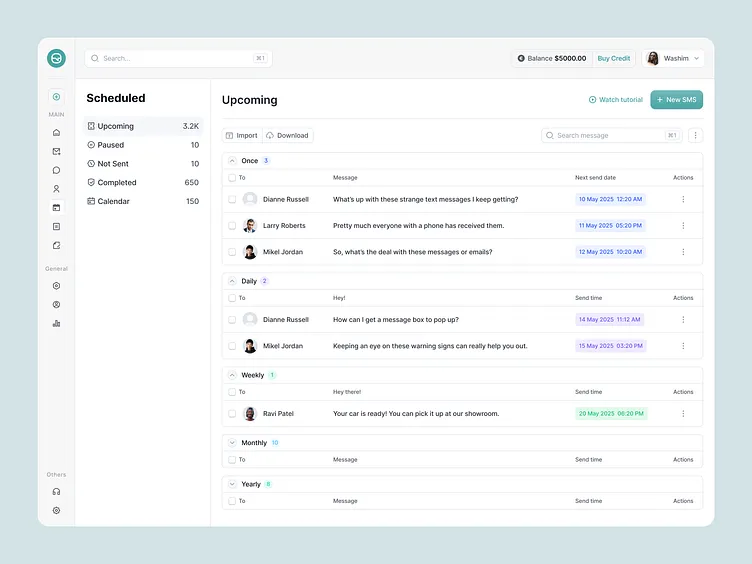
Once content is reviewed and approved, schedule it in advance using your chosen tool. Most scheduling tools allow you to queue content for the entire week or month, setting exact publishing times for each post.
The benefits of scheduling in advance are significant. You do not have to remember to post at specific times every day. You can post at optimal times even when you are busy or unavailable. You can see exactly what is scheduled for the next two weeks and spot any gaps or issues before they become problems.
Step Five — Managing Your Calendar Month to Month
Building a content calendar is a one-time project. Maintaining it is an ongoing practice. Here is how to keep your calendar functional and relevant month after month.
The Weekly Check-In
Set aside fifteen to thirty minutes every week — Sunday evening or Monday morning works well for most people — for a quick calendar review. Look at what is scheduled for the coming week. Confirm that all content is ready — captions written, visuals created, hashtags chosen, posts scheduled. Identify anything that still needs to be completed and build it into your week’s priorities.
This weekly check-in is what prevents the gap between plan and execution. Even the best monthly plan can go off track if nobody is watching it. The weekly review keeps you honest.
Staying Flexible
A content calendar is a plan — not a prison. Real life happens. News breaks. Trends emerge. Something you planned weeks ago suddenly feels off given a current event or shift in your industry. Give yourself permission to deviate from the plan when it genuinely serves your audience better.
The key word is genuinely. Deviating from your plan because something unexpected and relevant happened is smart flexibility. Deviating from your plan because you did not do the work and are posting something rushed instead is just old-fashioned inconsistency with a new name.
When you deviate, note it in your calendar and reschedule the displaced content rather than simply dropping it. Your calendar should always reflect what you actually posted, not just what you planned to post — this makes the historical data valuable for future planning.
Analyzing and Improving
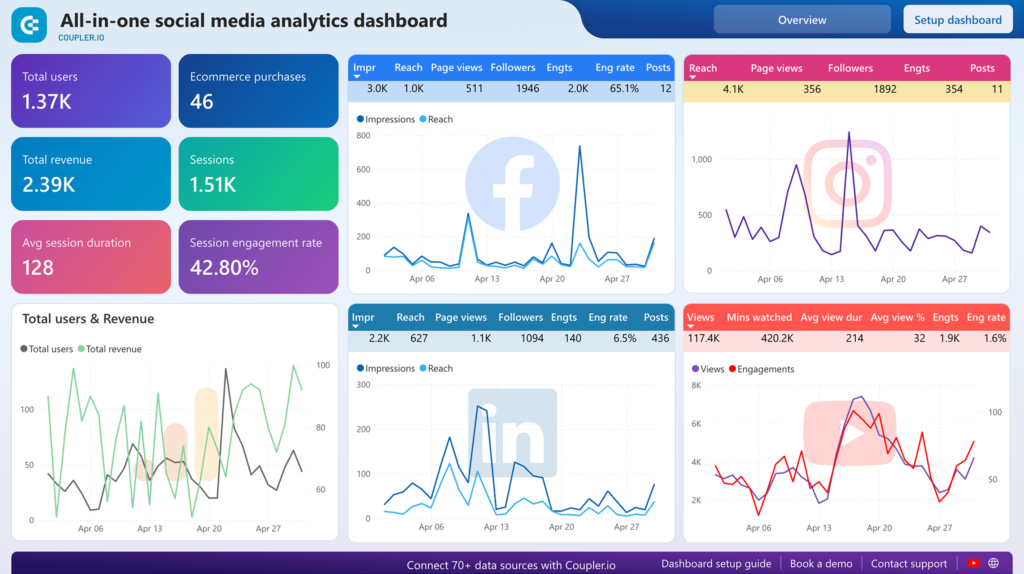
At the end of each month, spend thirty minutes reviewing performance. Look at your analytics for each post — which performed best in terms of reach, engagement, saves, shares, and click-throughs? Which underperformed?
Map the performance data back to your content calendar. Are certain pillars consistently outperforming others? Are certain formats driving more reach? Are posts on certain days performing better than others? Are there topics that consistently generate strong comments and discussions?
Use this data to inform the next month’s planning. Your content calendar should get smarter and more effective every month — because it is guided by evidence from the previous month, not just intuition.
Sample One Month Content Calendar — A Real Example
Let us make this tangible. Here is a sample one-month content calendar for a fictional digital marketing freelancer launching their Instagram account. They are posting five times per week across five content pillars.
Week 1 — Introduction and Foundation
Monday — Personal Brand: Introduction post — who I am, why I started this account, what to expect. Reel format. Tuesday — Education: What is digital marketing? Breaking it down for complete beginners. Carousel. Wednesday — Tips: 5 Instagram bio mistakes that are costing you followers. Single image with text overlay. Thursday — Behind the Scenes: A day in my life as a freelance digital marketer. Story series. Friday — Case Study: How I helped a local bakery grow their Instagram from 200 to 2,000 followers in 60 days. Carousel.
Week 2 — Education and Value
Monday — Education: How the Instagram algorithm actually works in 2025. Carousel. Tuesday — Tips: The 80-20 rule for social media content — explained simply. Single image. Wednesday — Personal Brand: My biggest mistake in my first year as a freelancer — and what I learned. Text post. Thursday — Education: What is SEO and why does every business need it? Reel. Friday — Tips: 3 free tools every small business should use for social media. Carousel.
Week 3 — Engagement and Community
Monday — Behind the Scenes: How I plan a month of content in one afternoon. Reel showing my process. Tuesday — Case Study: Client result — how we doubled a restaurant’s online enquiries in 30 days. Carousel. Wednesday — Tips: The best times to post on Instagram (backed by data). Infographic. Thursday — Personal Brand: What I wish someone had told me before starting freelancing. Story series with Q&A. Friday — Education: Understanding Facebook Ads targeting — a simple guide. Carousel.
Week 4 — Promotional and Conversion
Monday — Tips: How to write a caption that actually gets comments. Single image. Tuesday — Personal Brand: Client testimonial feature — what working together looks like. Quote graphic. Wednesday — Education: Content pillars explained — and how to choose yours. Carousel. Thursday — Behind the Scenes: My workspace and tools that help me create content faster. Reel. Friday — Promotional: Services I offer and how to work with me. Single image with clear call to action.
Notice how this calendar has clear variety — no two consecutive days have the same pillar. The promotional content appears once in the month, at the end when trust has been built through consistent valuable content. The formats vary — reels, carousels, single images, stories — keeping the feed dynamic. And several posts connect to each other thematically, creating a sense of progression through the month.
Common Content Calendar Mistakes to Avoid
Even with the best intentions, certain mistakes can undermine your content calendar. Here are the most common ones — and how to avoid them.
Planning too far in advance without flexibility. A calendar planned six months in advance sounds impressive until your industry changes, your business pivots, or a major news event makes half your planned content irrelevant. Plan one month in detail and sketch the next month loosely. Stay flexible.
Treating every day as equal. Not all posting slots carry the same weight. Your Monday post might consistently get twice the reach of your Saturday post. Your content calendar should reflect what you know about your specific audience’s behavior — not just fill every day equally.
Ignoring the content production timeline. Writing “publish a reel on Wednesday” in your calendar is meaningless if you have not filmed, edited, or scripted anything. Your calendar needs to account for the entire production timeline — not just the publish date. Work backward from the publish date to build in enough time for creation, review, and scheduling.
Never reviewing performance. A content calendar that is not connected to analytics is just a posting schedule. The analytics are what make it a strategy. Review your performance data monthly and let it guide your next month’s planning.
Making it too complicated. Some people build such elaborate content calendar systems — with dozens of columns, complex formulas, and multi-stage workflows — that maintaining the system becomes a full-time job. Start simple. Add complexity only when you genuinely need it.
Posting the same format every day. If every post is a single image with a quote on it, your feed becomes visually monotonous and your reach suffers. Use a variety of formats — reels, carousels, images, stories, text posts, lives — to keep your content dynamic and signal to the algorithm that you are using its features actively.
Never batching content. Creating one post at a time, every day, is the most inefficient way to manage social media. Batching — writing all captions in one session, shooting all photos in one session, designing all graphics in one session — saves enormous amounts of time and mental energy.
Tools and Resources to Make Your Calendar Better
Here is a quick reference of the best tools for content calendar creation and management.
For planning and organization: Google Sheets (free, flexible), Notion (free and paid, highly customizable), Trello (free and paid, great for kanban-style workflow management), Airtable (paid, powerful database with calendar view).
For scheduling and publishing: Buffer (free plan available, clean interface), Later (free plan available, excellent for Instagram visual planning), Hootsuite (paid, best for teams managing multiple accounts), Meta Business Suite (free, excellent for Facebook and Instagram specifically).
For visual content creation: Canva (free and paid, essential for graphics and carousels), Adobe Lightroom Mobile (free, excellent for photo editing), CapCut (free, excellent for reel and video editing), VSCO (free and paid, for consistent photo filters and presets).
For ideas and research: Google Trends (free, shows trending topics), Answer the Public (free and paid, shows what questions people are asking), Instagram Explore (free, shows trending content in your niche), BuzzSumo (paid, shows most shared content by topic).
Your Content Calendar Launch Checklist
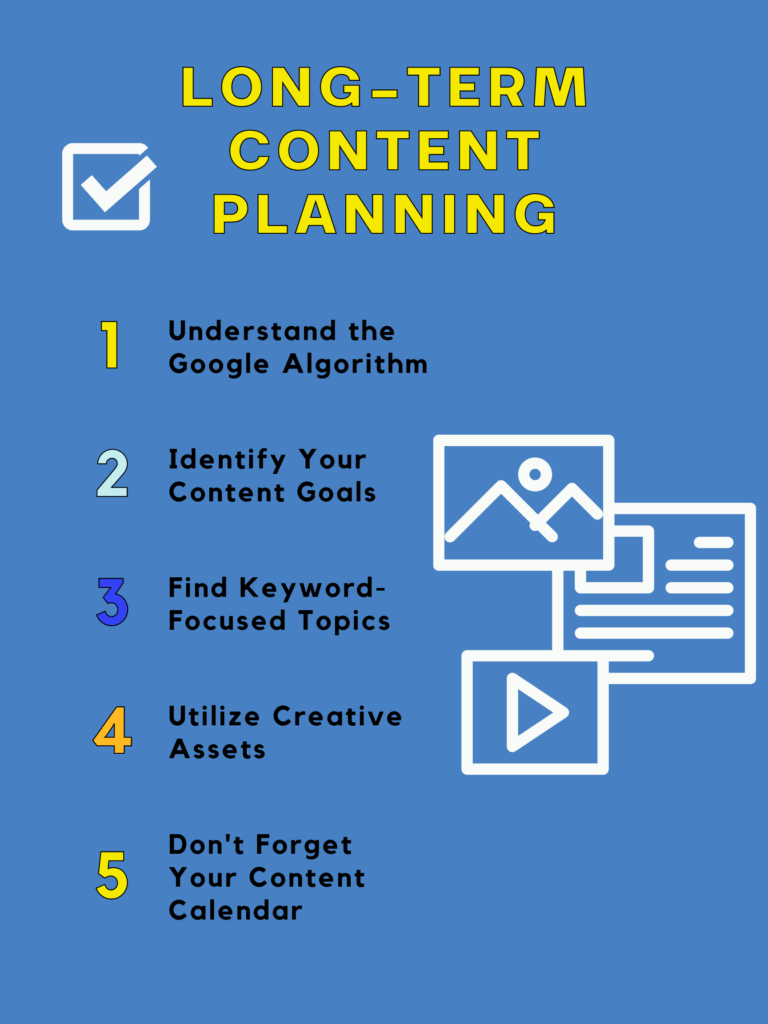
Before you start planning your first month, make sure you have completed the foundational work. You have defined your top one or two social media goals. You have a clear picture of your target audience. You have chosen the one or two platforms you will focus on. You have defined your three to five content pillars. You have decided on a realistic posting frequency. You have chosen your calendar tool and set it up. You have identified all important dates for the coming month. You have set up a weekly review reminder in your calendar. You have a content bank folder ready to collect assets.
Every item checked? You are ready to plan your first month.
Final Thoughts — The Calendar Is Not the Destination
Here is the most important thing to understand about social media content calendars: the calendar itself is not what grows your account. The calendar is just a system. What grows your account is the consistent, quality, audience-focused content that the system makes possible.
The best content calendar in the world will not save bad content. But great content without a system will always underperform — because inconsistency, last-minute creation, and strategic randomness will limit the impact of even the best individual posts.
The calendar and the content work together. The calendar gives your content the consistency, strategic direction, and production quality it needs to reach its full potential. The content gives your calendar its purpose and its life.
Build your calendar. Fill it with content that genuinely serves your audience. Show up consistently. Review what works. Improve every month.
That is the whole system. It is not complicated. It just requires the discipline to plan and the commitment to follow through.
And now you know exactly how to do both.
Written by Digital Drolia | Helping you build a content system that works — so you can create with intention, not panic.