


Why Uploading Fresh Photos to Google My Business Every Week Improves Your Ranking


Let me start with a question that might seem a little odd.
If you walked past two shops on the same street — one had a clean, well-lit display window with fresh products arranged nicely, and the other had dusty shelves, faded signage, and looked like nobody had touched it in months — which one would you walk into?
The answer is obvious.
Now here is the thing: Google thinks exactly the same way.
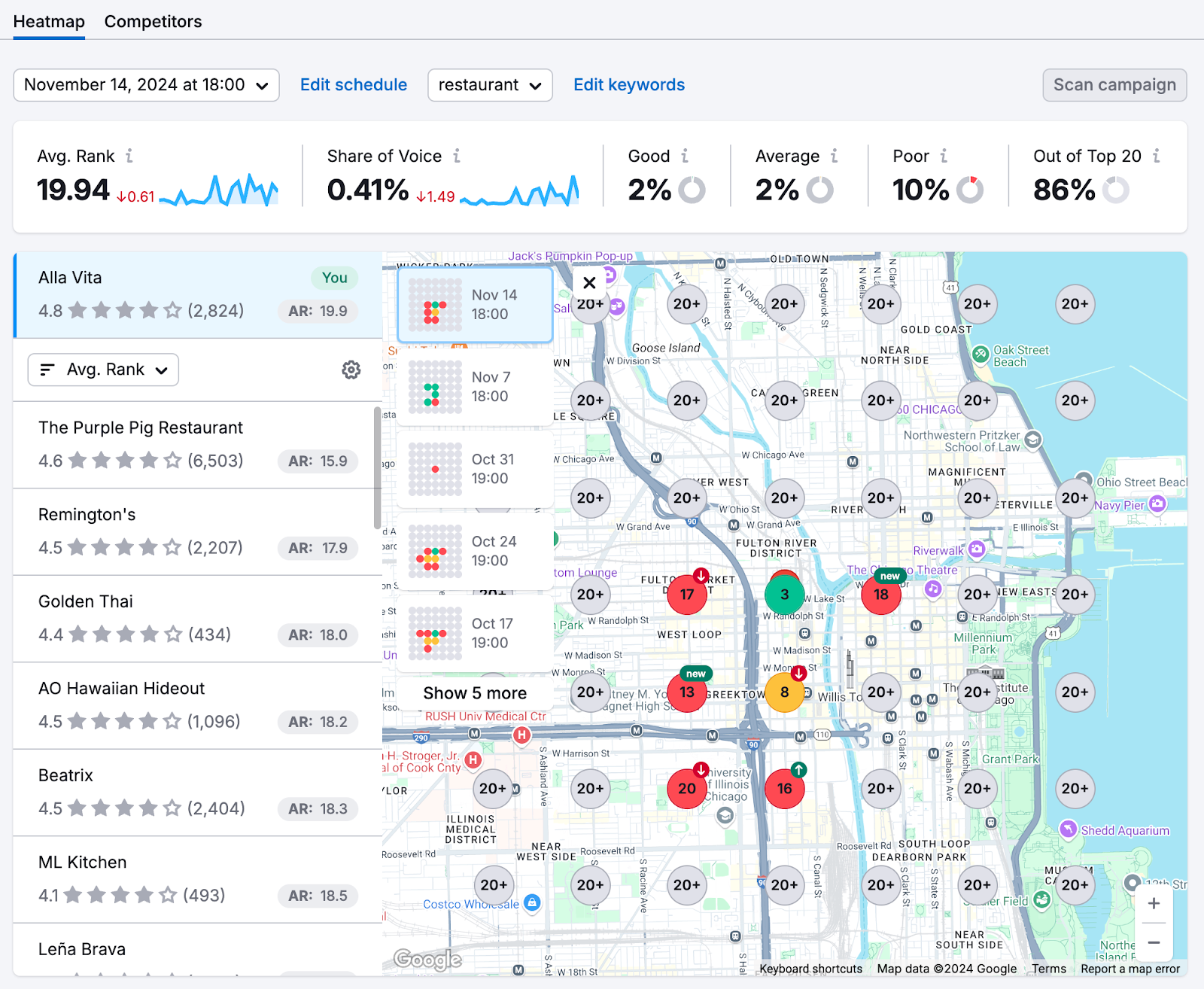
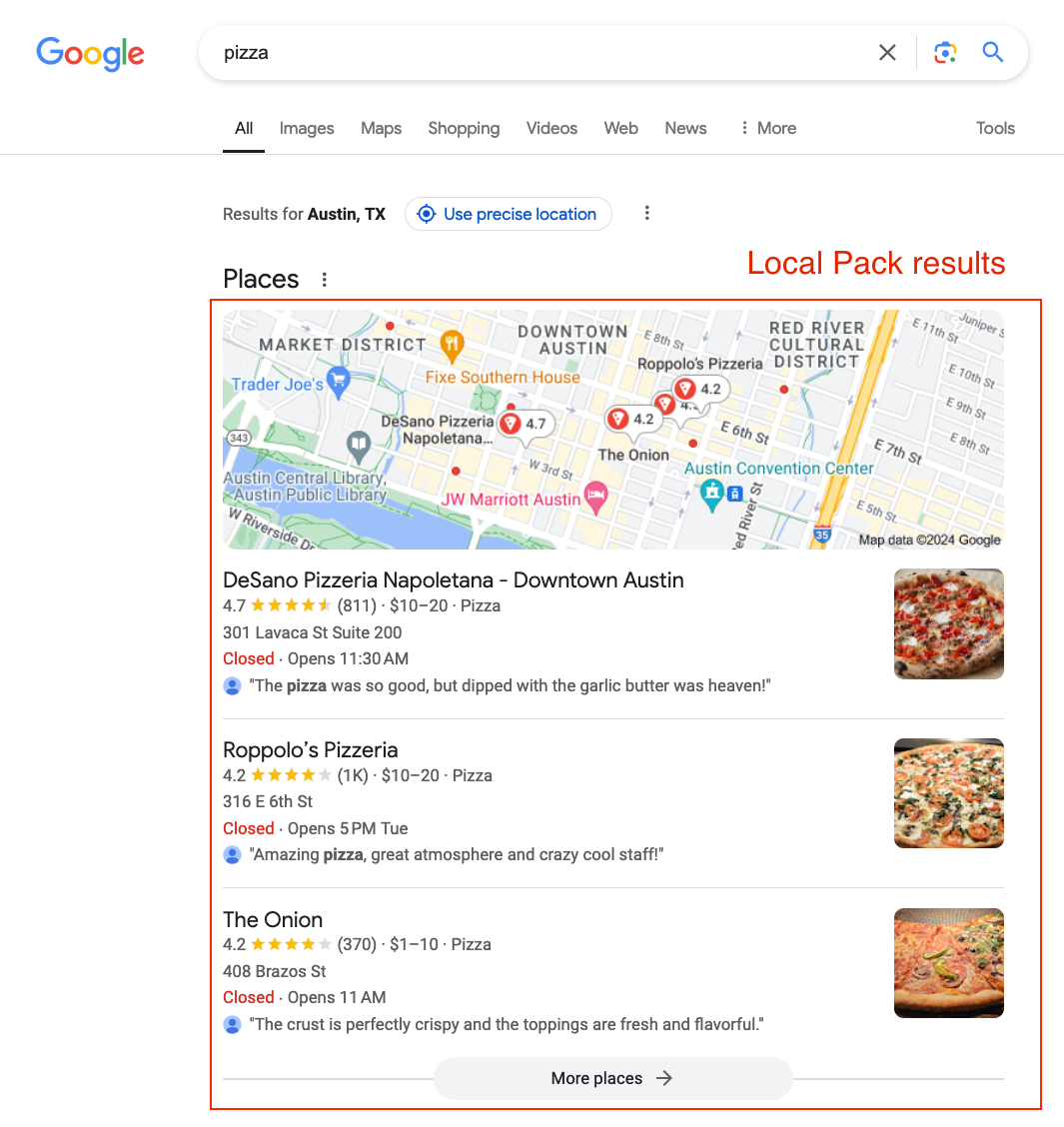
When Google decides which businesses to show at the top of local search results — on Maps, in the Local Pack, when someone searches “salon near me” or “best restaurant in Noida” — it is not just looking at keywords and backlinks the way it does for regular websites. It is also looking at signals of activity. Signs that a business is alive, engaged, and worth showing to its users.
And one of the most consistent, most underestimated, and most actionable of those signals is something so simple it almost sounds too good to be true: uploading fresh photos regularly.
Not once when you set up your profile. Not whenever you remember. Regularly. Consistently. Every week if possible.
In this post, I am going to explain exactly why this works, what happens inside Google’s system when you upload photos, what kinds of photos actually move the needle, and how to build a simple weekly photo habit that keeps your Google My Business profile climbing in the rankings without spending a single rupee on ads.
Let’s Talk About What Google Actually Wants
Before we get into photos specifically, you need to understand the core thing Google is always trying to do.
Google’s entire business model — billions of dollars in revenue, the most visited website on earth — is built on one promise: when you search for something, Google will show you the most relevant and trustworthy result.
If Google shows you a business that is closed, or has wrong information, or is clearly inactive, you have a bad experience. You trust Google a little less. And over time, if that keeps happening, you might switch to a different search engine.
So Google is deeply motivated to prioritize businesses that are active, accurate, and engaged. It wants to show users real, thriving, trustworthy businesses — not ghost listings that were set up three years ago and never touched since.
This is the foundation of everything. Every action you take on your Google Business Profile — responding to reviews, updating your hours, adding posts, uploading photos — sends a signal to Google that says: “We are here. We are open. We are paying attention.”
And Google rewards that signal with better visibility.
Photos are one of the clearest, most measurable, most consistent ways to send that signal. And yet, most businesses upload a handful of photos when they first set up their profile and never add another one again.
That is a massive missed opportunity — and a gap you can close starting this week.
The Freshness Factor — Why “New” Matters to Google


Google has what marketers and SEO professionals call a “freshness bias.” This means that for certain types of searches — especially local searches — Google gives a ranking advantage to content and profiles that have been recently updated.
Think about why this makes sense. If someone searches for “café in Banjara Hills” right now, they want to see cafés that are currently open and active — not a place that might have shut down six months ago but still has an active listing. Freshness is a proxy for relevance and reliability.
When you upload a new photo to your Google Business Profile, it counts as fresh activity. It tells Google’s algorithm: this business is actively managed. It is paying attention. Its information is likely to be current and accurate.
Contrast this with a competitor who set up their profile in 2021, uploaded eight photos, and has not touched it since. Their profile is aging. Their freshness signals are fading. And slowly, quietly, profiles like yours — maintained with regular activity — start outranking them.
This does not happen overnight. Google’s algorithm does not reward one photo upload with an immediate jump to position one. But over weeks and months of consistent activity, the cumulative effect is very real and very measurable.
What the Data Actually Shows About Photos and Rankings
Let us move beyond theory and talk about what the actual numbers look like.
Google itself has shared data showing that businesses with photos on their profiles receive significantly more clicks for directions and more clicks to their websites compared to businesses without photos. The difference is not marginal — it is substantial.
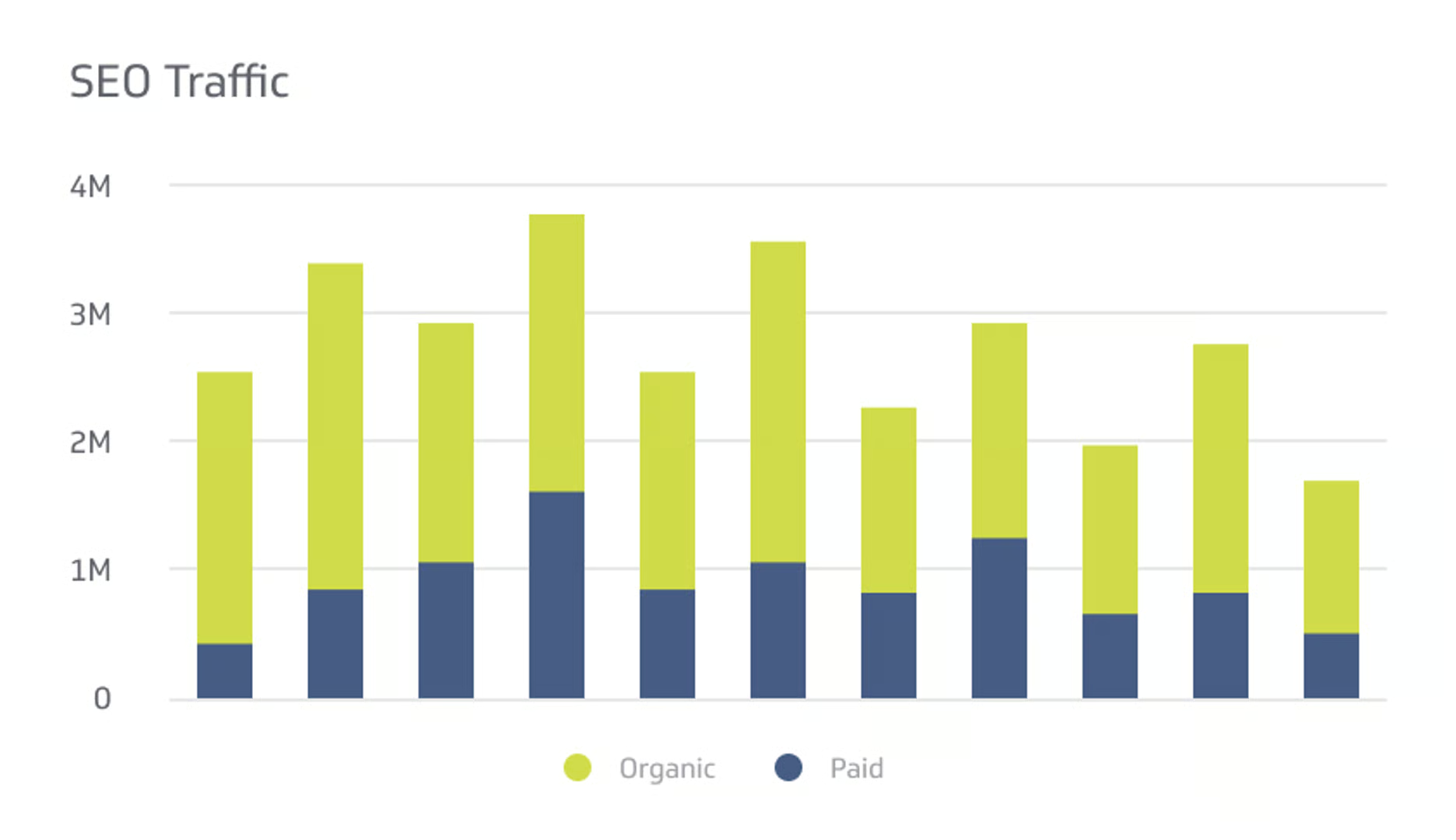
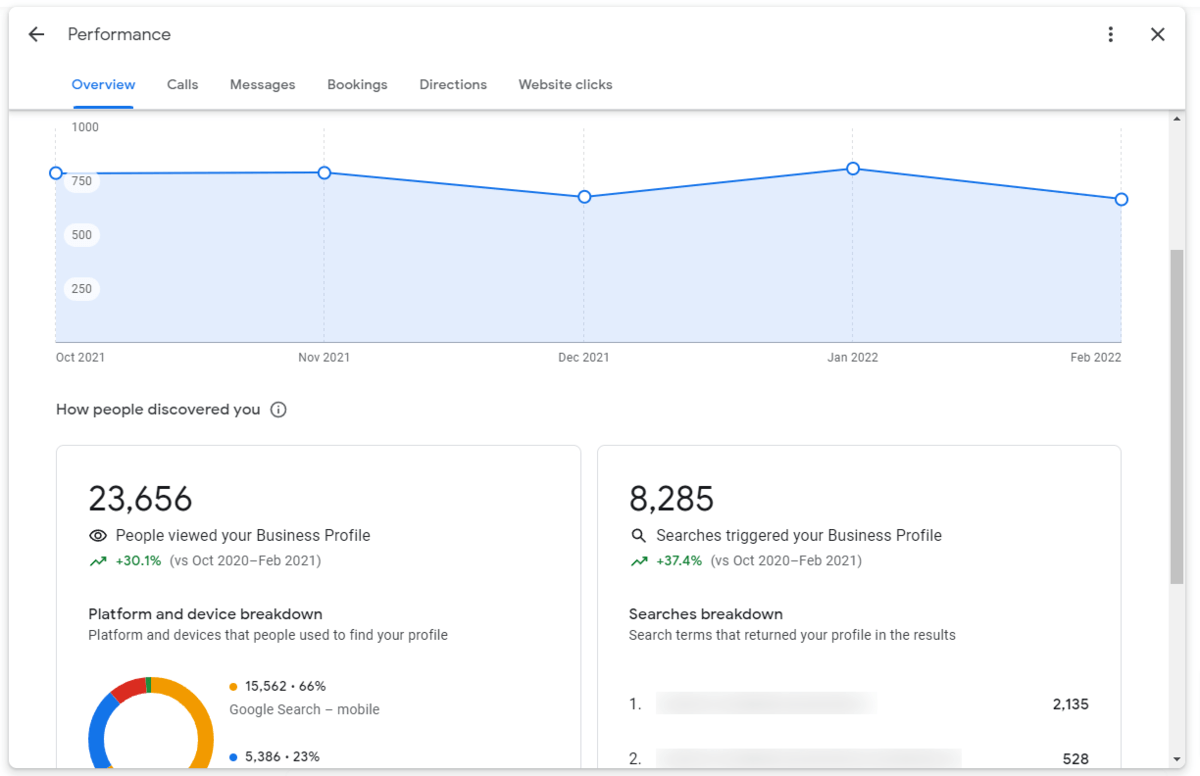
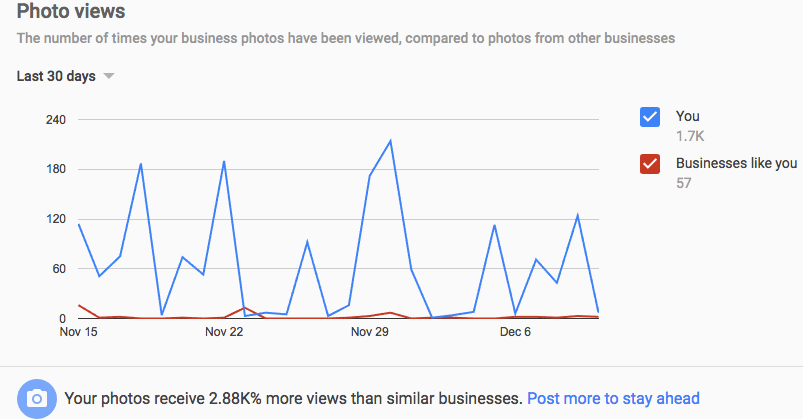
Independent research and case studies from digital marketing agencies around the world have consistently shown that Google Business Profiles with more photos — and more recently added photos — tend to rank higher in local search results than comparable profiles with fewer or older photos.
Here is what is particularly interesting: it is not just about having a lot of photos. It is about having recent photos. A profile with 200 photos all uploaded in one batch three years ago does not perform as well as a profile with 80 photos where 10 of them were added in the last month.
Google’s system tracks the timestamp of every photo upload. It knows when your last update was. It factors that recency into how it evaluates your profile’s relevance.
This is why the “upload once and forget” approach fails. And it is why a simple weekly photo habit can have a compounding effect on your visibility over time.
Photos as a Trust Signal for Customers
Beyond the algorithmic ranking benefits, there is an equally important human dimension to consider.
When a potential customer lands on your Google Business Profile — whether they found it through a search or someone shared the link — the first thing they do is look at your photos. Before they read your reviews. Before they check your hours. Before they do anything else.
Photos answer questions that words cannot.
Is this place clean? Does the food look good? Is the staff professional? Is the space comfortable? Does this business look like a real, active operation or does it feel like it might be shut down?
A profile with old, dated photos — or worse, no photos at all — raises doubts. And doubt is the enemy of conversion. When people are unsure, they move on to the next option.
But a profile with fresh, recent photos tells a different story. It says: we are open right now. This is what we look like today. This is the experience you can expect when you walk through our door.
That confidence translates directly into more calls, more direction requests, and more visits.
So photos serve two functions simultaneously: they tell Google your profile is active and worthy of higher ranking, and they tell customers your business is trustworthy and worthy of their time and money.
What Types of Photos Actually Work
Not all photos are equal. Uploading blurry, random, or irrelevant images is not going to help you — and could actually hurt by making your profile look unprofessional.
Here is a practical breakdown of the types of photos that genuinely work, across different kinds of businesses.
Exterior Photos


Show the front of your business — your signage, your entrance, your storefront. Take these at different times of day if possible. A photo of your shop front in the morning light, in the evening with lights on, during a busy period with customers outside — these help people recognize your location and feel comfortable arriving for the first time.
Interior Photos

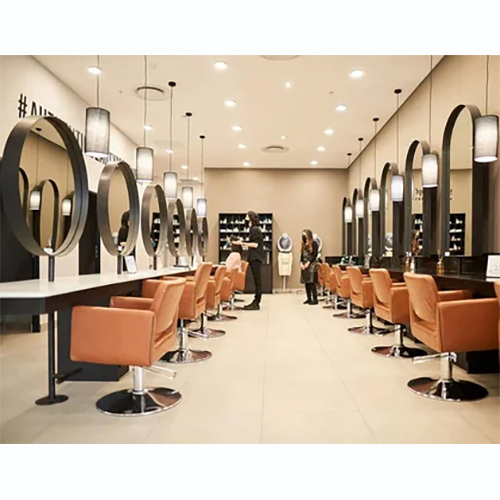
Show what the inside of your space looks like. For a restaurant, this means the dining area, the ambience, the table settings. For a salon, it means the styling stations, the waiting area, the overall feel. For a shop, it means the product displays, the layout, the cleanliness. People want to know what they are walking into before they arrive.
Product or Service Photos
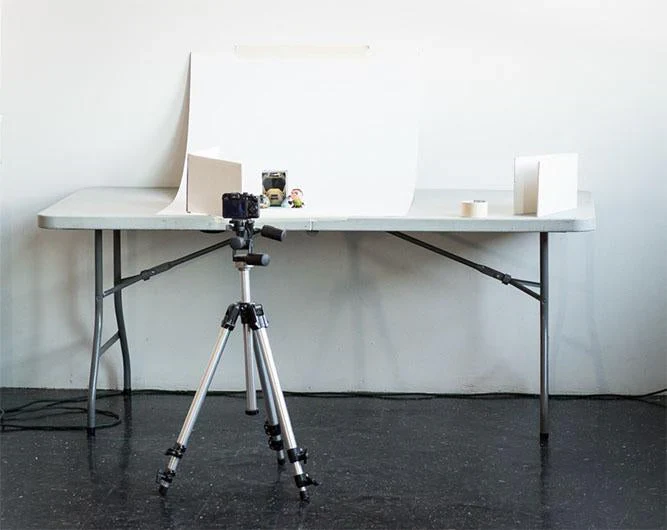
This is often the most persuasive category. Show your food, your products, your completed work, your services in action. A bakery should show its cakes. A plumber should show completed installations. A gym should show its equipment. A tailor should show finished garments. These photos make abstract services tangible and help customers imagine themselves enjoying what you offer.
Team Photos

People do business with people. A photo of you and your team — smiling, professional, in your workspace — adds a human dimension to your profile. It builds familiarity and trust. It tells customers there are real, approachable people behind this business, not just a faceless operation.
Behind-the-Scenes Photos
These are often overlooked but can be very effective. Show your kitchen being prepped before service. Show your technician organizing tools before a job. Show your team at a morning meeting. These photos add authenticity and depth. They make your business feel real and relatable.
Event or Seasonal Photos
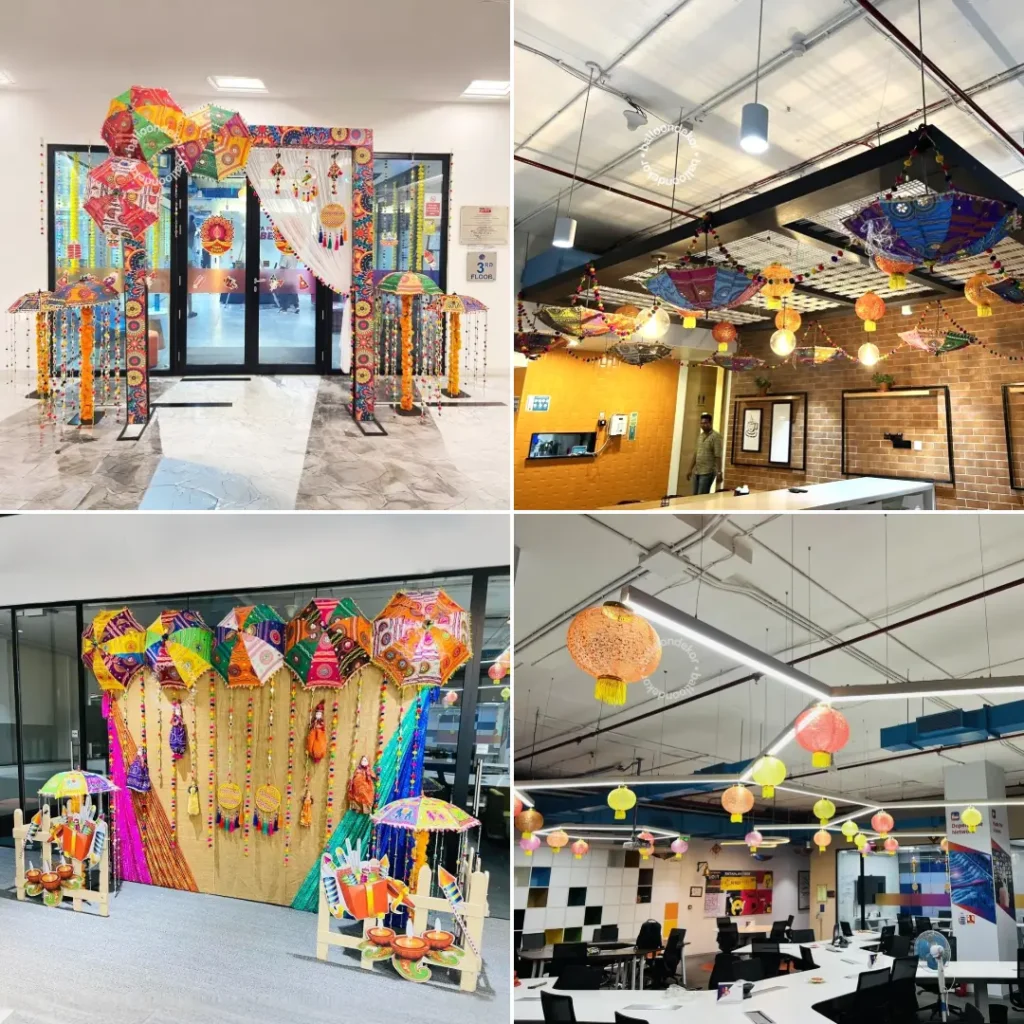
Did you decorate for Diwali? Host a customer appreciation event? Introduce a new product? Photograph it and upload it. Timely, relevant photos show that your business is present and engaged with the world around it.
Customer Photos — With Permission
If a happy customer is willing to be photographed at your establishment, that is gold. Real customers in your real space is the most authentic social proof you can have. Always get explicit permission before uploading photos of identifiable individuals.
How Google Processes and Evaluates Your Photos

Here is something most business owners do not know: when you upload a photo to your Google Business Profile, Google does not just store it. It analyzes it.
Google uses image recognition technology to understand what is in your photos. It is identifying objects, spaces, people, food, products — and using that information to better understand what your business is and what it offers.
This means your photos are doing more than decoration. They are adding data to Google’s understanding of your business. A restaurant that consistently uploads high-quality photos of specific dishes is giving Google more and more information about the type of cuisine it serves, the price point it operates at, and the experience it offers — all of which helps Google match that business to more relevant searches.
This is another reason why photo quality matters. Clear, well-lit, focused images give Google more useful data to work with. Dark, blurry, or cluttered photos give it less.
Additionally, Google tracks engagement with your photos — how many times users view them, click on them, or interact with them. Higher engagement signals that your photos are relevant and useful to searchers, which feeds back into your overall profile ranking.
The Weekly Photo Habit — How to Build It Without It Feeling Like a Chore
The most common reason business owners do not upload photos regularly is not that they think it is a bad idea. It is that they cannot find the time, or they forget, or they do not know what to photograph on any given week.
Here is a simple system that removes all of those obstacles.
Set a Standing Weekly Reminder
Every Monday morning — or whatever day makes sense for your business — set a phone alarm or calendar reminder that simply says: “Google photo upload.” This takes three seconds to set up and eliminates the “I forgot” problem forever.
Keep a Photo Folder on Your Phone
Throughout the week, whenever something photogenic happens at your business — a finished job, a nicely presented product, a busy lunchtime service — take a quick photo and drop it into a dedicated folder. By the time your weekly reminder comes around, you already have material to work with. You are not scrambling to find something to photograph.
Rotate Through Categories
Use the categories I mentioned above as a simple rotation guide. Week one: exterior. Week two: a product or service. Week three: a team member or behind-the-scenes moment. Week four: interior or ambience. Then repeat with fresh shots. This keeps your uploads varied and covers all the dimensions of your business over time.
Quality Over Quantity — But Do Not Overthink It
You do not need a professional camera. You do not need a photographer. A modern smartphone in good natural light produces perfectly usable photos. The key quality standards are: in focus, well-lit, not cluttered, and showing something real about your business.
Do not spend twenty minutes trying to get the perfect shot. Take three or four quick ones, pick the best, and upload it. Consistency over time matters far more than perfection in any individual photo.
Upload Directly Through the Google Business Profile App
Download the Google Business Profile app on your phone if you have not already. It makes uploading photos a thirty-second task. Open the app, go to photos, upload. That is it. No desktop, no complicated process.
A Real-World Example of the Photo Effect
Let me share a scenario that plays out in business after business when they start taking their Google Business Profile photos seriously.
A small clothing boutique in Jaipur — let us call it Meera Collections — had a basic Google listing with six photos, all uploaded when they first opened two years ago. Their ranking for searches like “women’s boutique Jaipur” was on the second page — practically invisible.
The owner started uploading two or three fresh photos every week. New arrivals photographed on a mannequin. The storefront decorated for Navratri. A team photo on a busy Saturday. A happy customer showing off a new dupatta she bought — with her permission.
Over three months, the profile went from six photos to over 80. Photo views increased significantly. Direction requests went up. And gradually, week by week, the ranking climbed. Within four months, they were consistently in the Local Pack — the top three results — for multiple relevant search terms.
No ads. No SEO agency. No technical wizardry. Just fresh photos, uploaded consistently.
Common Mistakes to Avoid
While we are here, let me flag a few things that business owners sometimes do that can undermine their photo strategy.
Uploading Screenshots or Flyers Instead of Real Photos
Google prefers real, original photographs. Screenshots of WhatsApp messages, digital flyers, or photos with heavy text overlays are not evaluated as well and can sometimes be rejected or de-prioritized by Google’s image system.
Using Stock Photos
Do not use stock photography on your Google Business Profile. Google can detect stock images in many cases. More importantly, customers can also tell — and it destroys trust. Everything should be authentic to your actual business.
Uploading Everything in One Batch
This is a natural temptation — you realize you have been neglecting your photos, so you upload 40 of them in one afternoon to “catch up.” This is better than nothing, but it does not give you the sustained freshness signal that regular weekly uploads do. Space them out.
Ignoring Photo Resolution
Photos that are too small or too low in resolution are not useful to Google or to customers. Make sure your images are reasonably high resolution. Most smartphone cameras today automatically take photos at more than adequate resolution — just make sure you are not compressing them heavily before uploading.
Never Revisiting Old Photos
As your business evolves, old photos can become outdated or misleading. A restaurant that has renovated its dining area should update its interior photos. A shop that has changed its layout should reflect that. Outdated photos create a disconnect between expectation and reality — which is a trust problem.
Putting It All Together
Let us bring this back to the big picture.
Your Google Business Profile is, for most local businesses, the single most powerful marketing asset you have. It is the first thing a potential customer sees when they search for what you offer. It is the place where they decide — in seconds — whether to call you or move on.
Photos are at the heart of that decision. Fresh photos keep your ranking strong. Good photos build customer trust. Consistent photo uploads signal to Google that your business is alive, active, and worth showing to searchers.
And the beautiful part? This costs you nothing except a few minutes each week.
You do not need a marketing budget. You do not need to understand SEO deeply. You do not need to hire an agency. You need a phone, your business, and the discipline to take a photo and upload it once a week.
That is a remarkably low price for what it delivers.
So the next time you finish a job well, plate a dish beautifully, welcome a happy customer, or set up your workspace in the morning — take a photo. Upload it. And let Google do the rest.
Your Weekly Photo Checklist
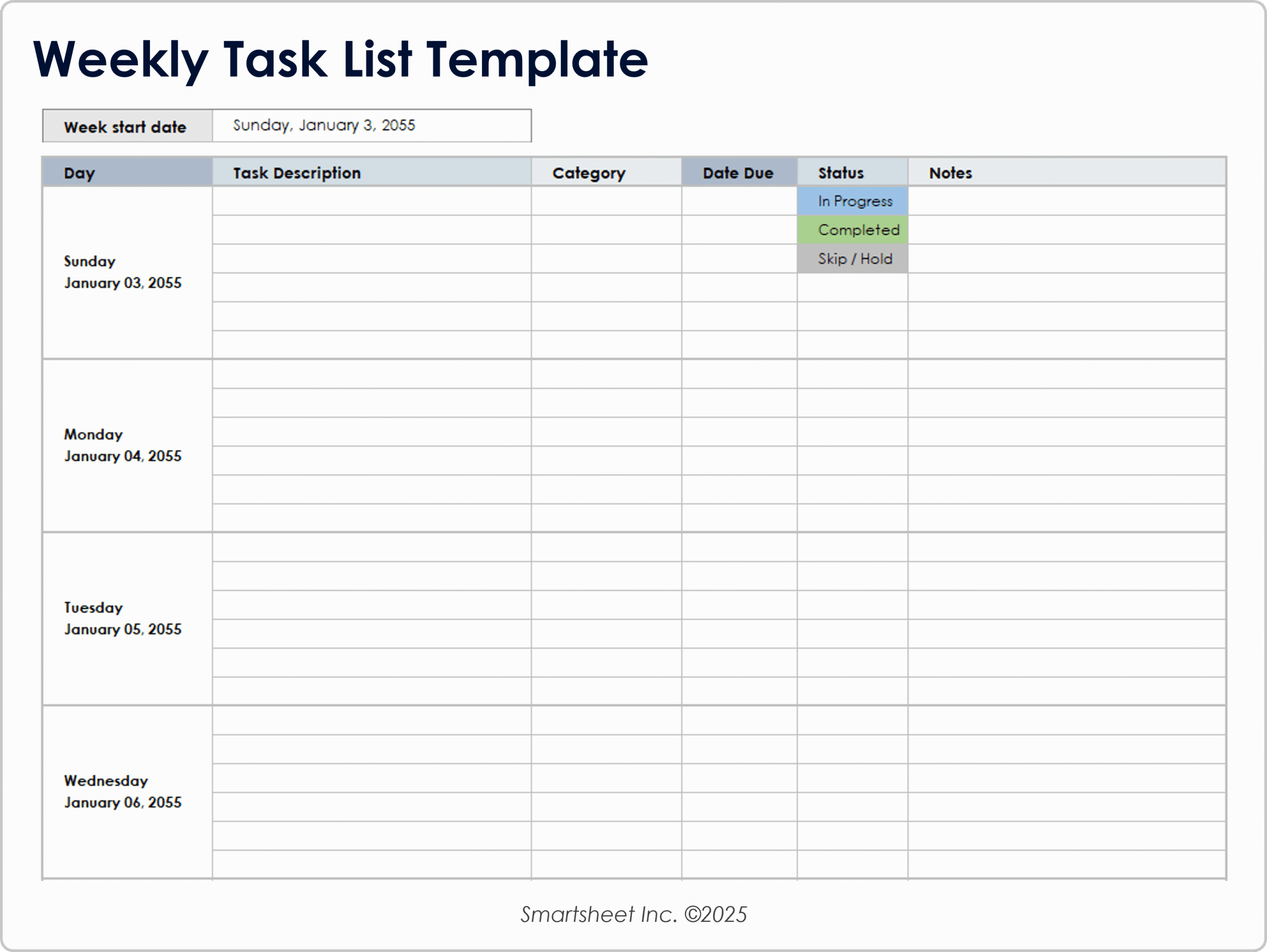
Before you go, here is a simple weekly checklist you can follow to keep your photo strategy on track:
Take one to three photos of something real happening in your business this week — a product, a service, your team, your space, or a completed job.
Check the lighting before you shoot. Natural light near a window is almost always better than overhead artificial light.
Review the photo quickly — is it in focus, is it clear, does it represent your business well?
Open the Google Business Profile app and upload. Add a brief caption if relevant. That is your credit in Google’s eyes.
Once a month, scroll back through your older photos. Remove anything outdated, blurry, or no longer representative.
That is it. Five simple steps. Repeat every week. Watch what happens over the next three to six months.
Written by Digital Drolia — practical digital marketing for local businesses that want to grow without burning money on ads. If this post helped you, share it with a business owner in your network who is still sleeping on their Google My Business profile.