
Why Customers Who Find You on Google Maps Are Ready to Buy — Not Just Browsing

Complete Google Maps SEO Guide & Google Business Profile Optimization SOP (2026 Local SEO Blueprint)
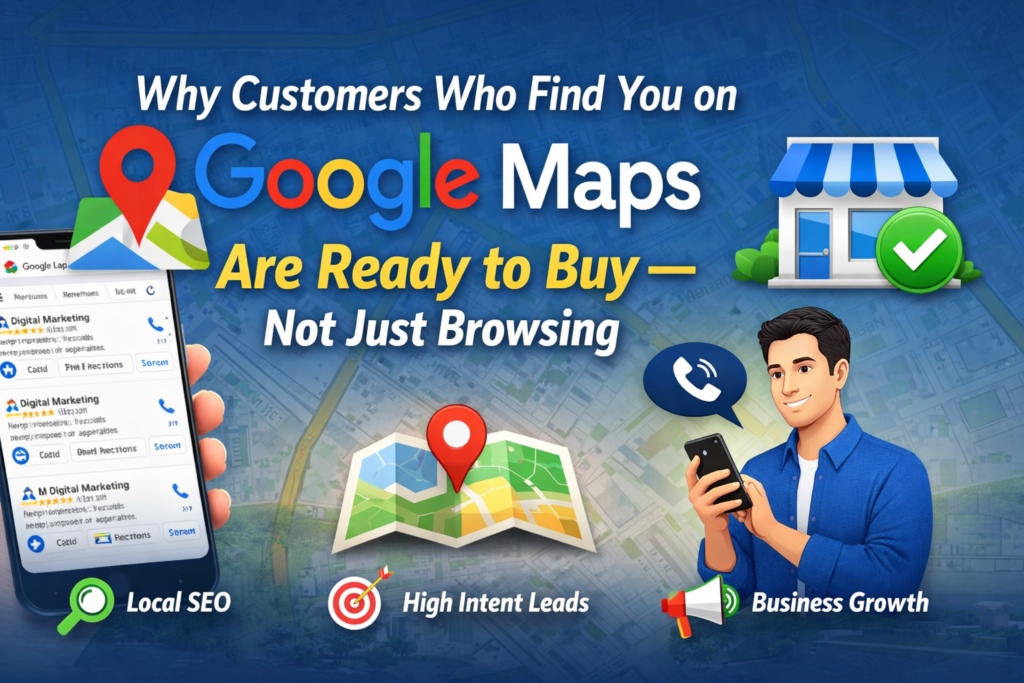
Introduction – The Most Misunderstood Traffic Source in Digital Marketing
Let’s start with a simple question.
When was the last time you opened Google Maps and searched for a business just for entertainment?
Probably never.
When people search on Instagram, they scroll.
When people search on YouTube, they explore.
But when people search on Google Maps, they usually need something immediately.
They are not browsing.
They are deciding.
This is why businesses that understand Google Maps marketing generate consistent daily leads without spending aggressively on advertising.
And businesses that ignore it remain dependent on paid ads forever.
If you understand Google Business Profile SEO, your business can generate:
• Daily inbound leads
• Free organic customers
• High intent traffic
• Local brand authority
• Long term visibility
• High conversion customers
This guide will teach you:
How Google Maps customers think
Why they convert faster
How Google Maps ranking works
Complete Google Business Profile SOP
Local SEO optimization process
Lead generation strategy
Ranking blueprint
This is not theory.
This is a complete operational guide.
Understanding Google Maps Buyer Psychology (Local SEO Fundamentals)
There are 3 types of online traffic:
Informational traffic
Browsing traffic
Buying traffic
Google Maps traffic comes under:
Buying traffic
Example:
If someone searches:
Best pathology lab near me
This means:
Test required.
Soon.
Example:
Digital marketing agency near me
Means:
Looking for vendor.
Comparison stage.
Example:
Website designer near me
Means:
Project exists.
Decision soon.
This is called:
Transactional Search Intent
Which is the highest conversion traffic type.
Why Google Maps Customers Convert Faster Than Social Media Traffic
Let’s compare:
Social Media Traffic:
User scrolling Sees ad
Maybe interested
Maybe not
Low urgency
Google Maps Traffic:
Problem exists
Customer searching solution
Comparing vendors
Ready to contact
This is why:
Facebook conversion rate:
1% – 3%
Google Maps conversion:
15% – 60%
Because mindset is different.
Social media creates demand.
Google Maps captures demand.
Smart businesses use both.
How Google Maps Customer Journey Works
Real customer journey looks like this:
- Problem happens
- Customer opens Google Maps
- Searches service
- Compares businesses
- Checks ratings
- Checks photos
- Reads reviews
- Clicks call
- Visits business
- Purchases
This is called:
Local Purchase Funnel
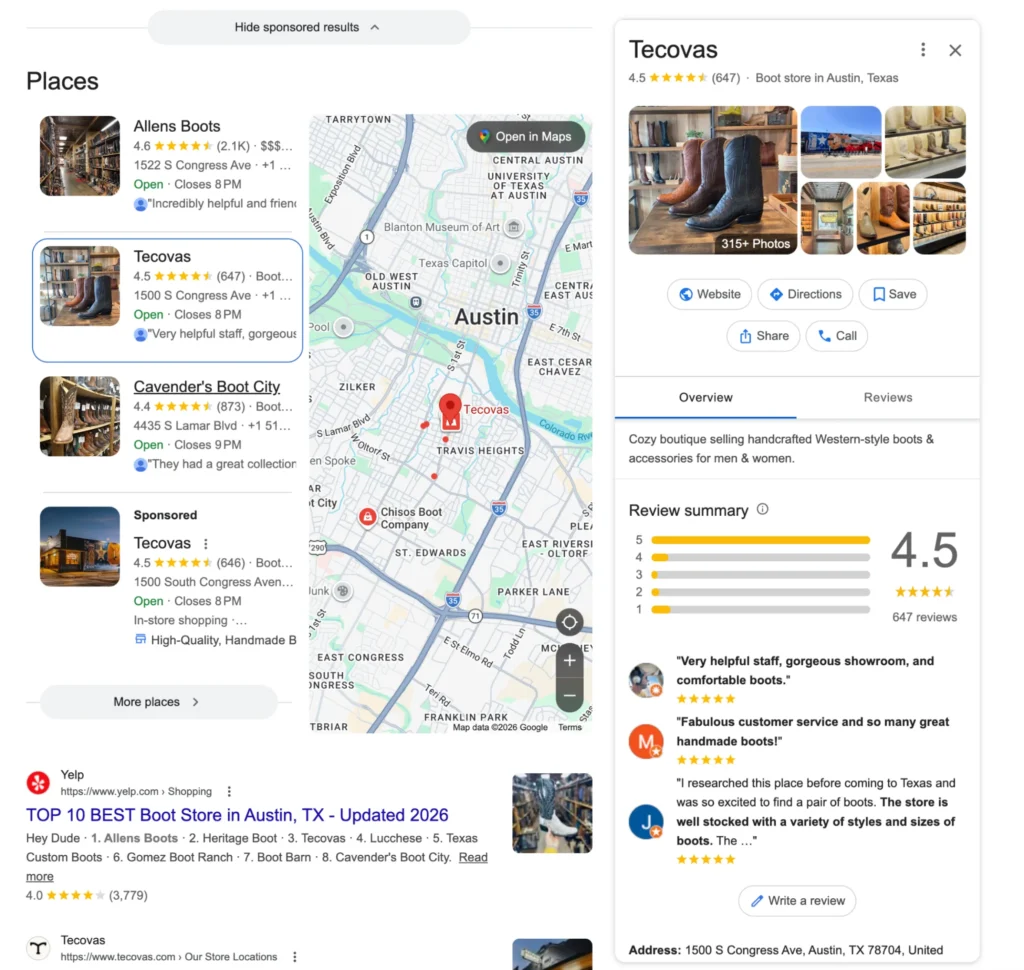
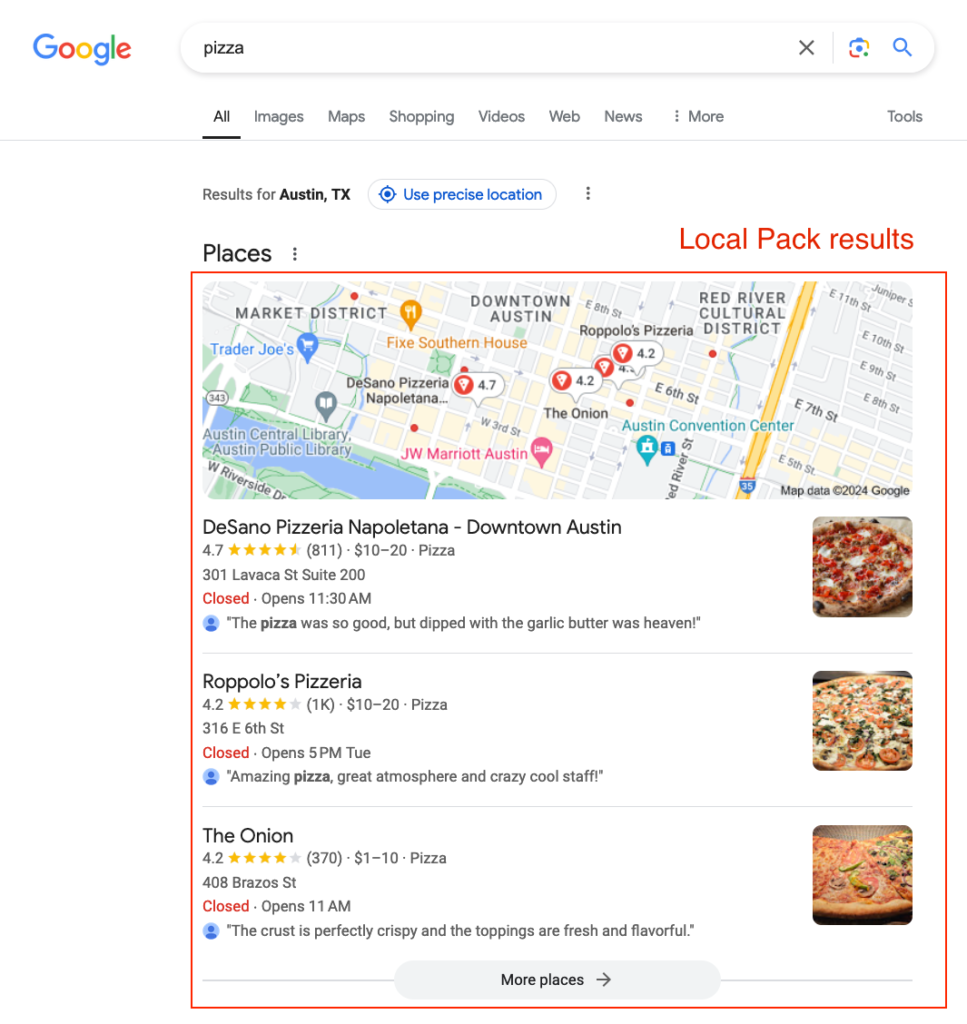
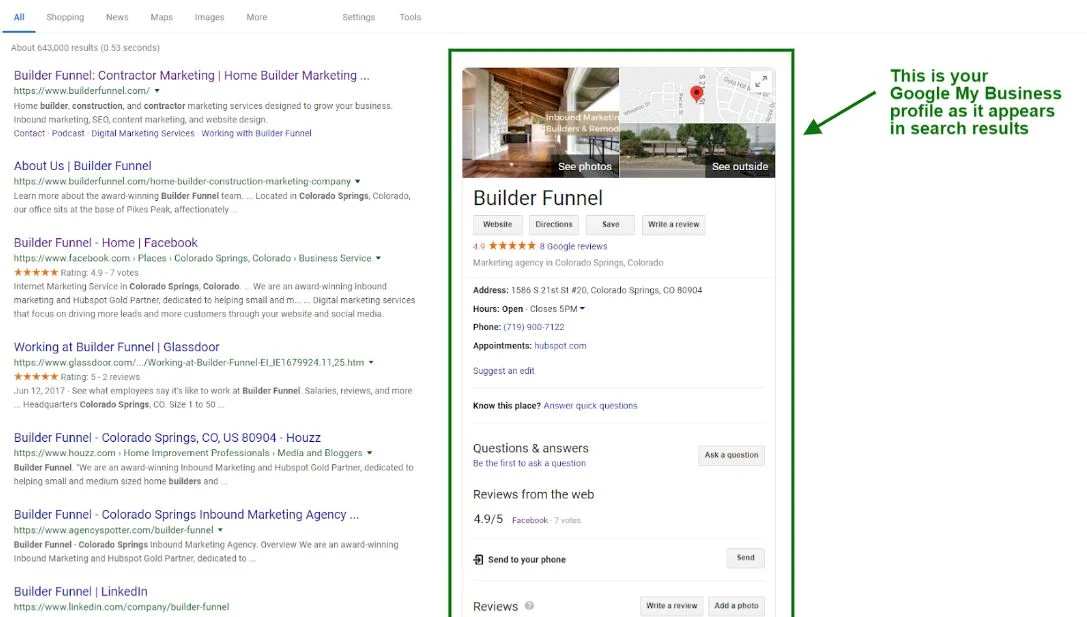
Businesses appearing in top 3 capture most leads.
This section is called:
Google Local Pack
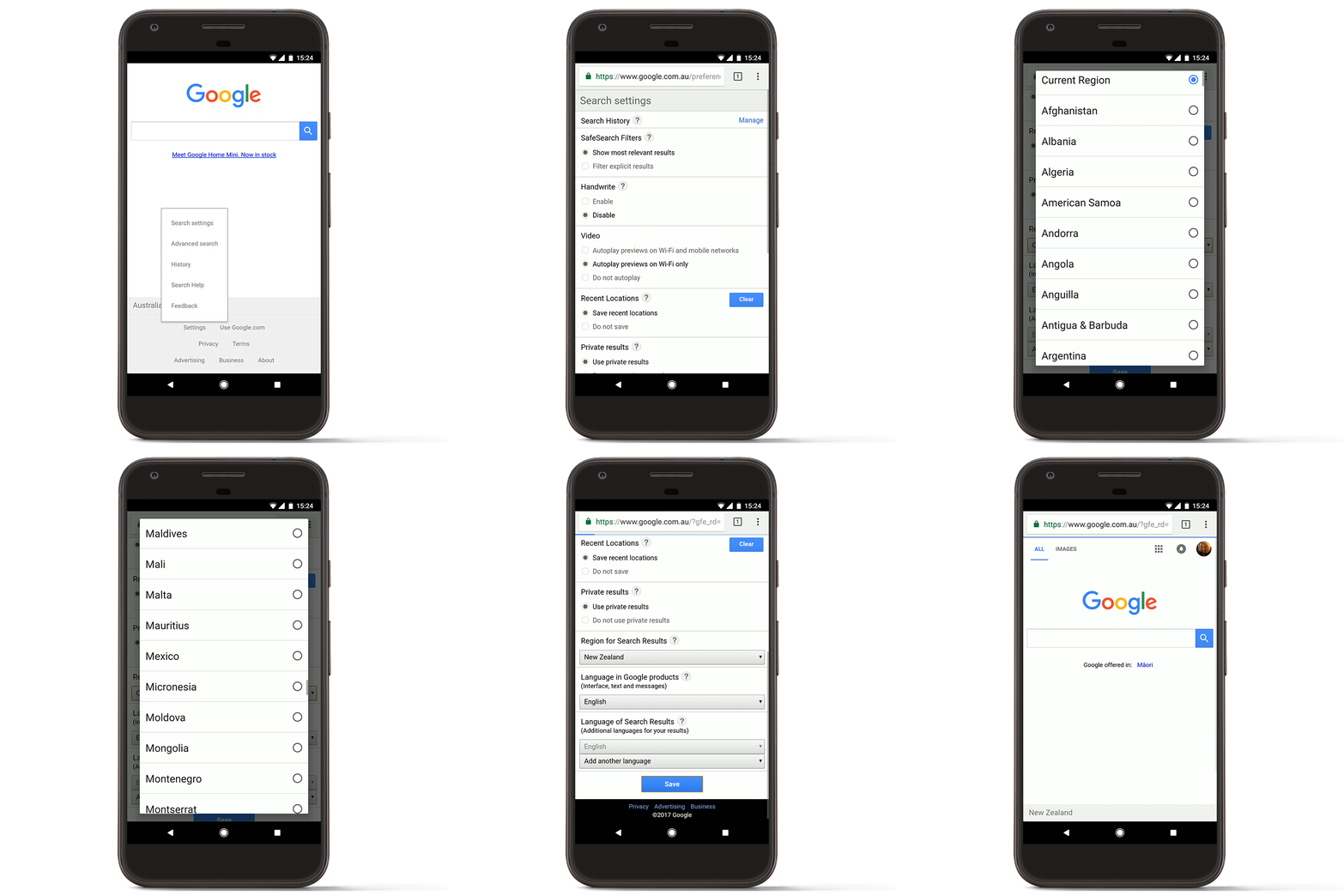
STEP 1 – Customer Opens Google Maps App
Every local buying journey starts here.
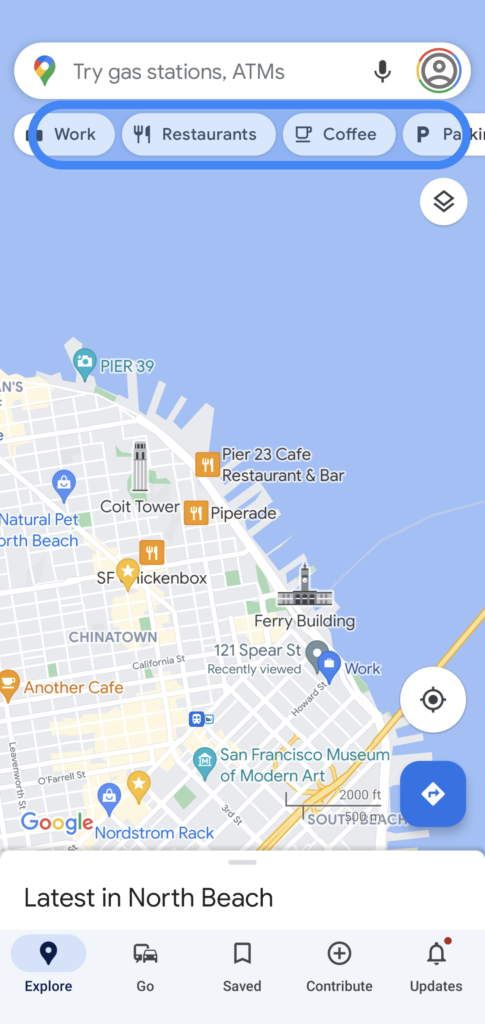
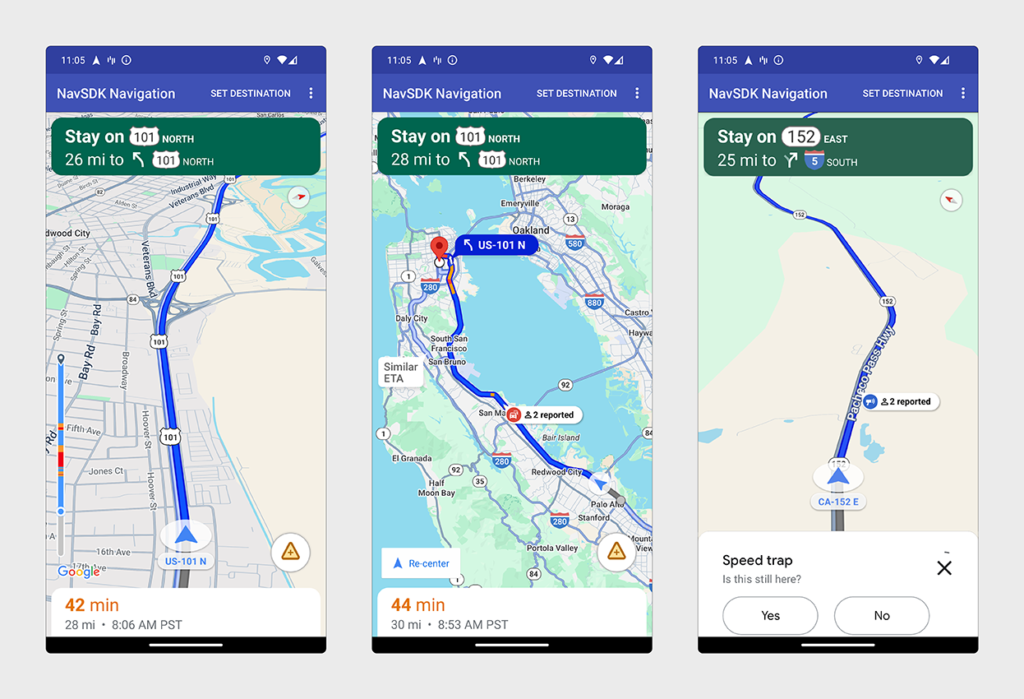
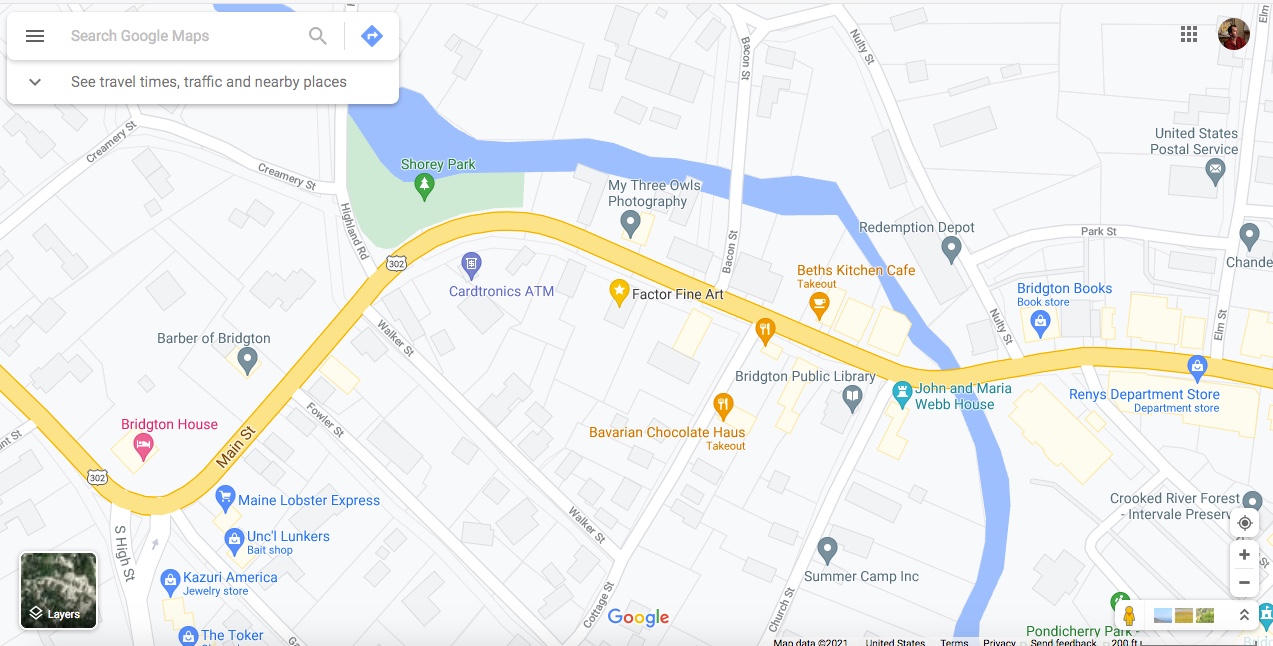
Customer opens Google Maps on mobile.
Searches service.
If your business is not listed, you do not exist for that customer.
Local SEO Insight:
Businesses without Google Business Profile lose high-intent customers daily.
STEP 2 – Customer Searches Service Keyword
Customer types:
SEO agency near me
Doctor near me
Digital marketing company near me
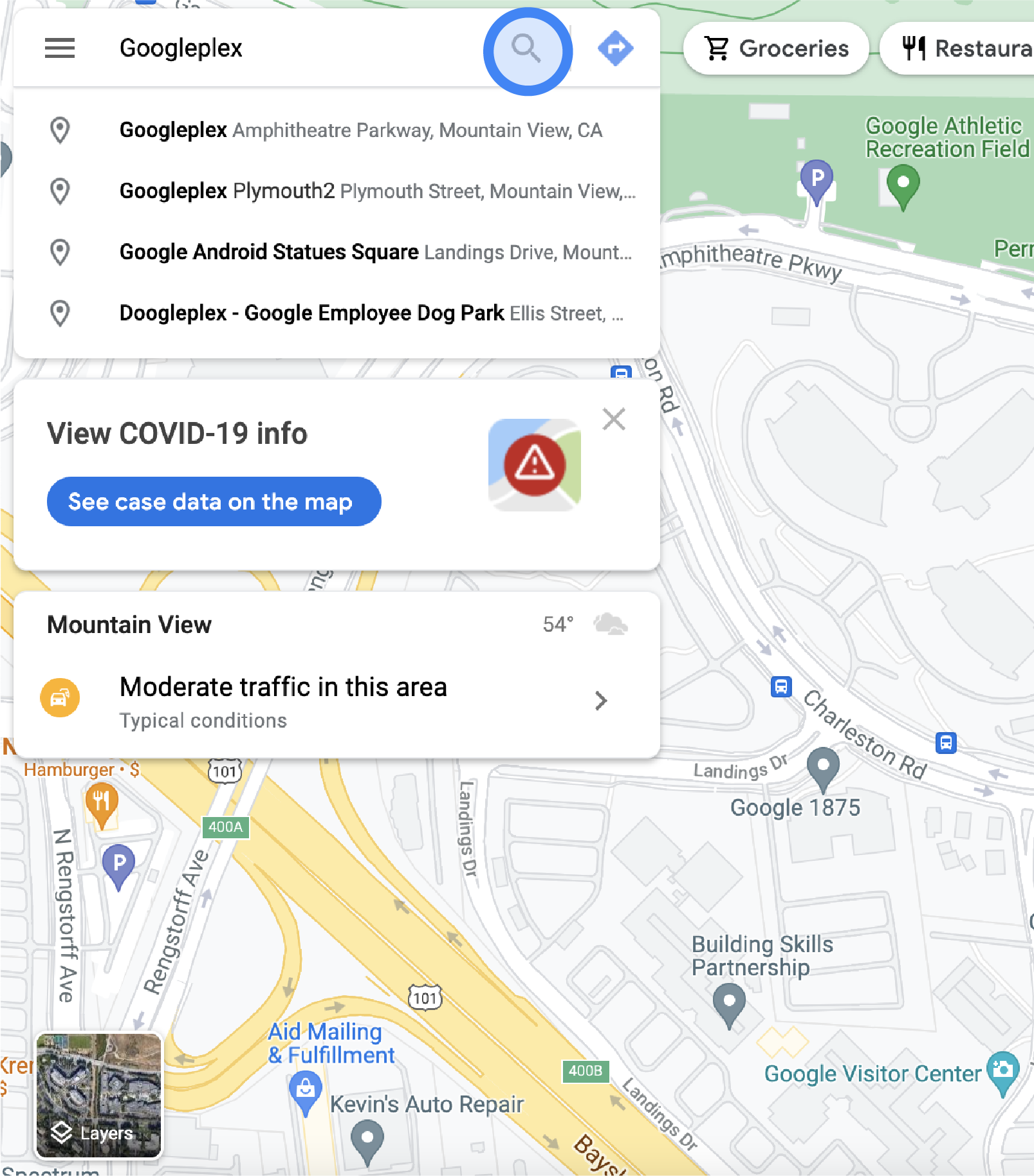
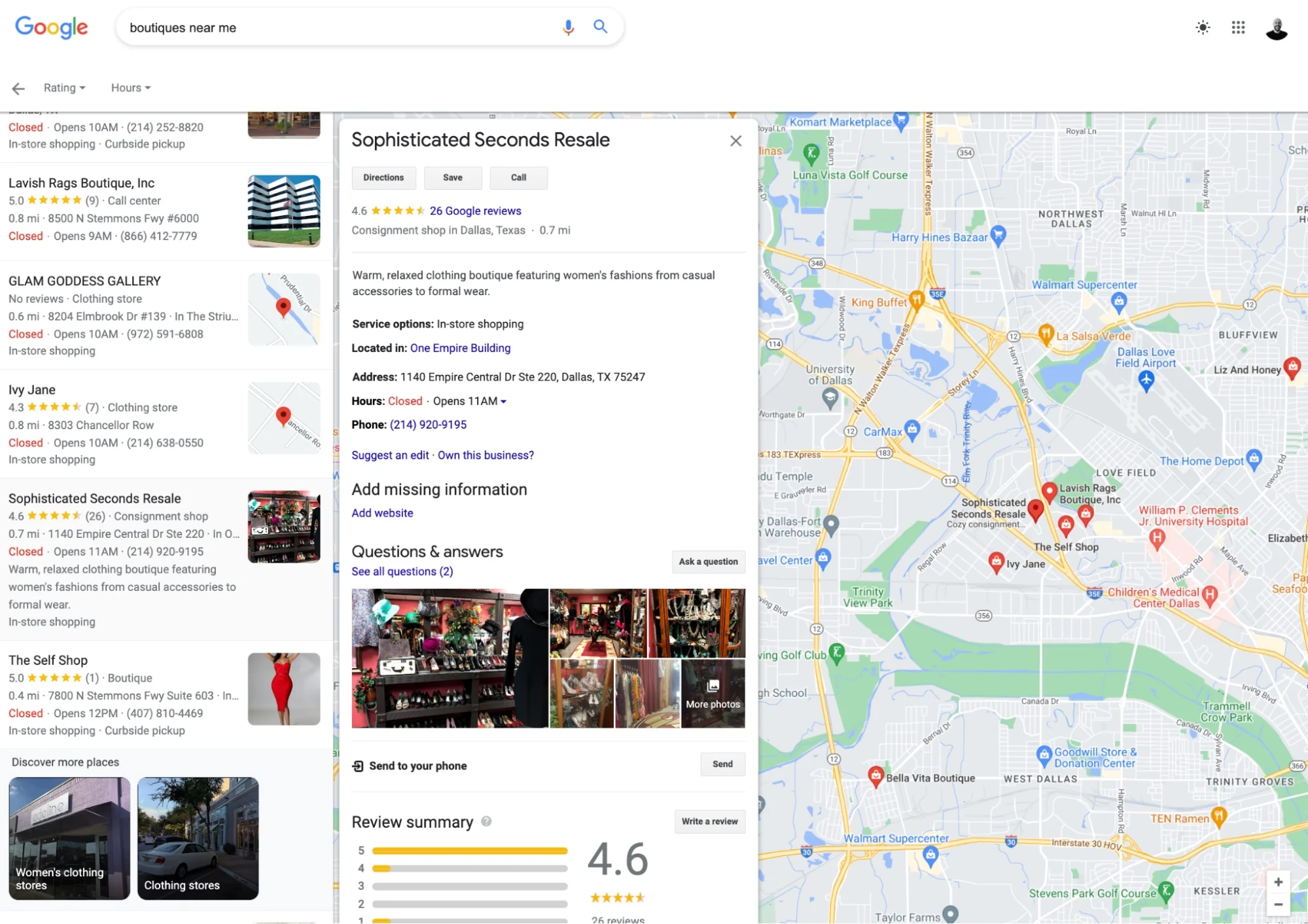
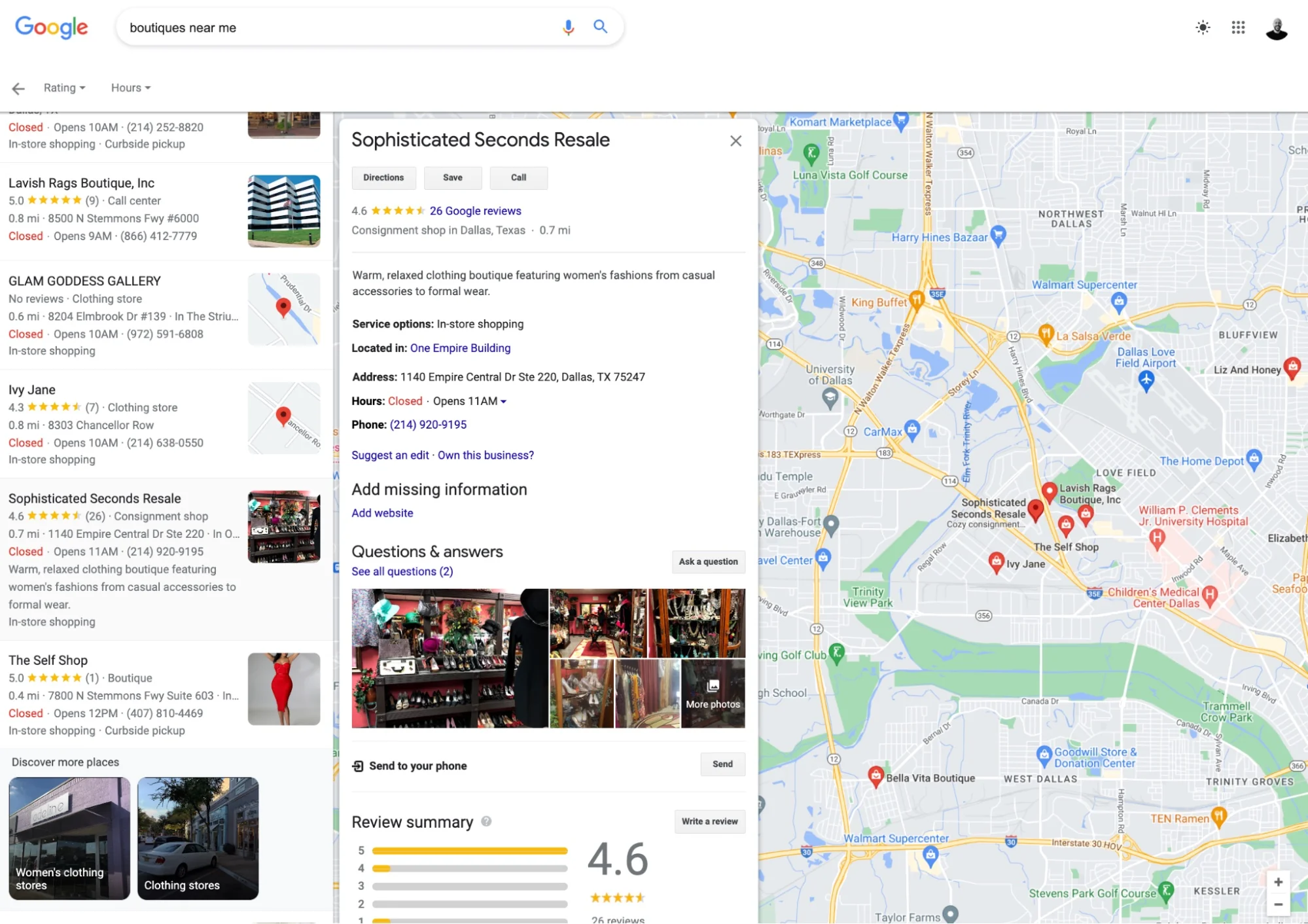
Google shows top 3 local results.
This is called:
Google Local Pack
SEO Insight:
Primary category is the biggest ranking factor here.
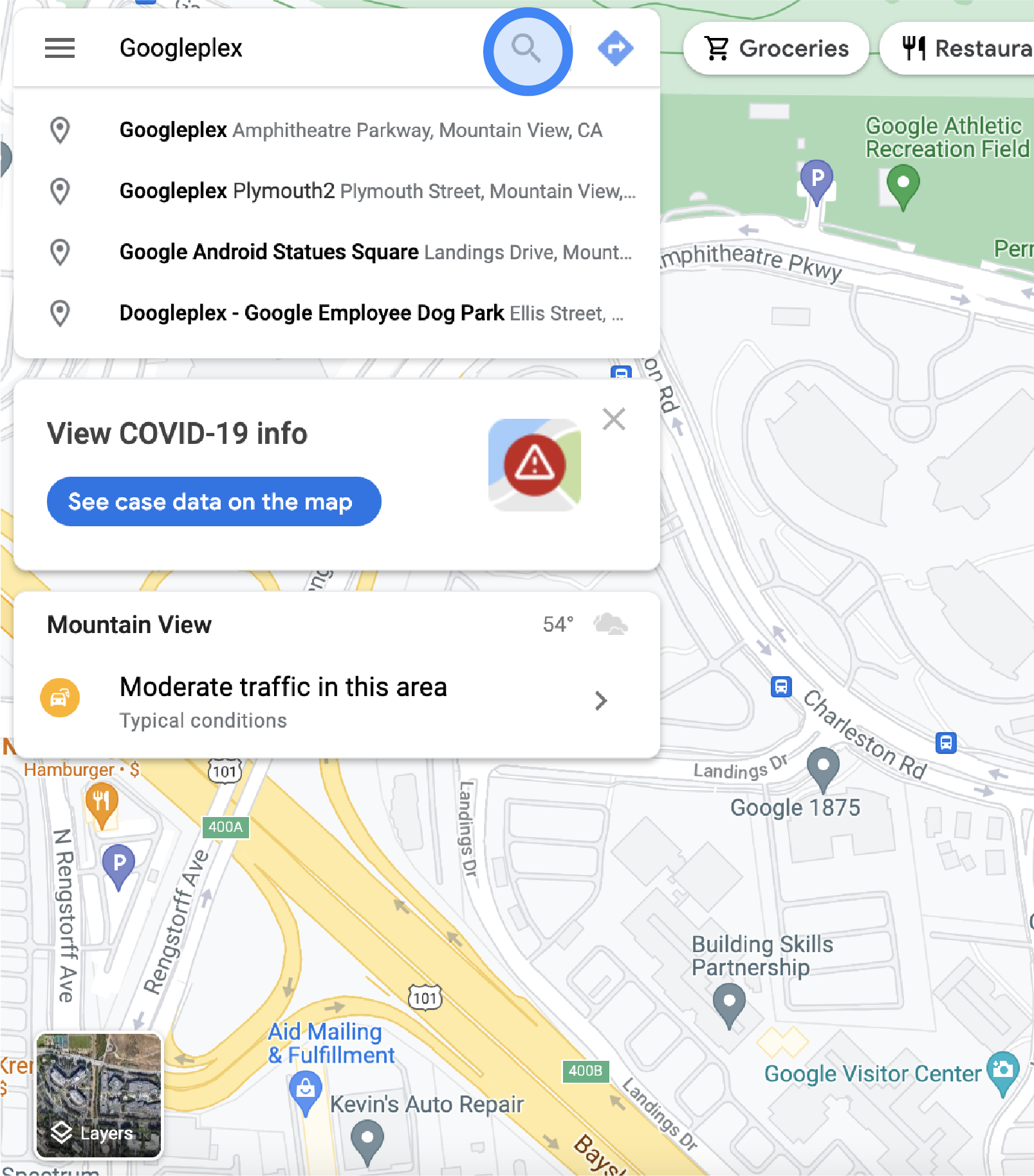
STEP 3 – Customer Compares Ratings
Customers trust ratings more than ads.
Businesses with:
More reviews
Higher rating
Better photos
Get more clicks.
SEO Insight:
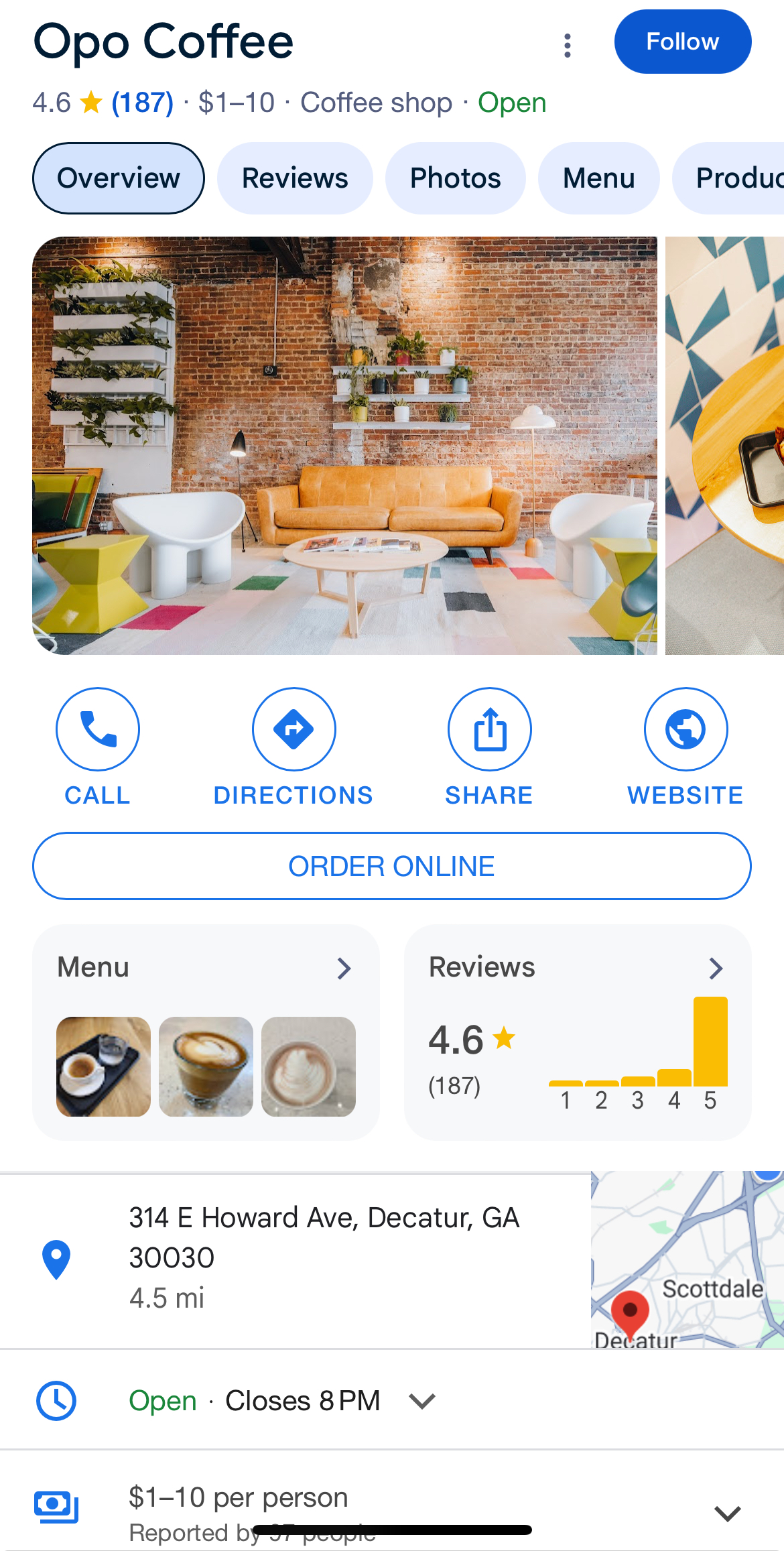
Businesses above 4.5 rating dominate local markets.
STEP 4 – Customer Opens Business Profile
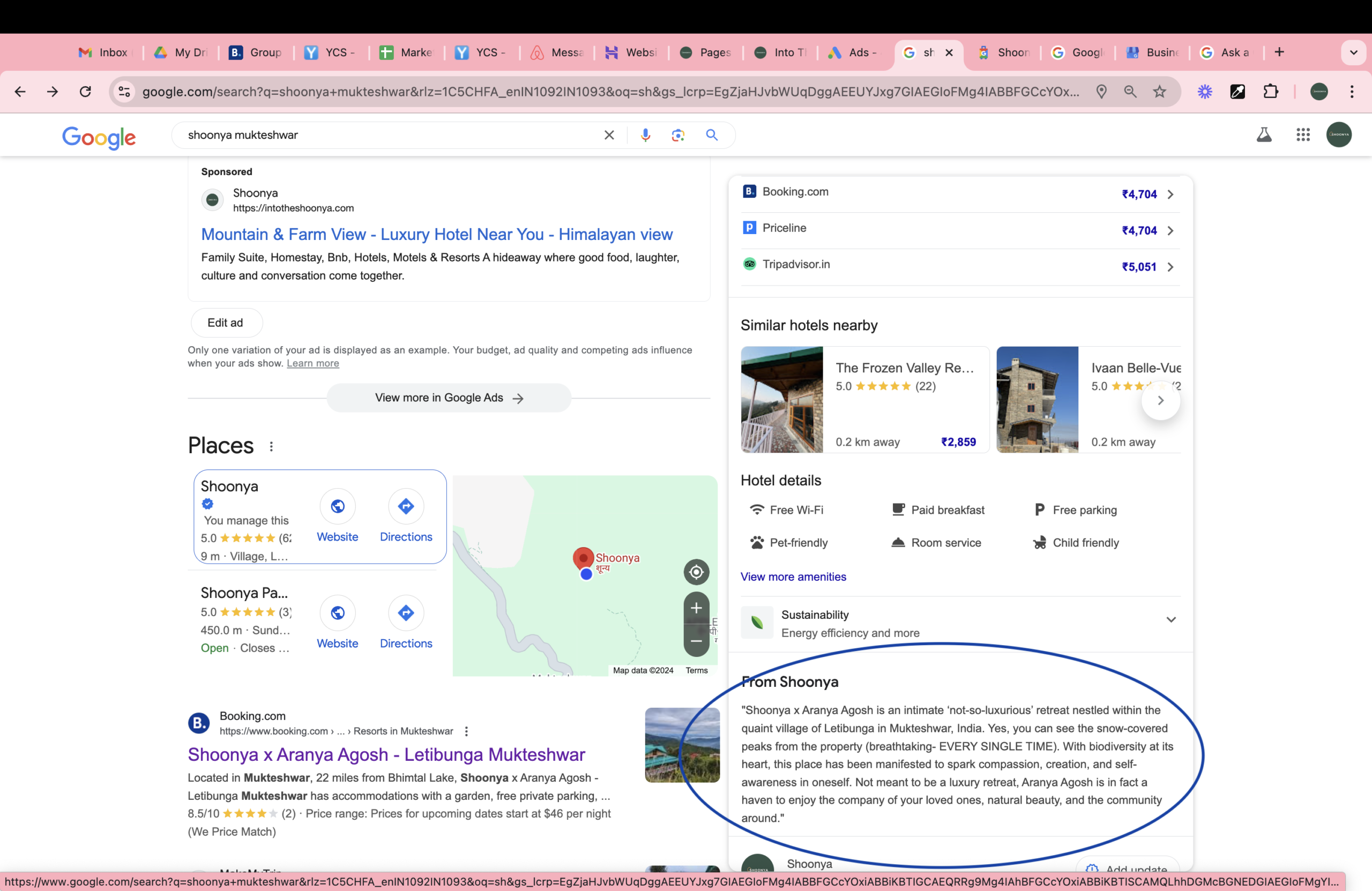
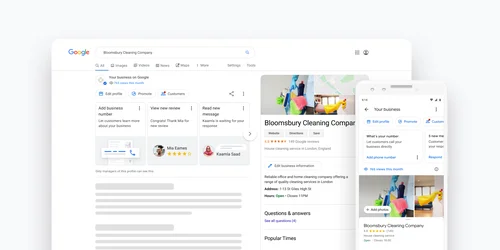
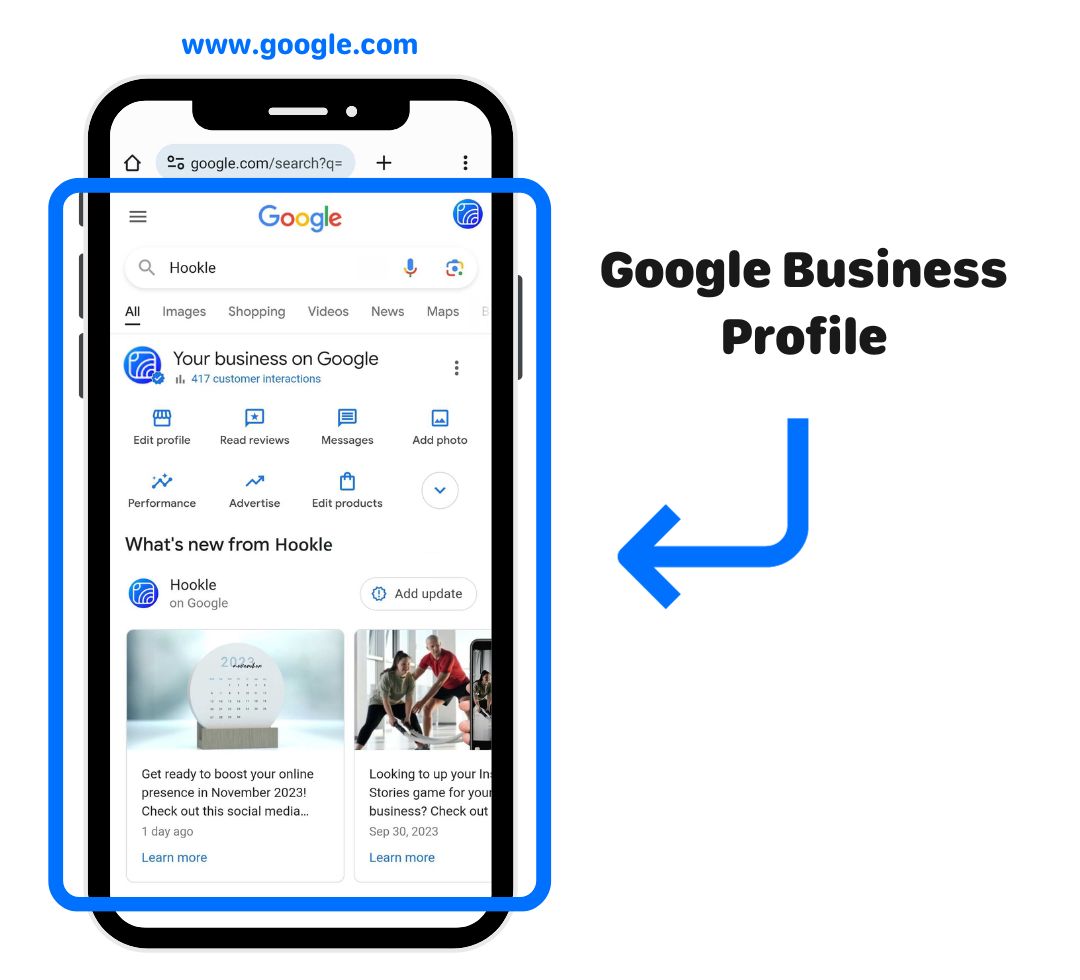
Customer clicks listing.
They check:
Description
Services
Photos
Reviews
Contact1
If profile looks incomplete:
Customer leaves.
SEO Insight:
Profile completeness is a ranking signal.
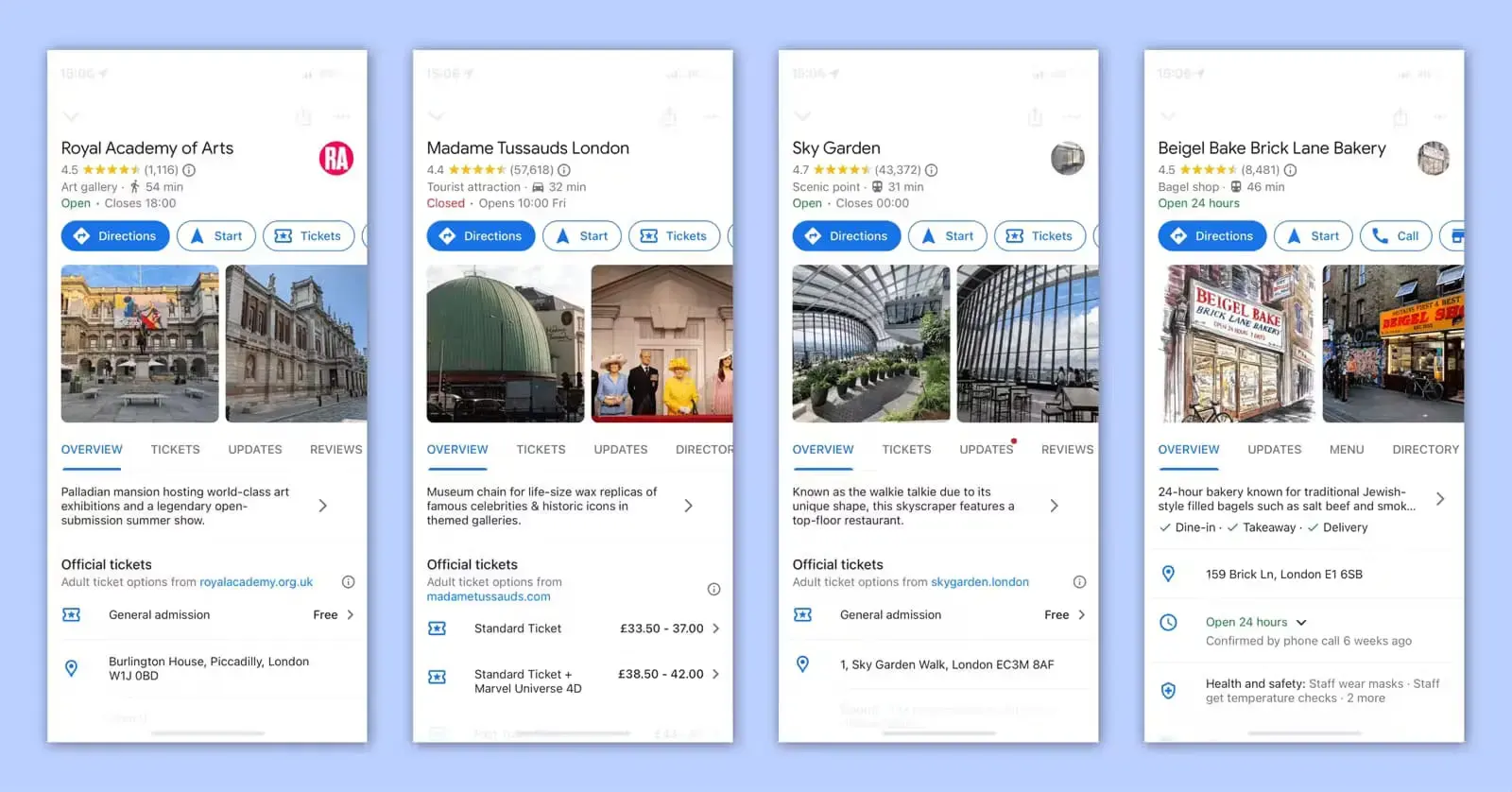
STEP 5 – Customer Checks Photos
Photos build trust.
Customers want proof business is real.
Upload:
Office photos
Work photos
Equipment
Team
Results
SEO Insight:
Profiles with 20+ photos get significantly higher engagement.
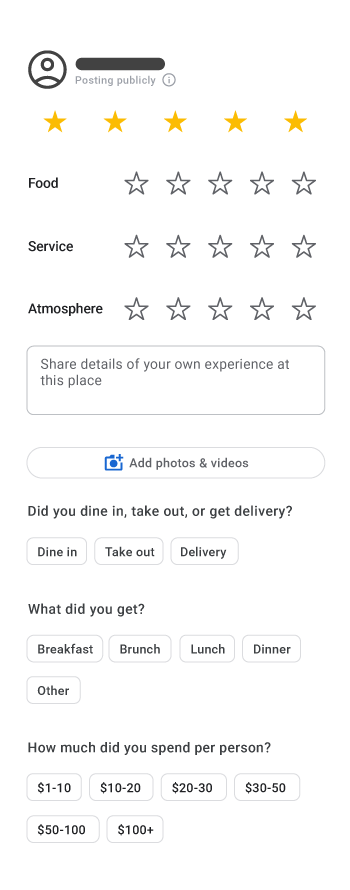
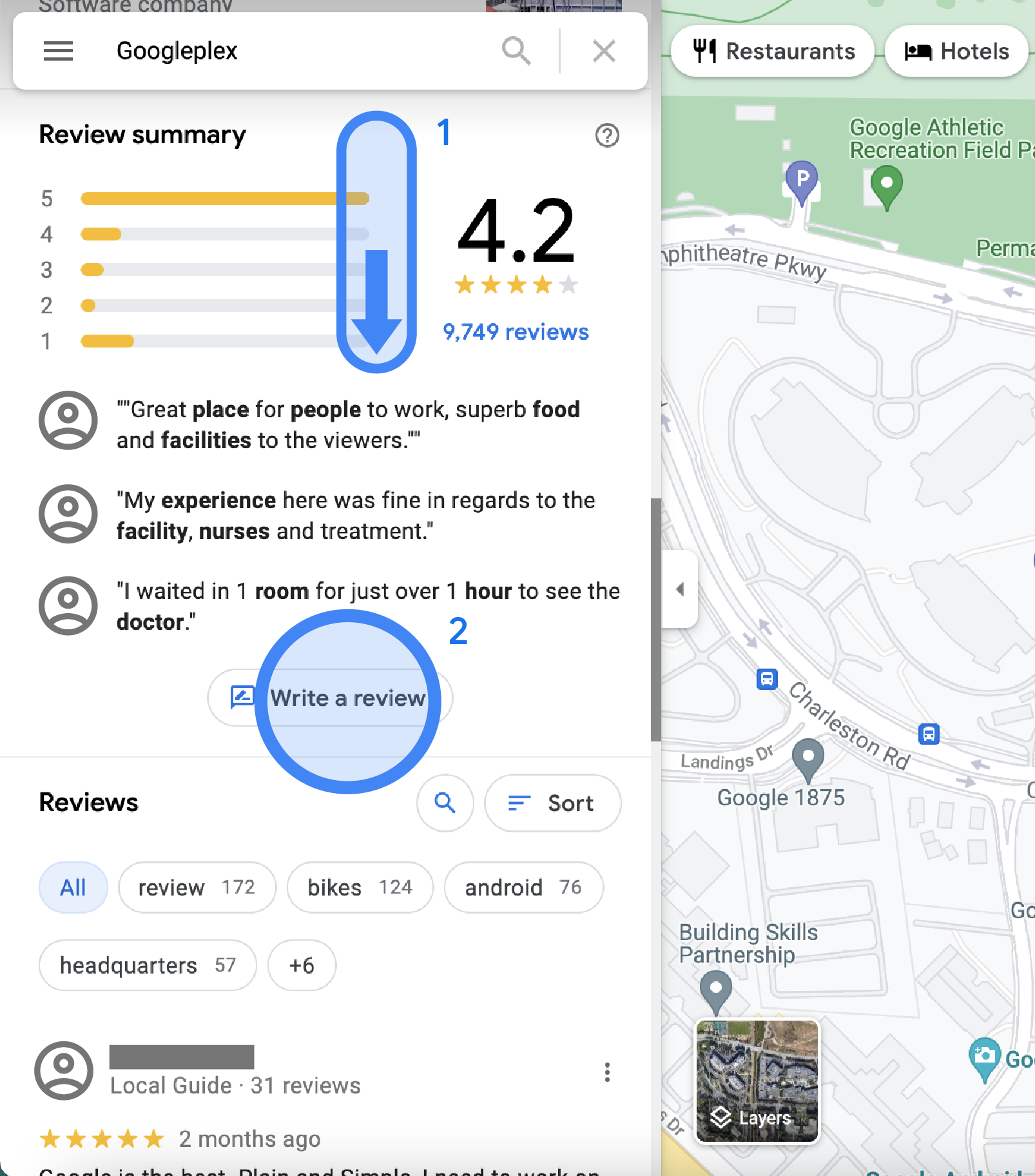
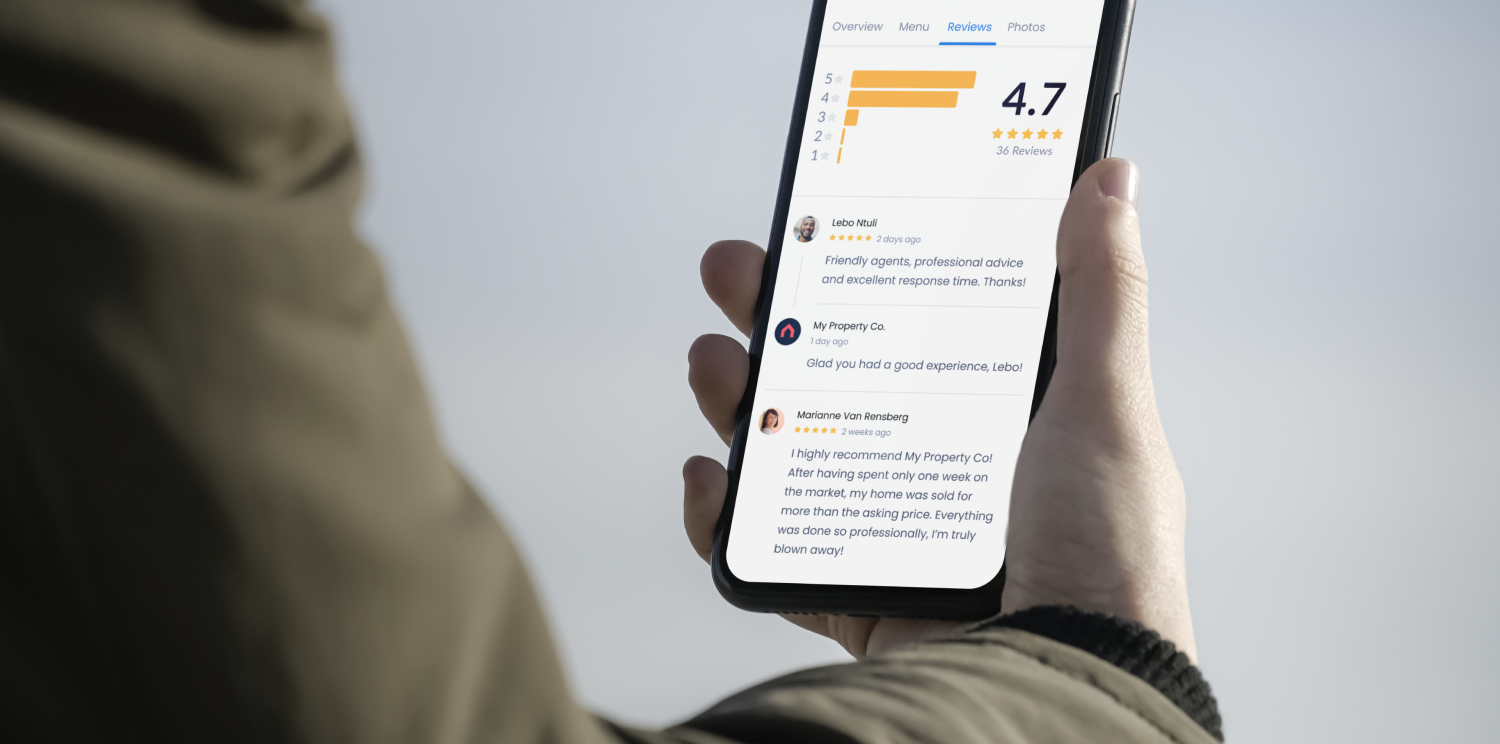
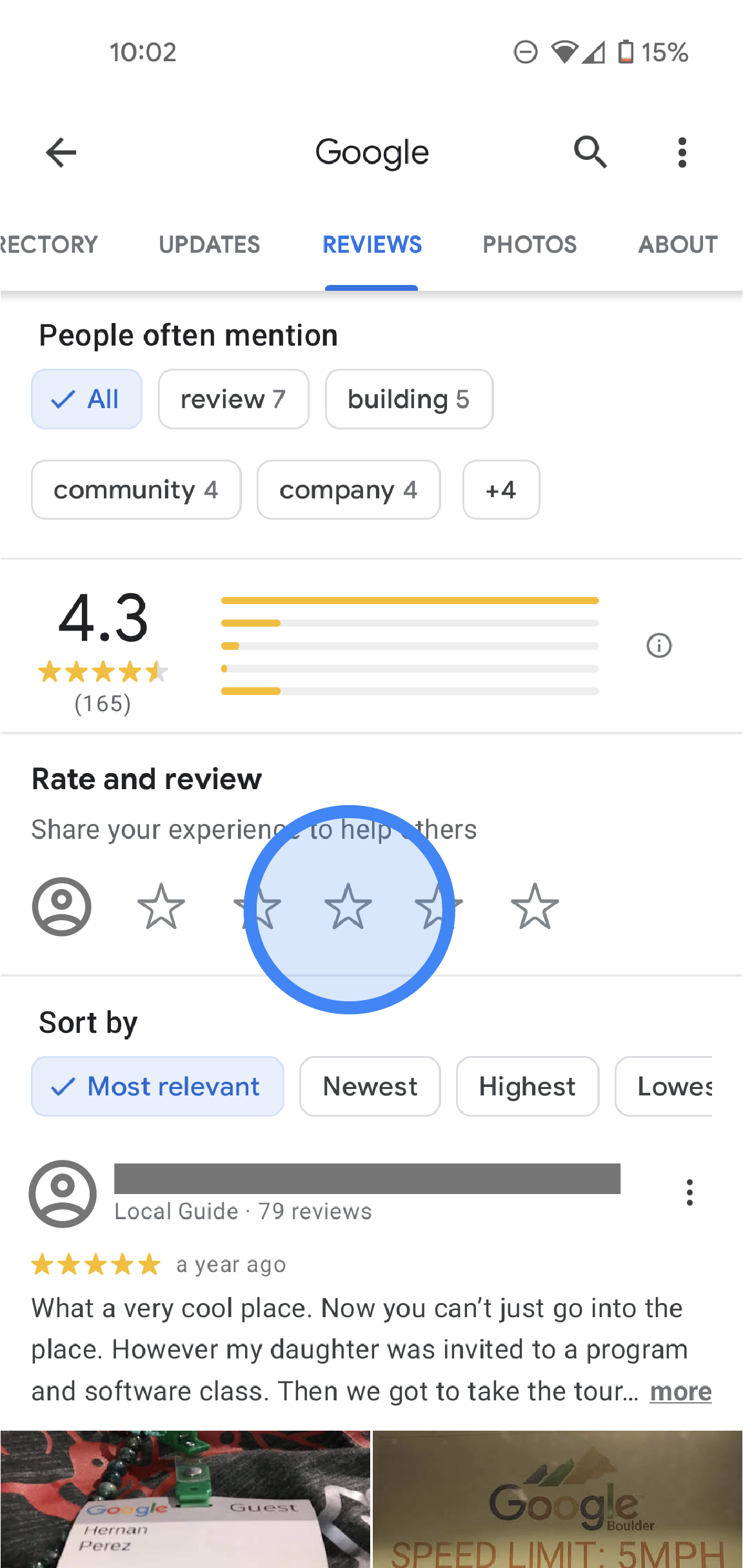
STEP 6 – Customer Reads Reviews
Reviews decide purchase.
Customers read:
Latest reviews
Negative reviews
Owner replies
SEO Insight:
Replying to reviews improves trust and ranking.
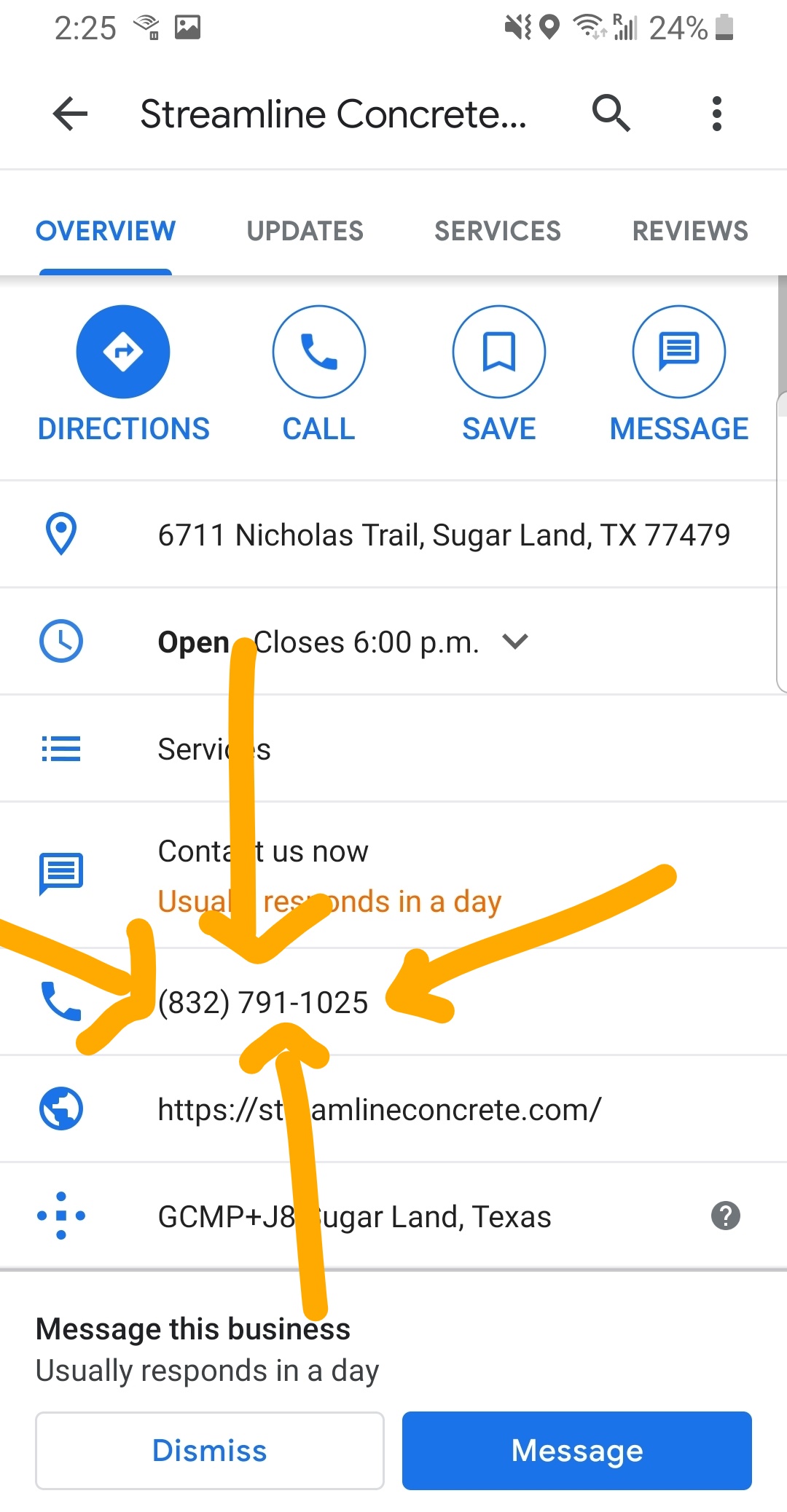
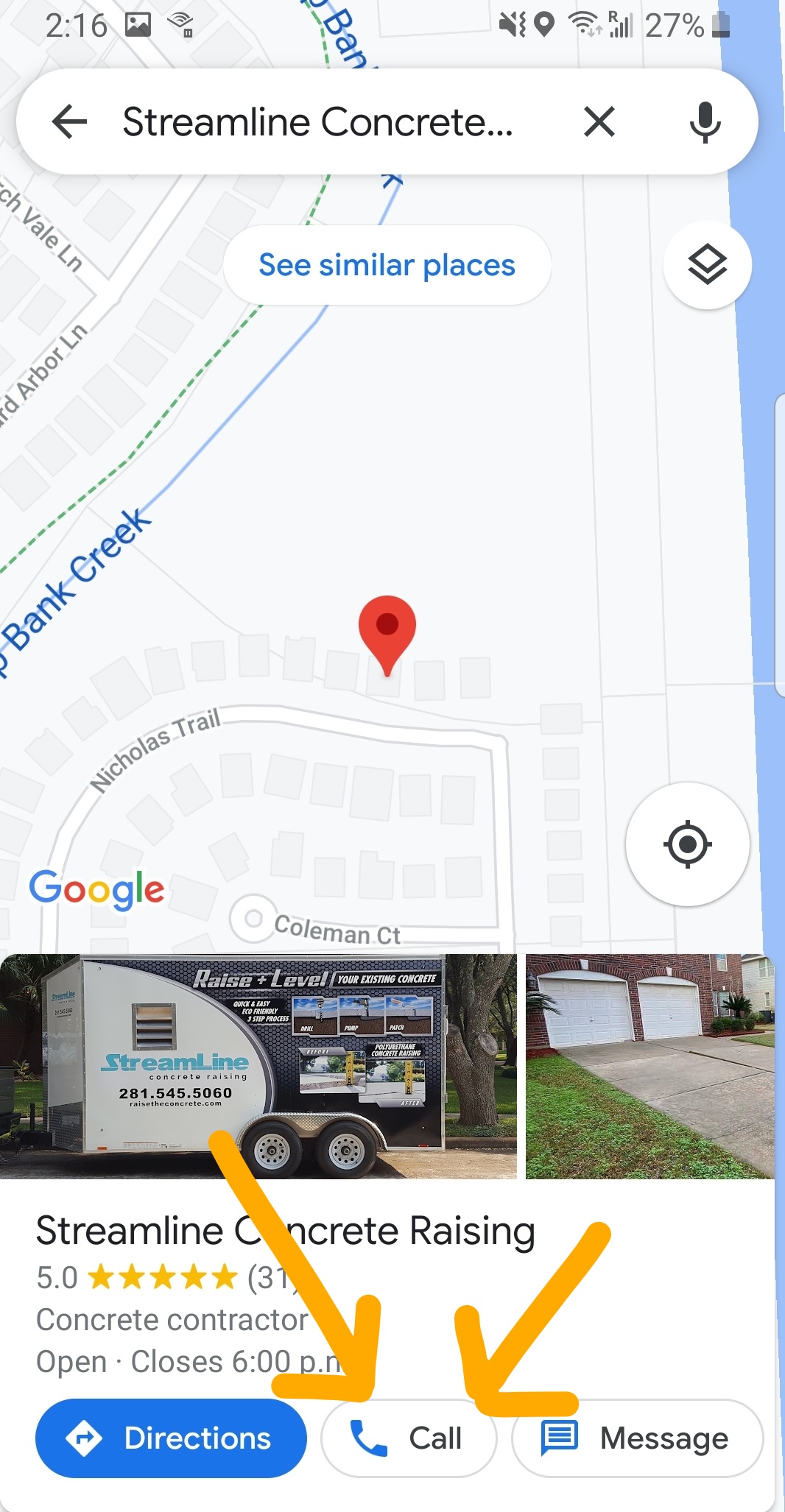
STEP 7 – Customer Clicks Call Button
This is strongest buying signal.
Customer ready to talk.
SEO Insight:
Fast response increases conversion dramatically.
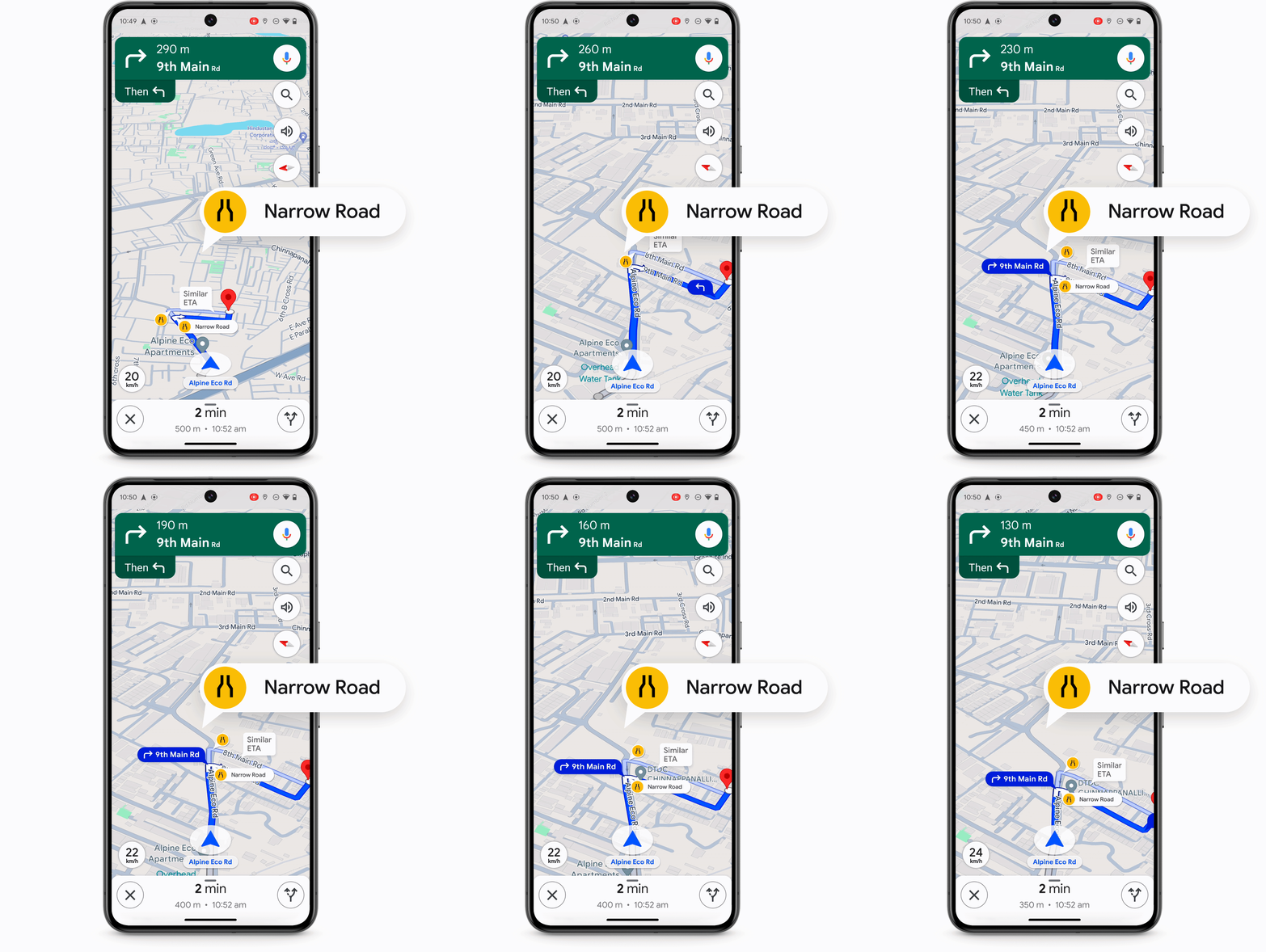
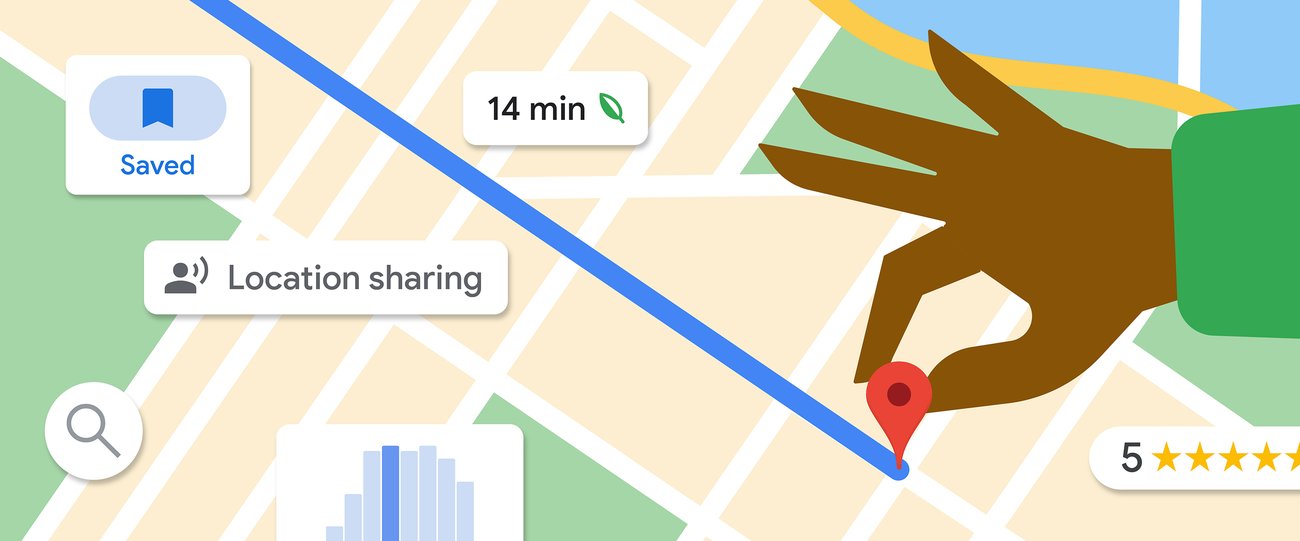
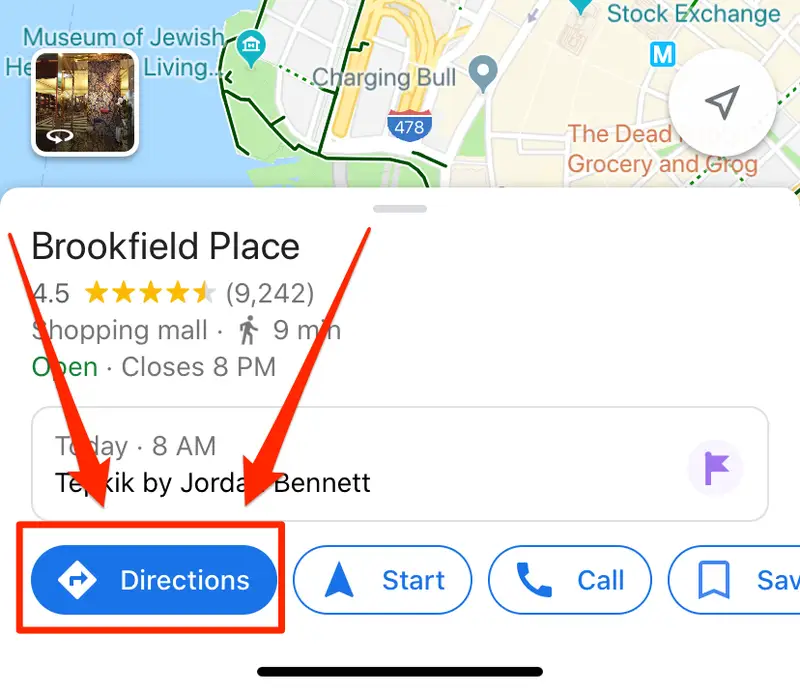
STEP 8 – Customer Clicks Directions
This means:
Customer planning visit.
Strong purchase signal.
SEO Insight:
Direction clicks improve ranking signals.
Complete Google Business Profile Setup SOP
Now we move into practical implementation.
This is where most businesses fail.
They create profile.
Then stop.
Ranking requires optimization.
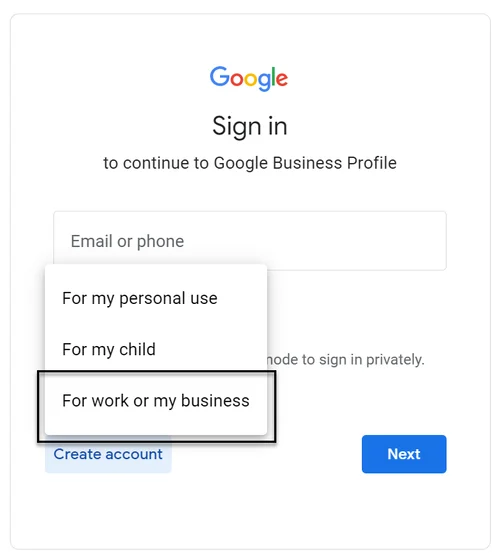
STEP 9 – Create Google Business Profile
Go to:
Google Business Profile website.
Click:
Manage Now.
Add business name.
SEO Tip:
Use official business Gmail.
STEP 10 – Enter Business Name Correctly
Use real brand name.
Do not add keywords.
Wrong:
Best SEO Agency Delhi Google Ads
Correct:
Digital Drolia
SEO Tip:
Keyword stuffing can suspend profile.
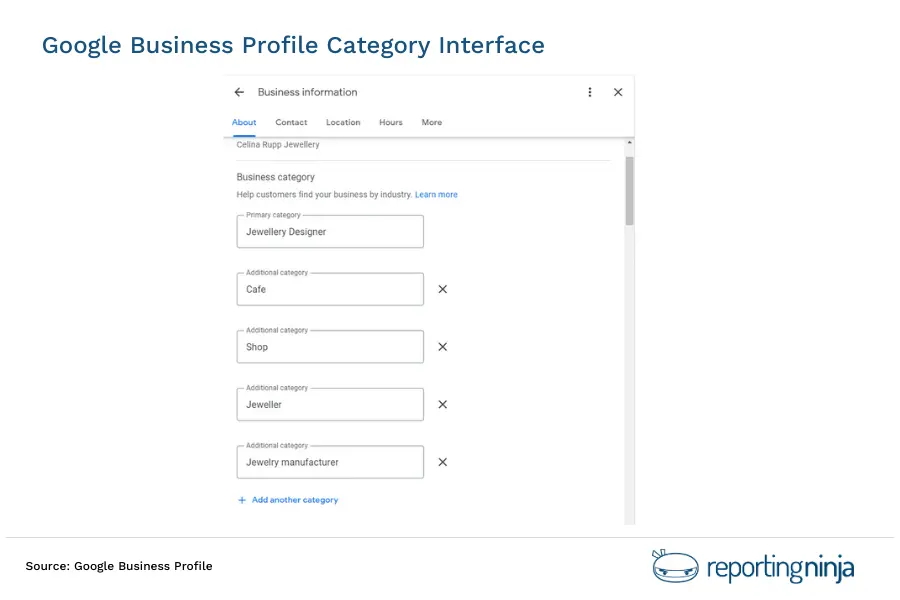
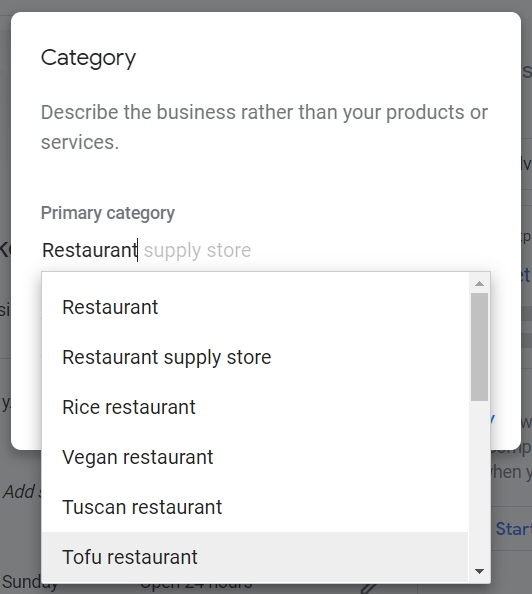
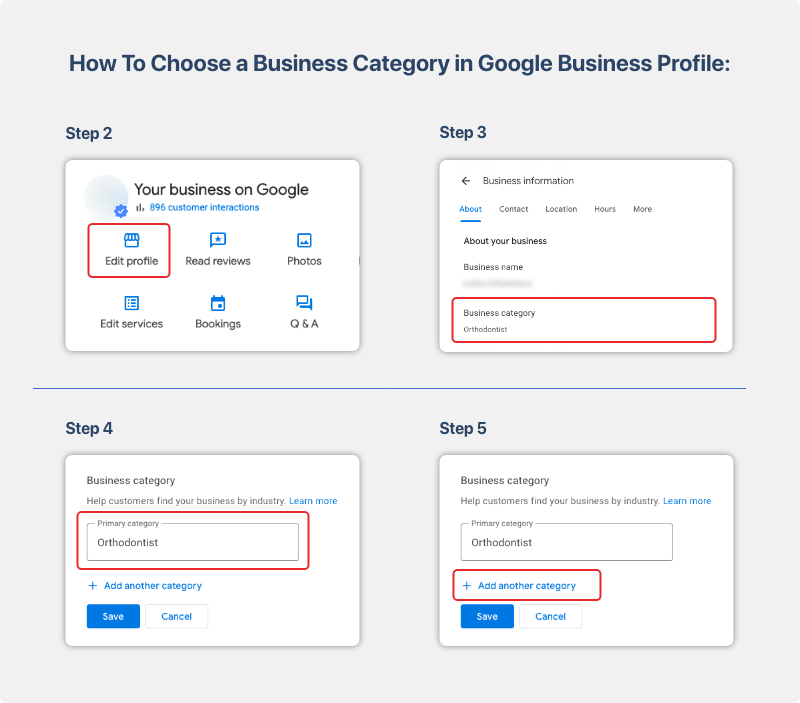
STEP 11 – Select Primary Category (Critical)
Category decides ranking.
Choose closest match.
Example:
Digital marketing agency
Website designer
Advertising agency
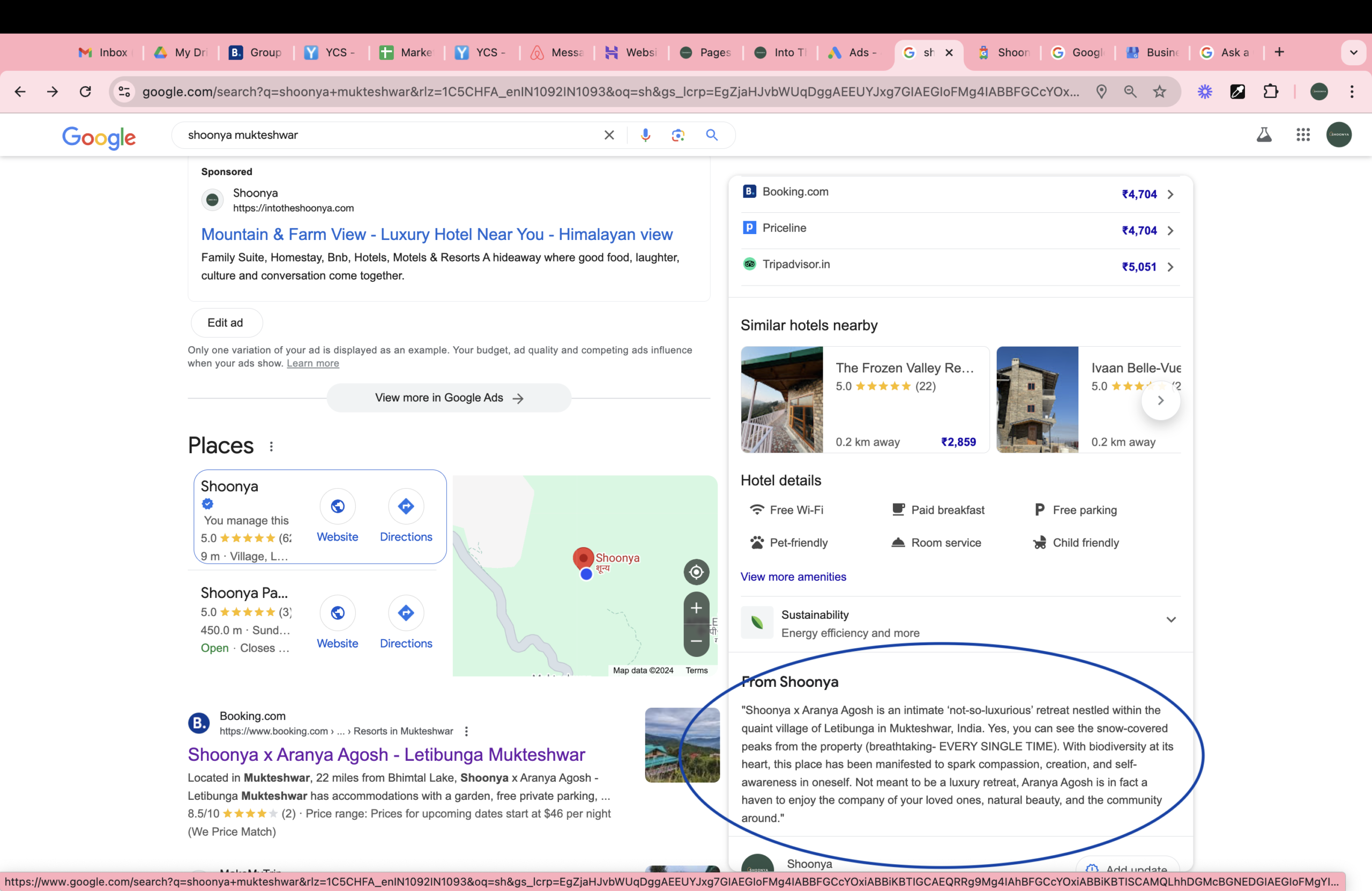
SEO Tip:
Check top competitors.
Use same category.
STEP 12 – Add Business Location
Options:
Physical office
Service business
Add accurate location.
Wrong map pin reduces visibility.
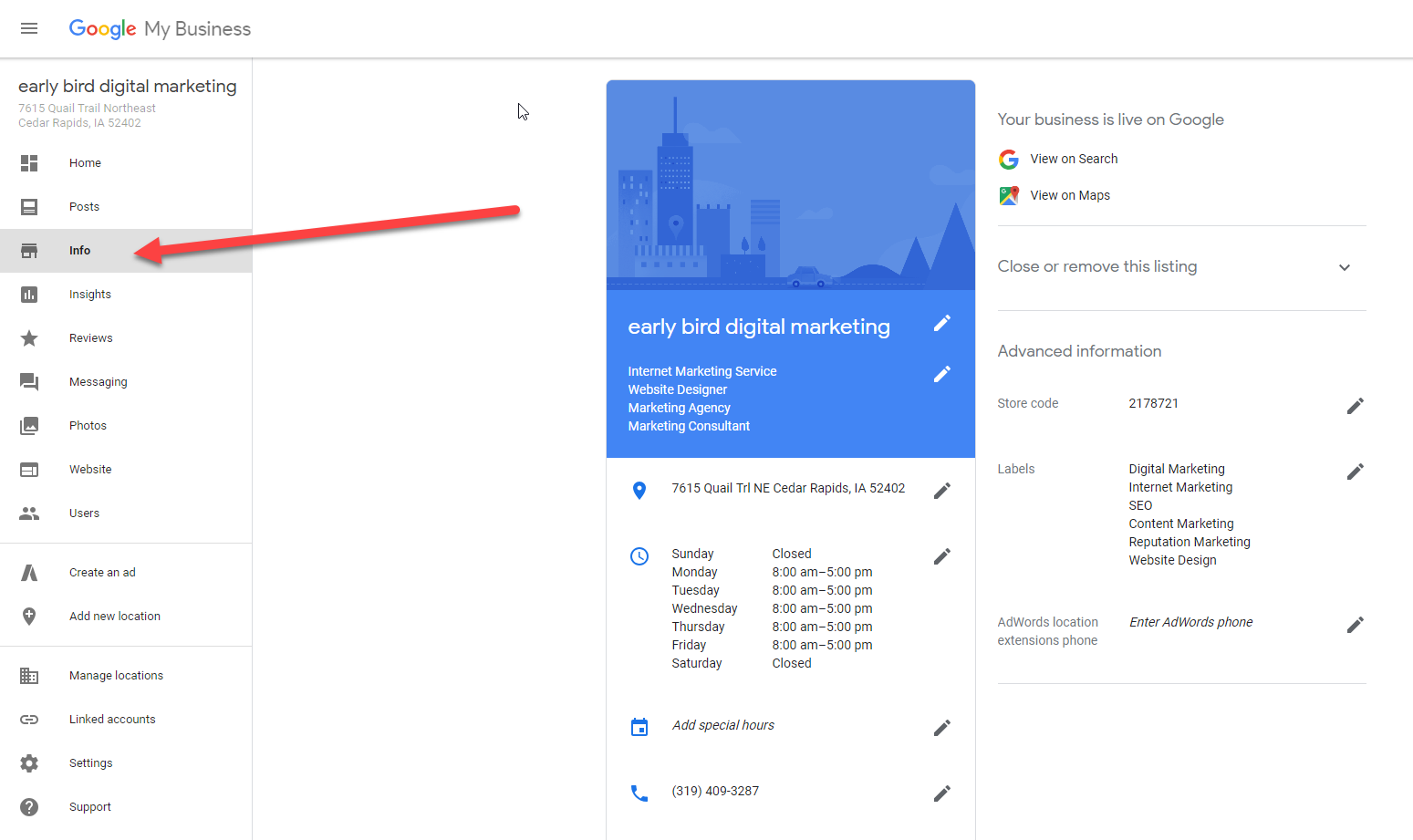
SEO Tip:
Pin location correctly.
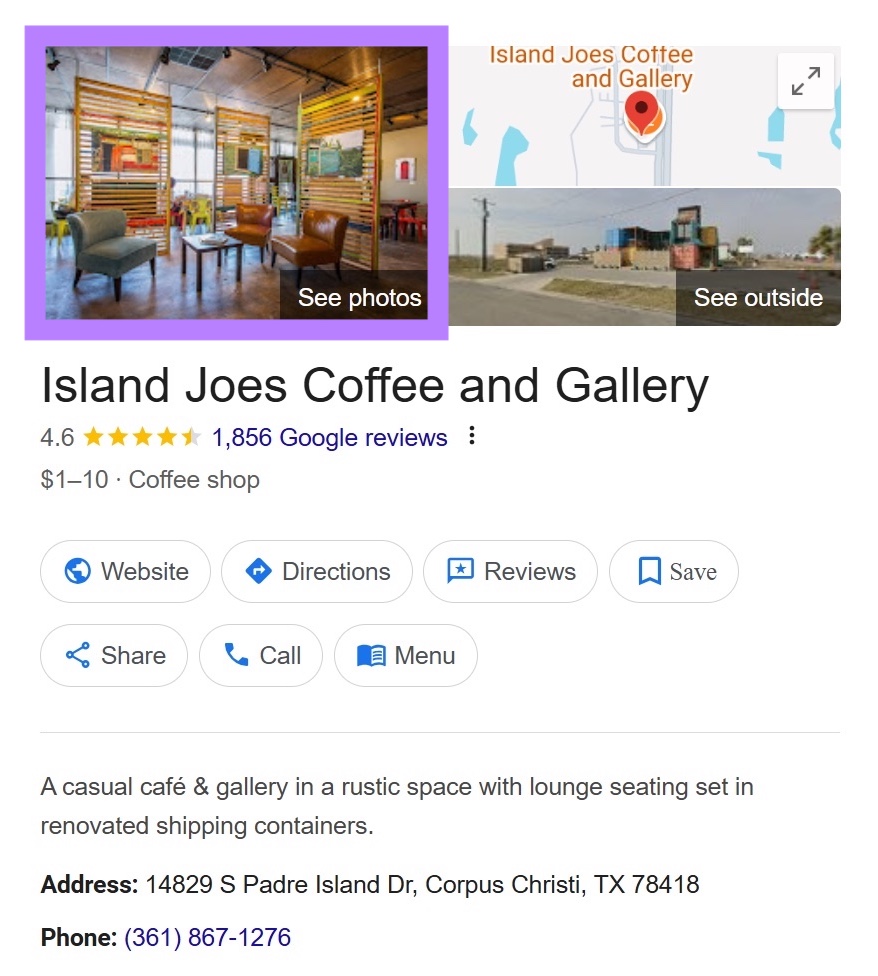
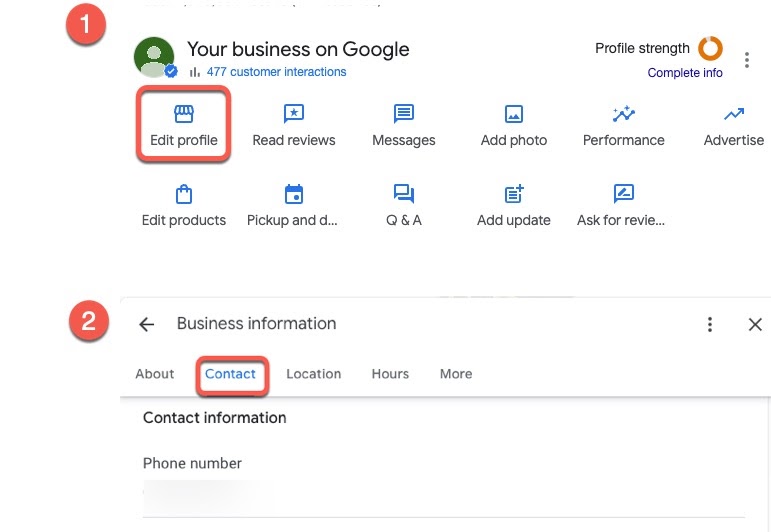
STEP 13 – Add Contact Details
Add:
Phone number
Website
Email
Consistency important.
SEO Tip:
Use same number everywhere online.
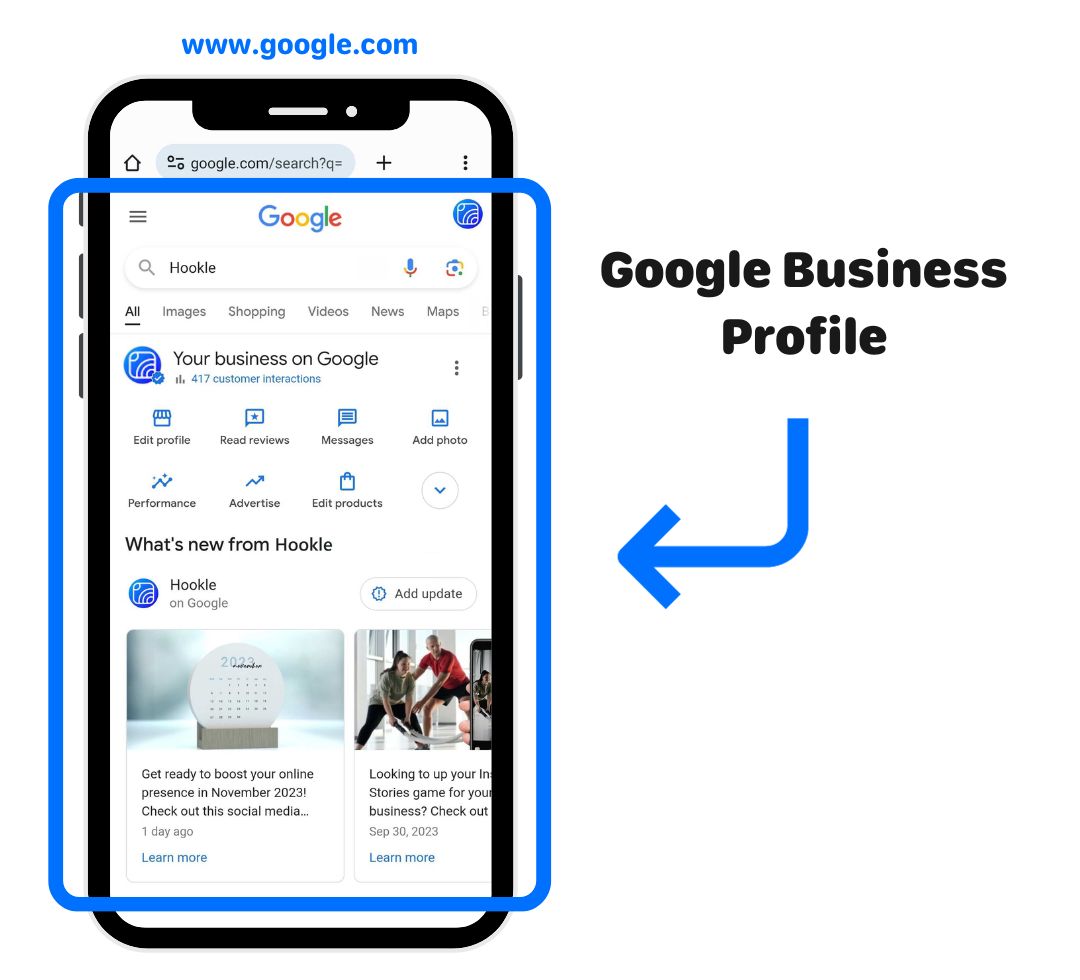
STEP 14 – Complete Verification
Verification methods:
Video verification
Phone
Postcard
Video most common.
Show:
Office board
Location
Equipment
SEO Tip:
Verification unlocks full visibility.
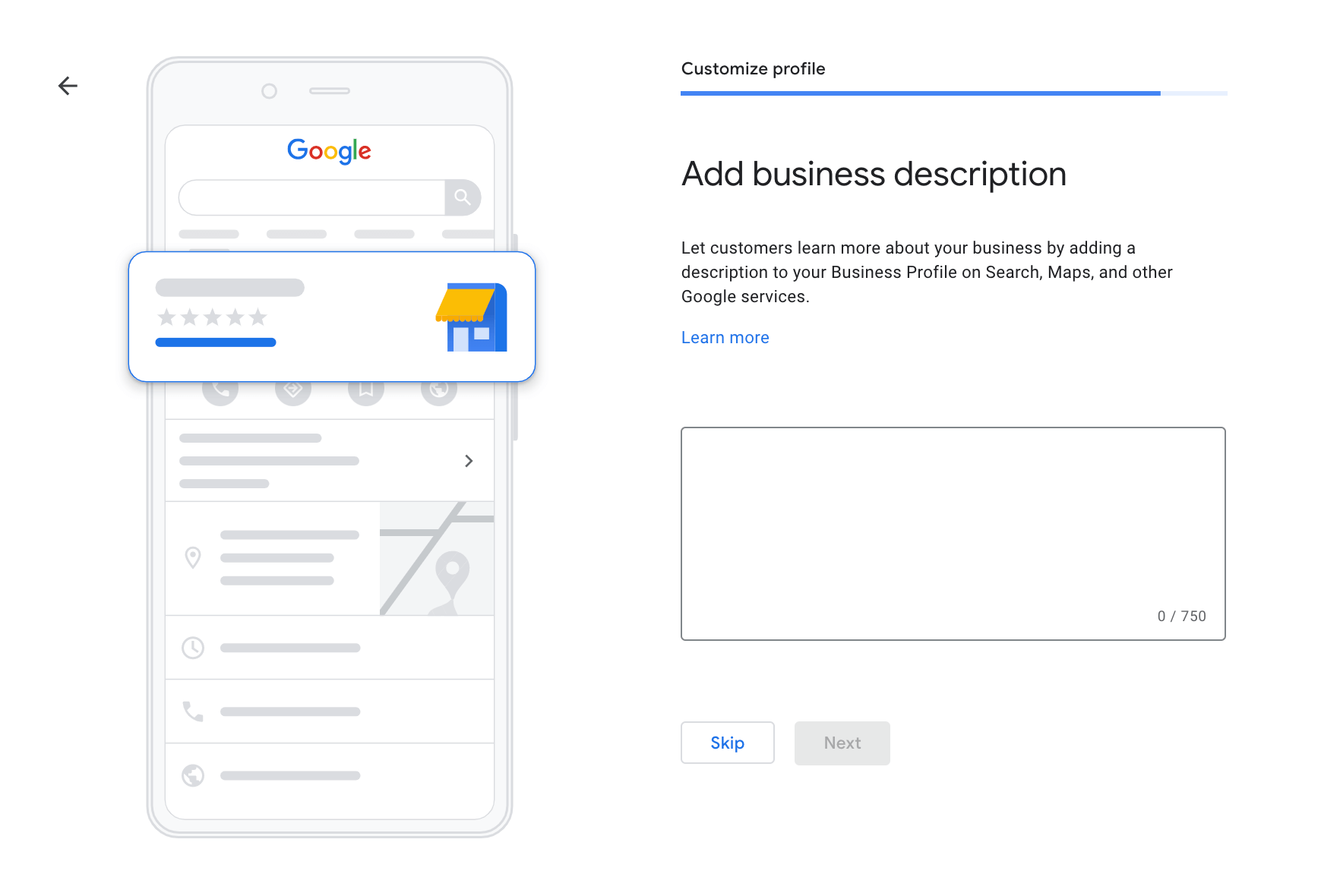
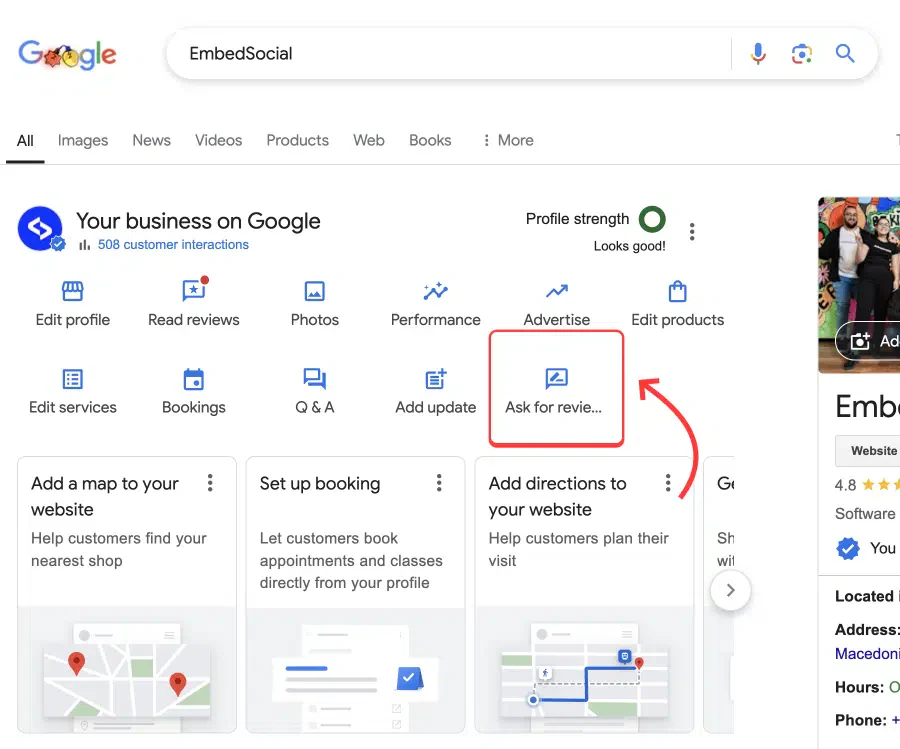
STEP 15 – Add Business Description (Keyword Section)
Write natural description.
Include keywords:
Digital marketing agency
SEO services
Google Ads
Website development
Example:
Digital Drolia is a digital marketing agency providing SEO services, website development, Google Ads management, and social media marketing solutions for businesses looking to grow online.
SEO Tip:
Use keywords naturally.
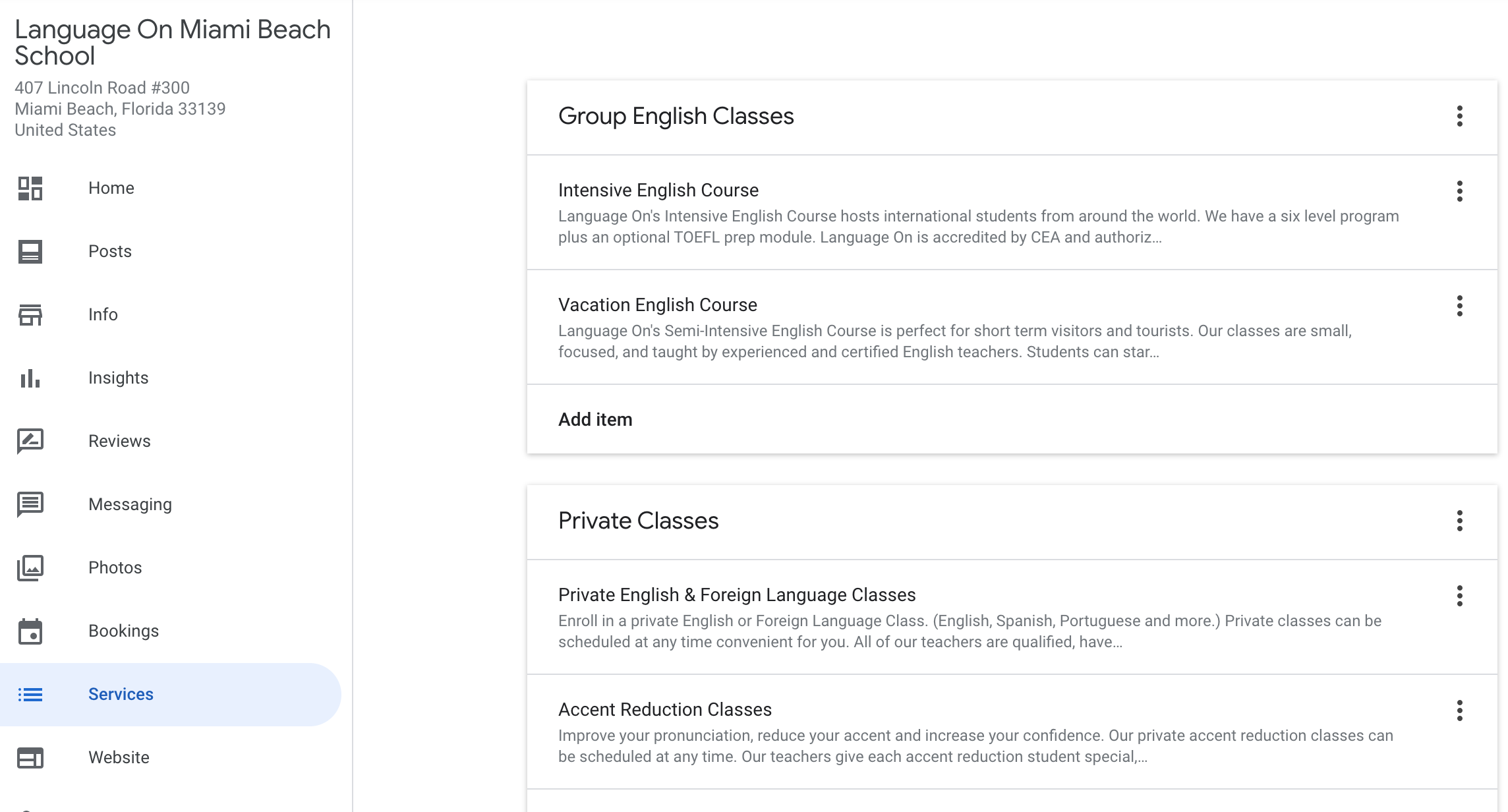
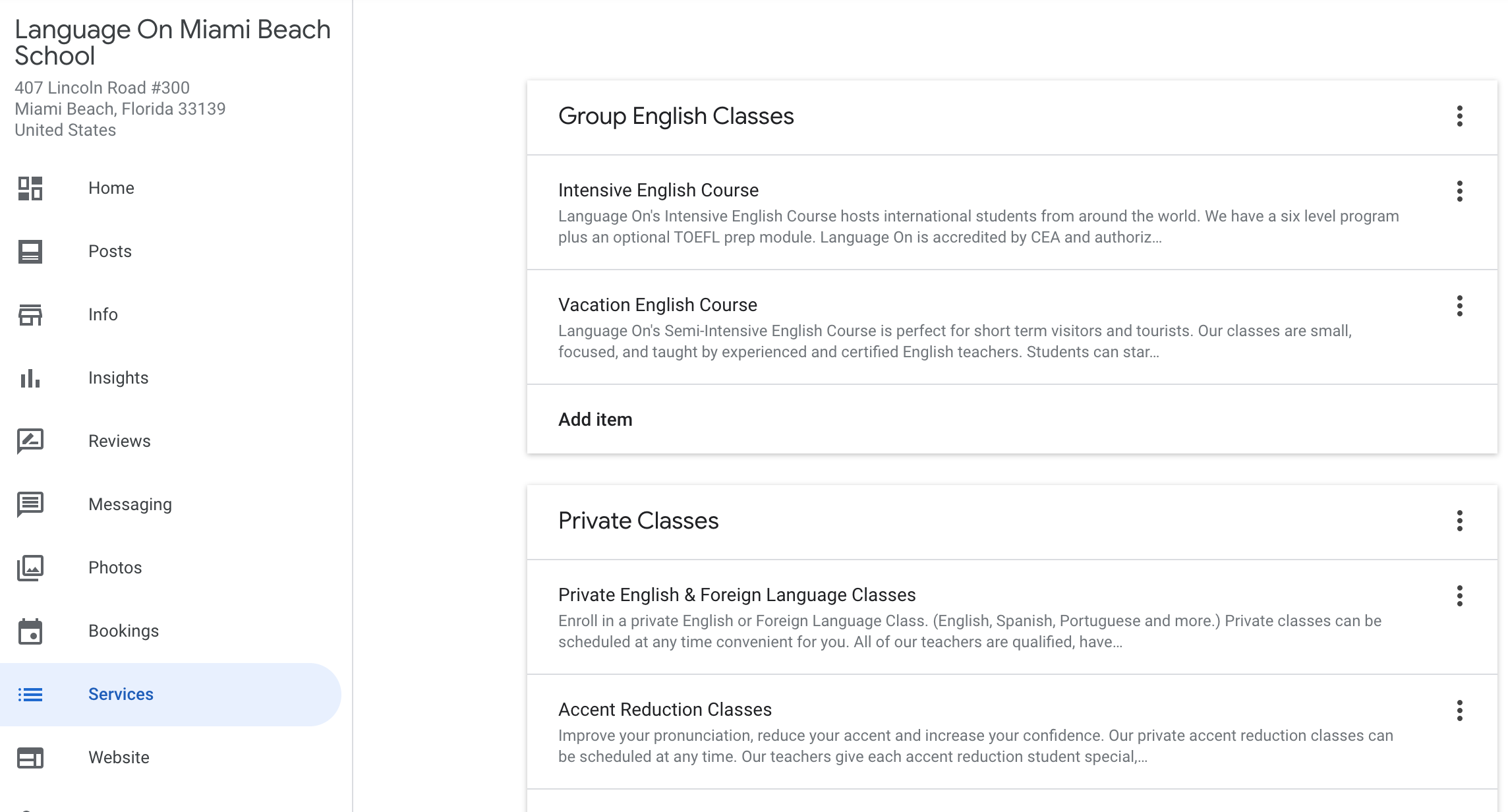
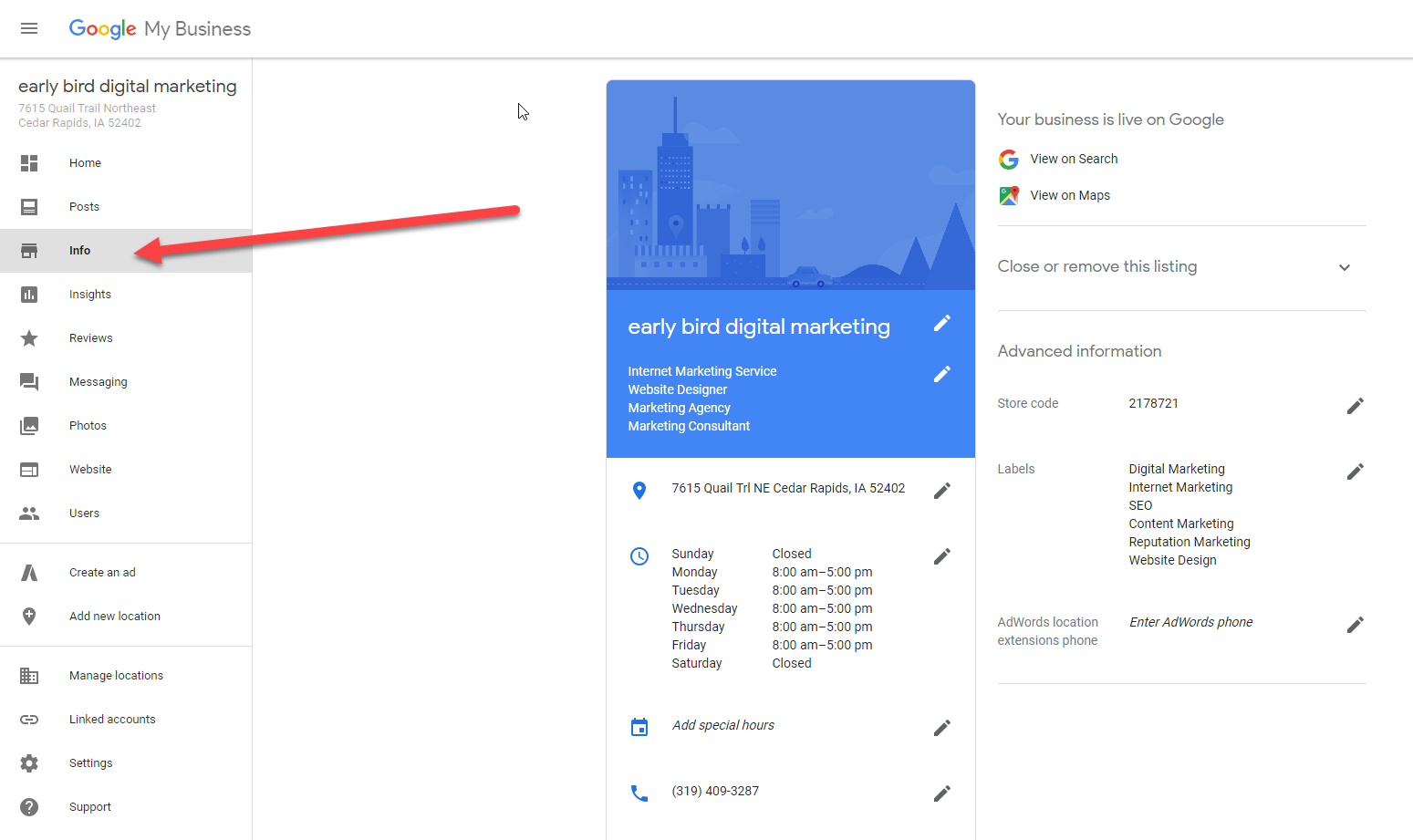
STEP 16 – Add Services (Keyword Expansion Strategy)
This is one of the most underrated Google Maps SEO steps.
Every service you add becomes a searchable keyword.
This means if you add:
SEO Services
Website Development
Google Ads Management
Facebook Ads
Local SEO
Lead Generation
You increase your chances of appearing in more searches.
Most businesses add only 3–4 services.
Professionally optimized profiles contain 15–30 services.
SEO Tip:
Search your competitors and copy all relevant services they have added.
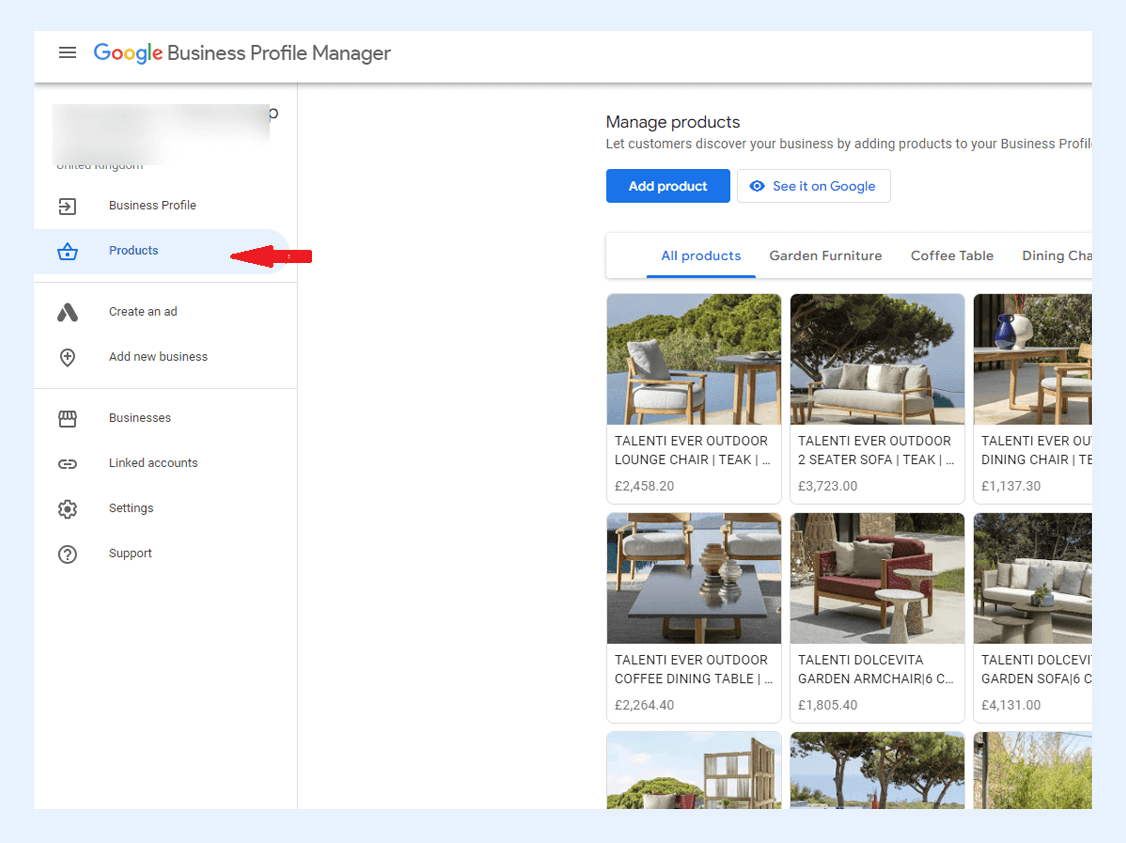
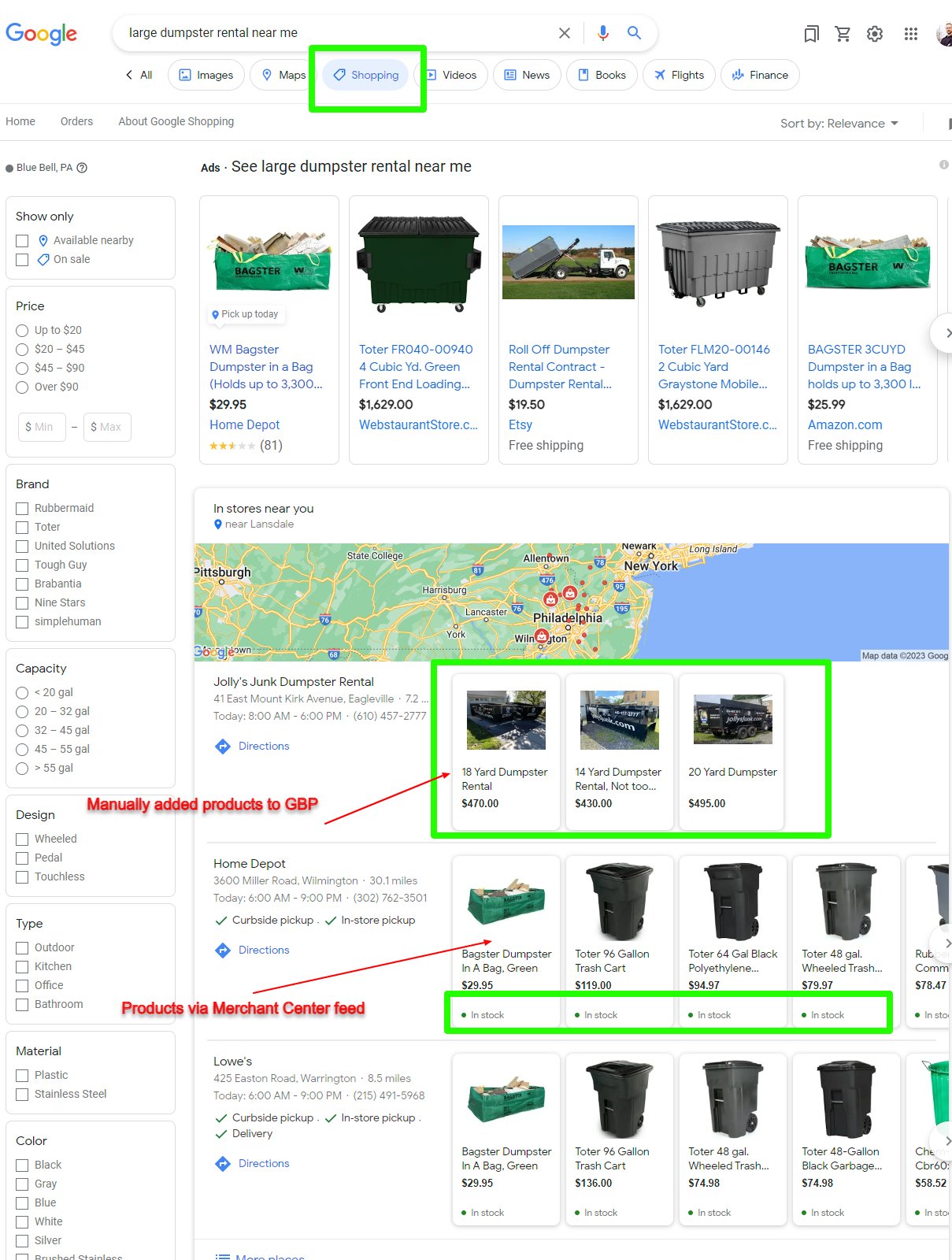
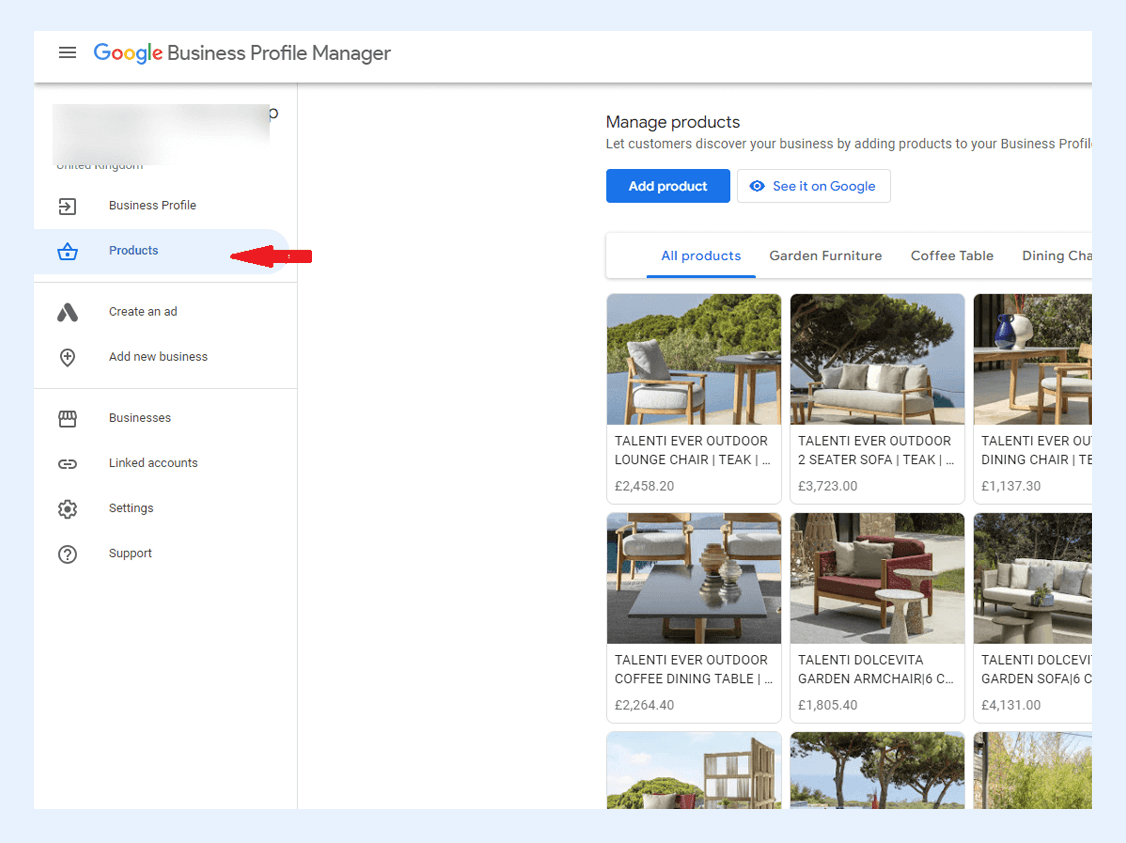
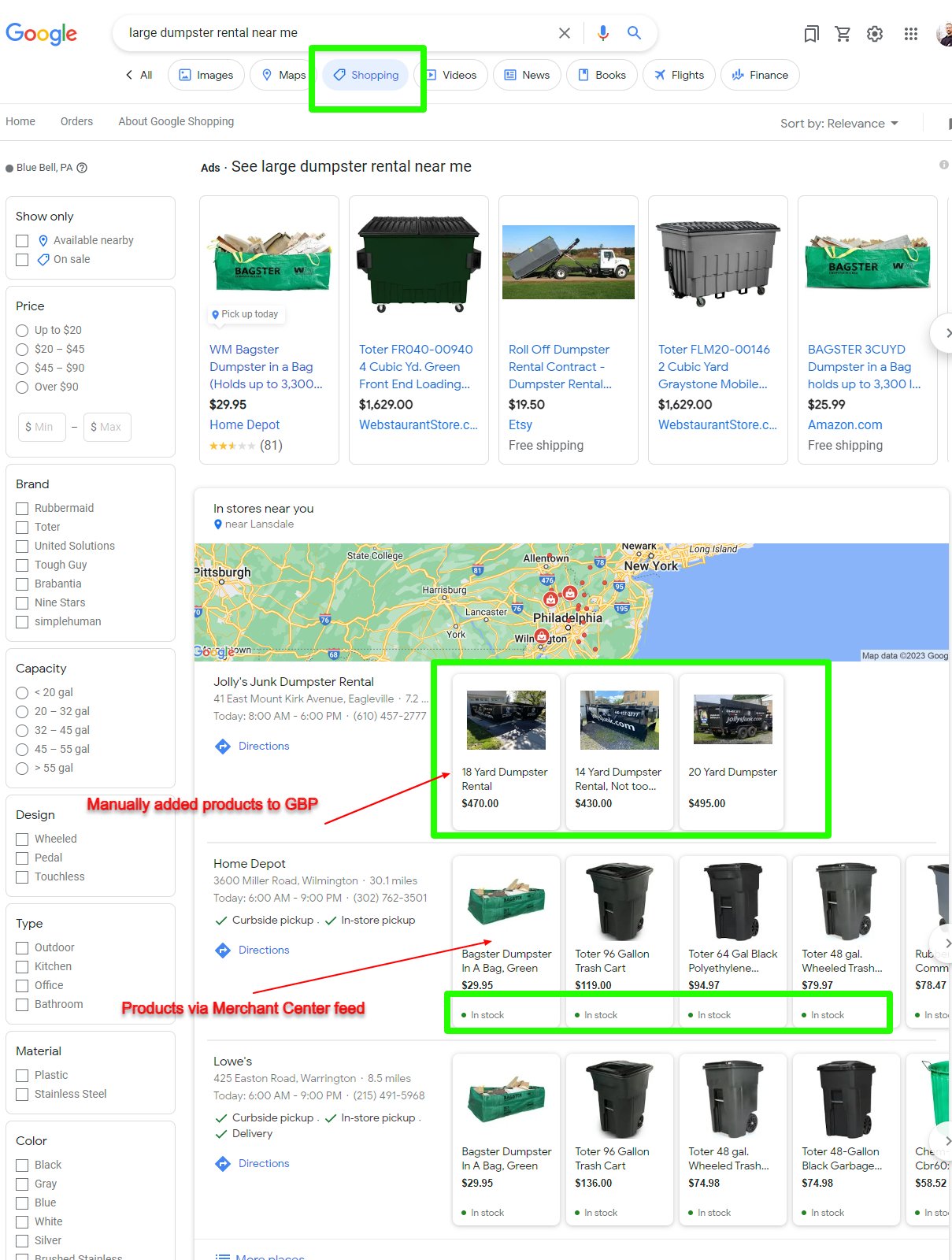
STEP 17 – Add Products (CTR Optimization Strategy)
Many service businesses ignore product section.
Big mistake.
Google allows you to showcase your service packages as products.
Example:
SEO Starter Package
Website Development Package
Google Ads Management Package
Social Media Marketing Package
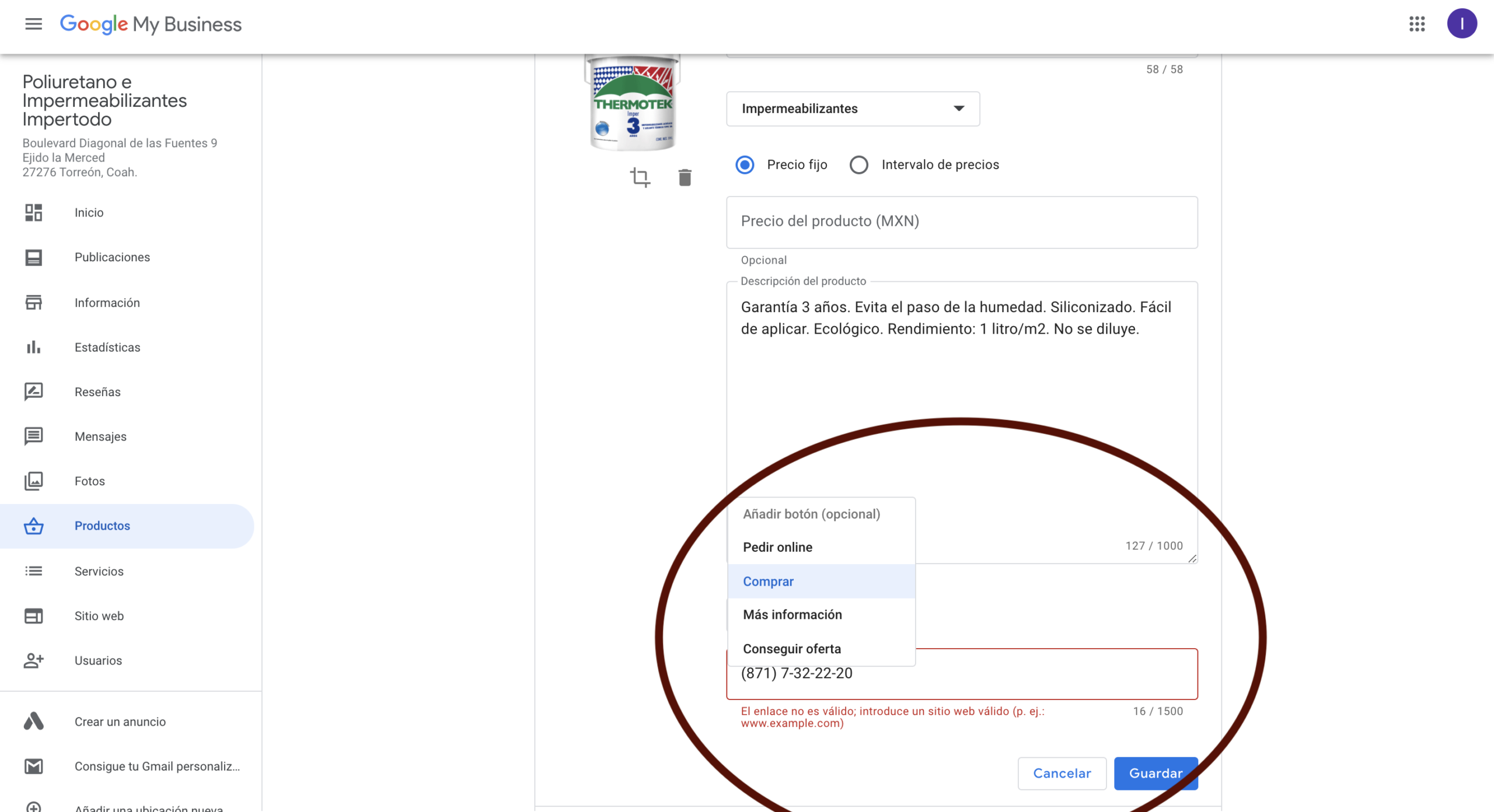
Each product can include:
Image
Description
Price (optional)
Call button
This improves click-through-rate (CTR).
SEO Tip:
Add at least 5 products/services packages.
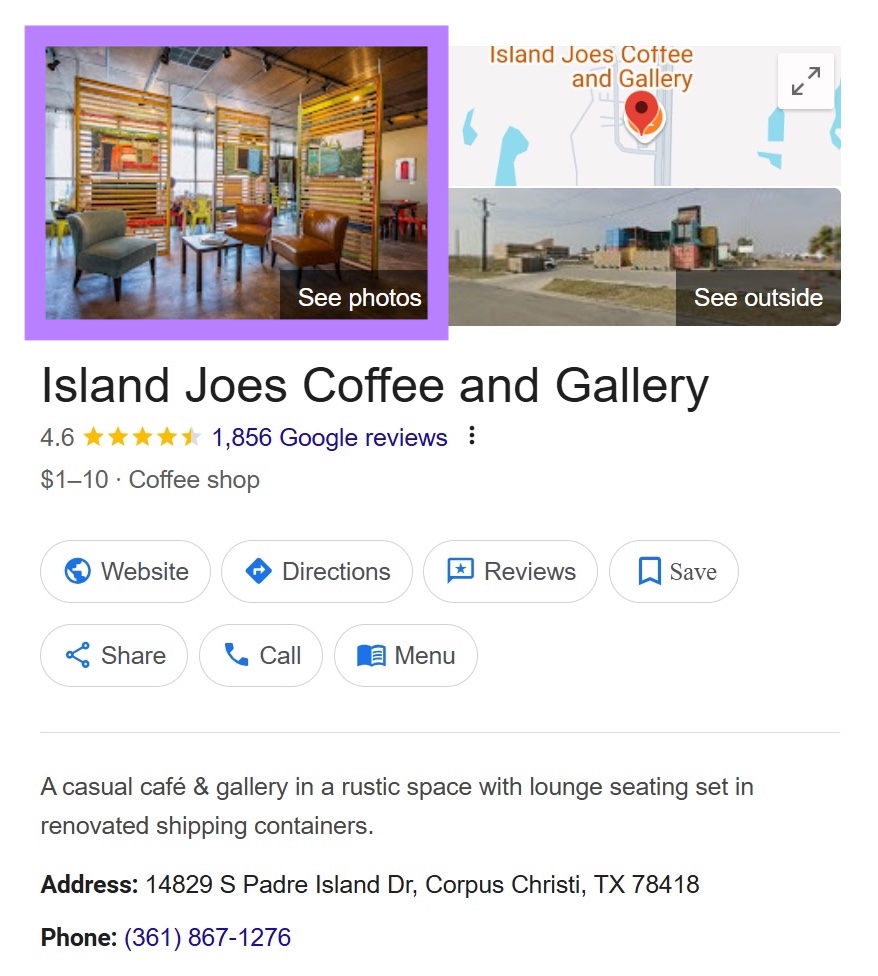
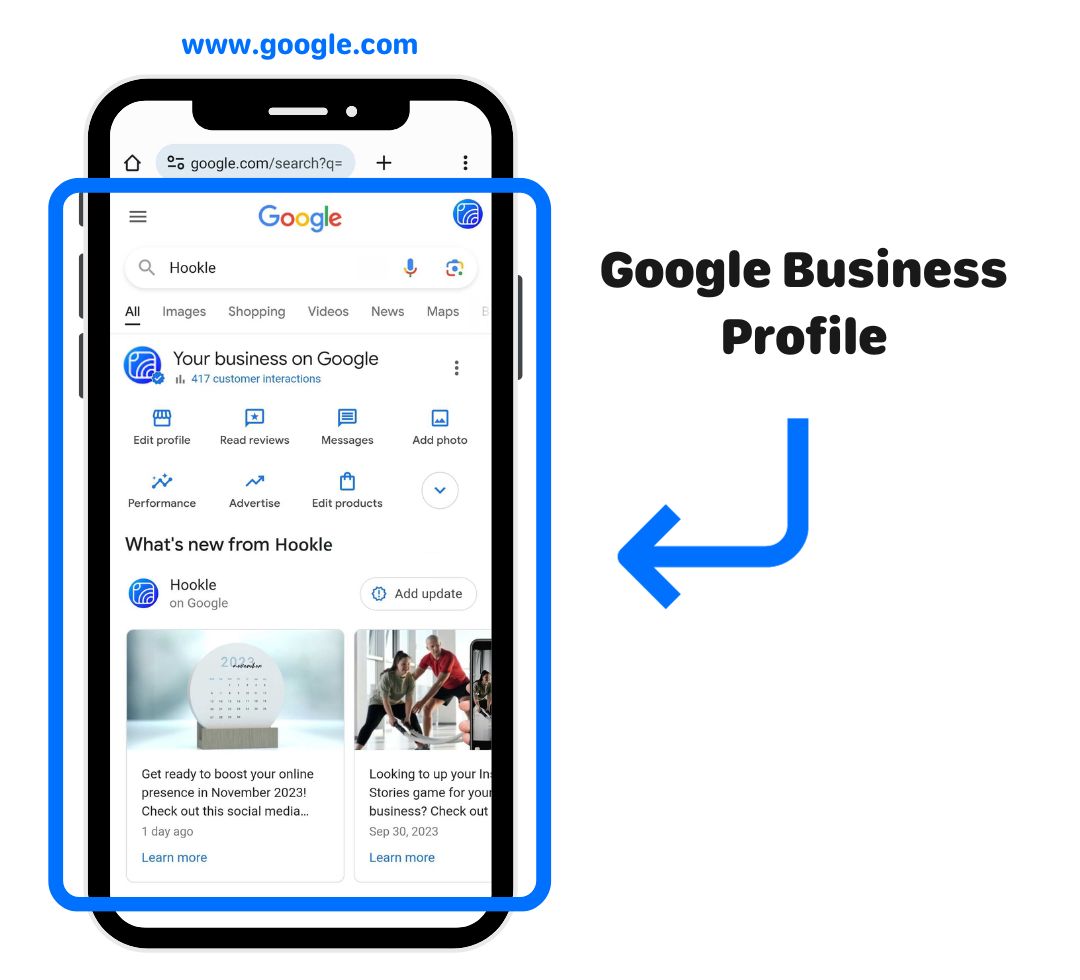
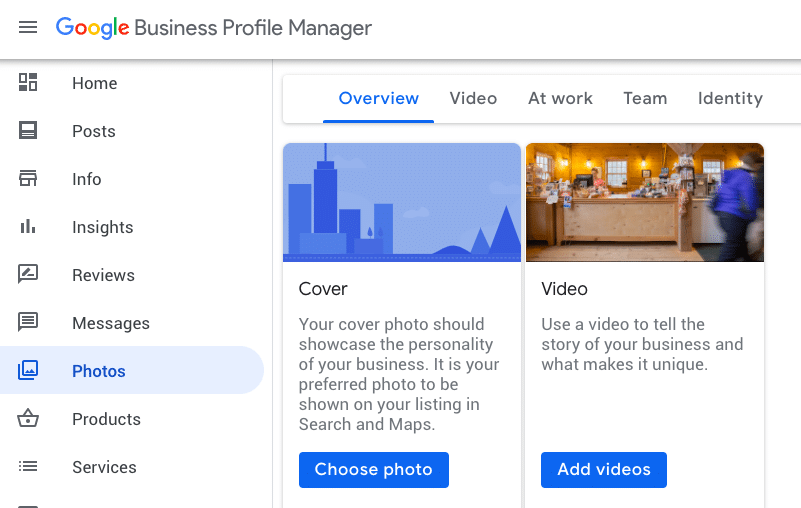
STEP 18 – Upload High Quality Photos Regularly
Google tracks activity.
Active profiles rank better.
Upload:
Office environment
Work process
Client meetings
Screenshots
Results
Certificates
Equipment
Businesses that upload photos regularly get more visibility.
SEO Tip:
Upload minimum:
2 photos weekly.
Consistency beats quantity.
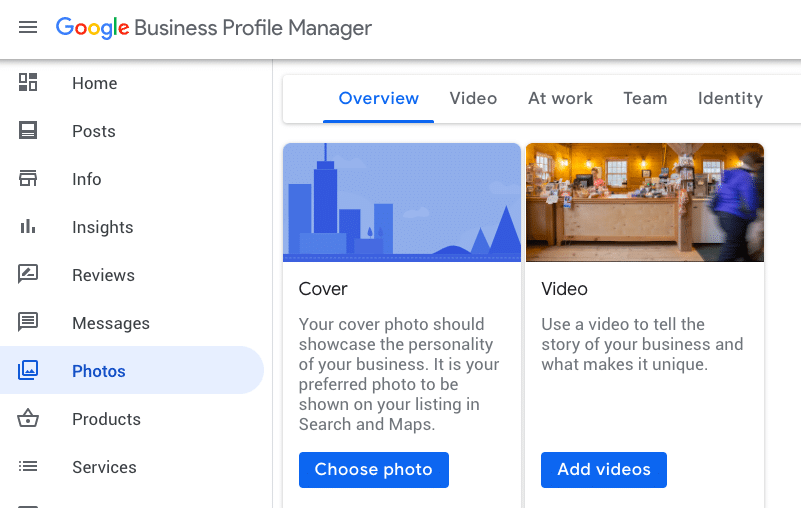
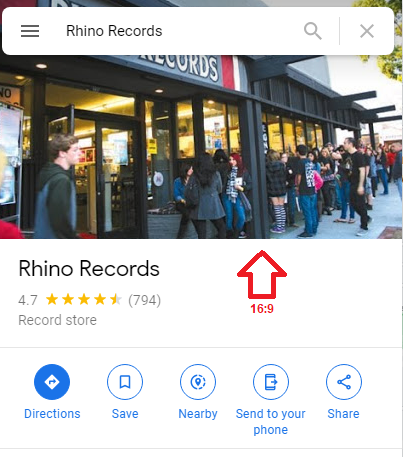
STEP 19 – Add Logo and Cover Image
Professional profiles always include:
Logo
Cover banner
Logo builds brand recall.
Cover image improves trust.
SEO Tip:
Use clear logo with white background.
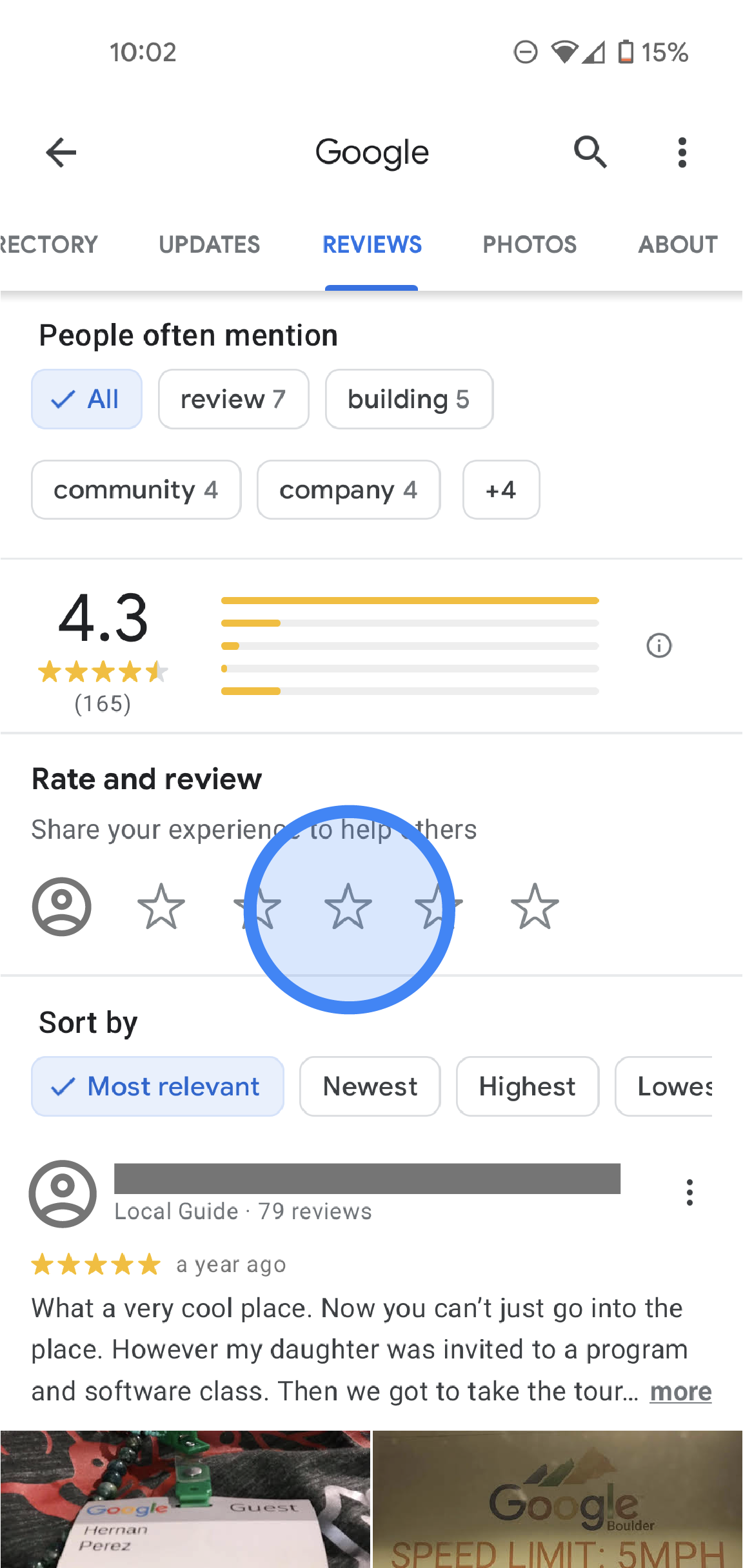
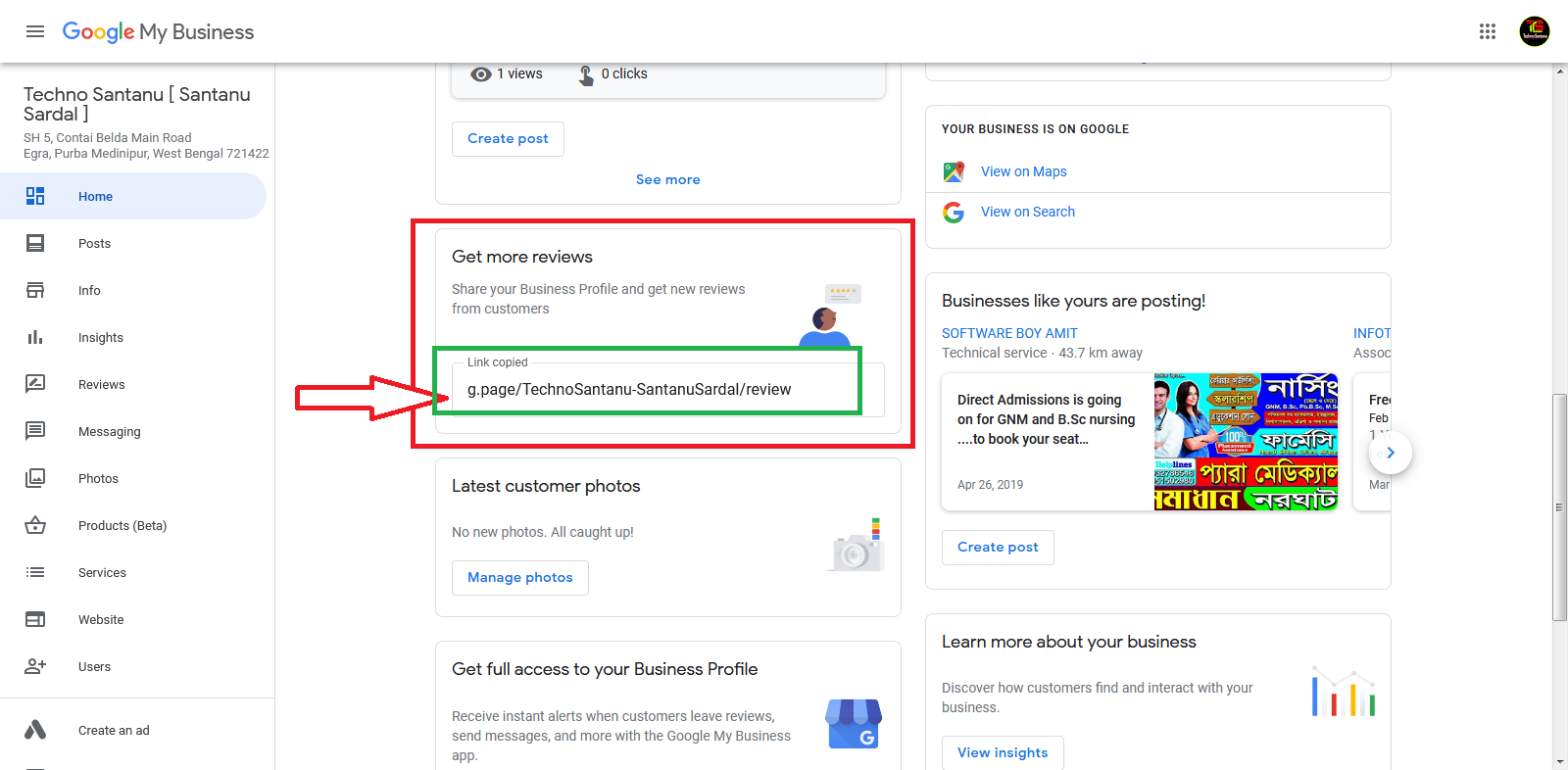
STEP 20 – Collect Customer Reviews (Authority Building SOP)
Reviews are the biggest ranking factor.
Not ads.
Not posts.
Not description.
Reviews.
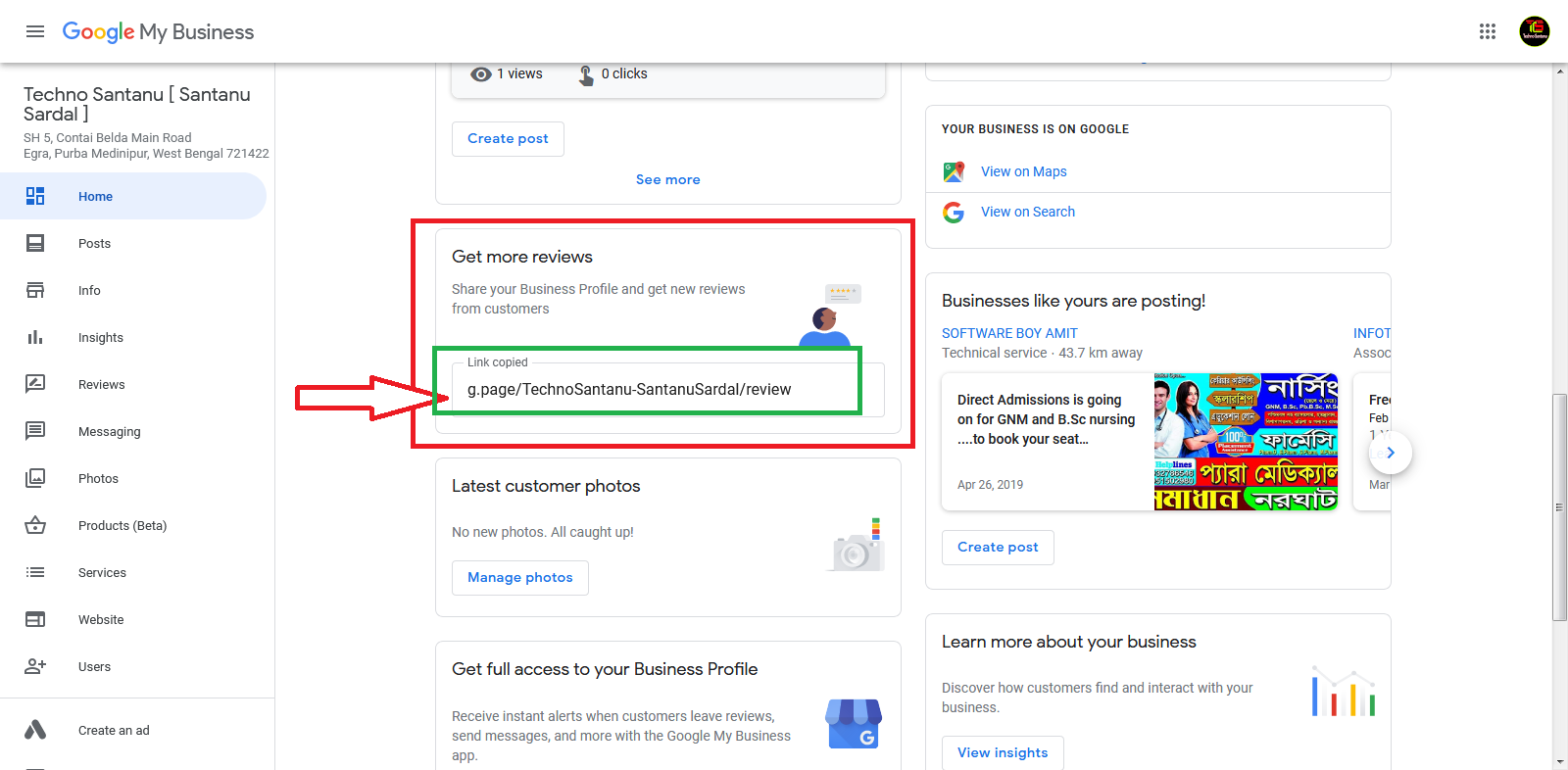
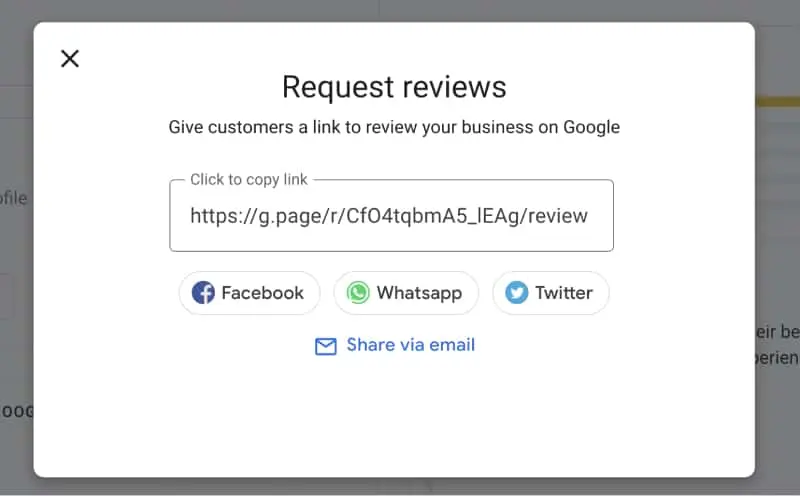
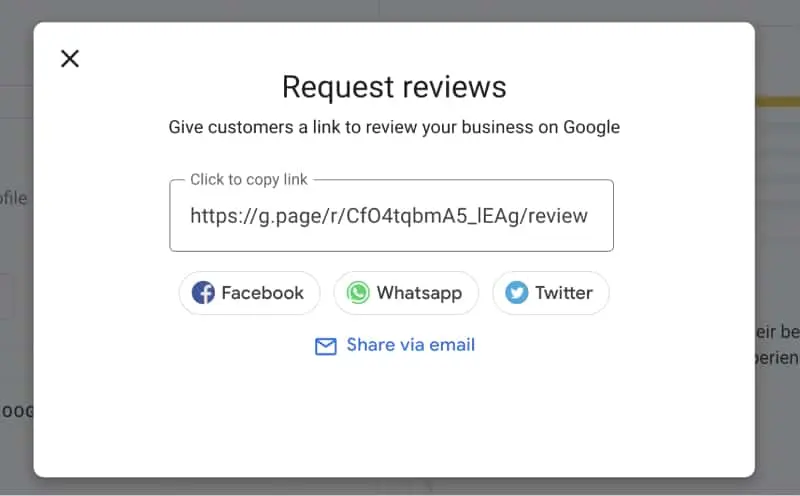
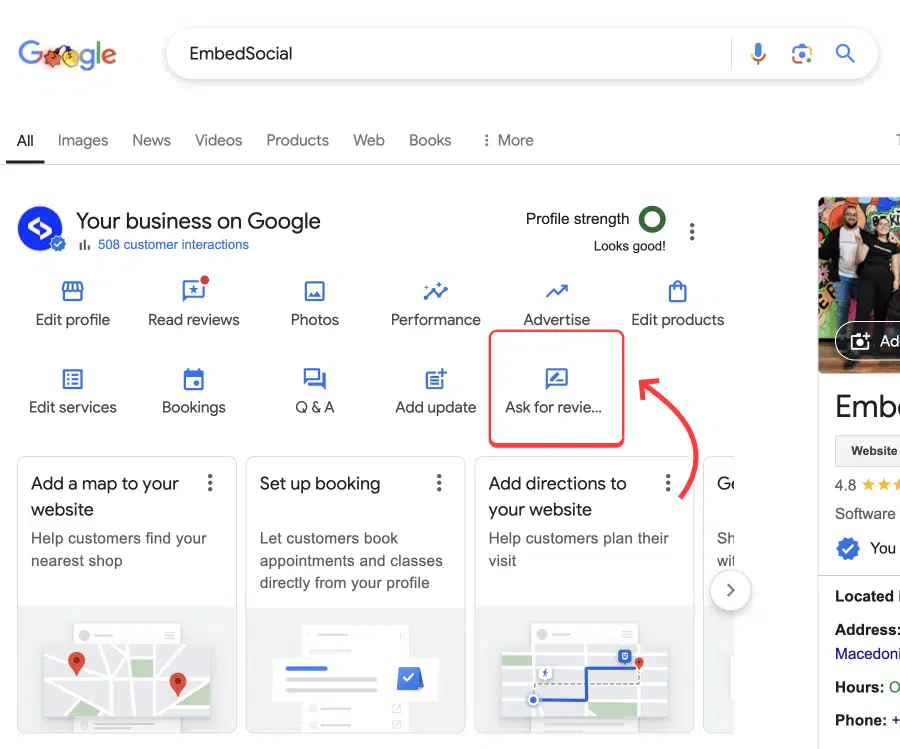
Create a simple review SOP:
After completing service:
Send WhatsApp message.
Example message:
Hello Sir,
Thank you for choosing our services. Your feedback helps us improve. Please share your experience here.
Send review link.
SEO Tip:
Target:
First 50 reviews fast.
Then:
100 reviews.
Businesses above 100 reviews dominate trust.
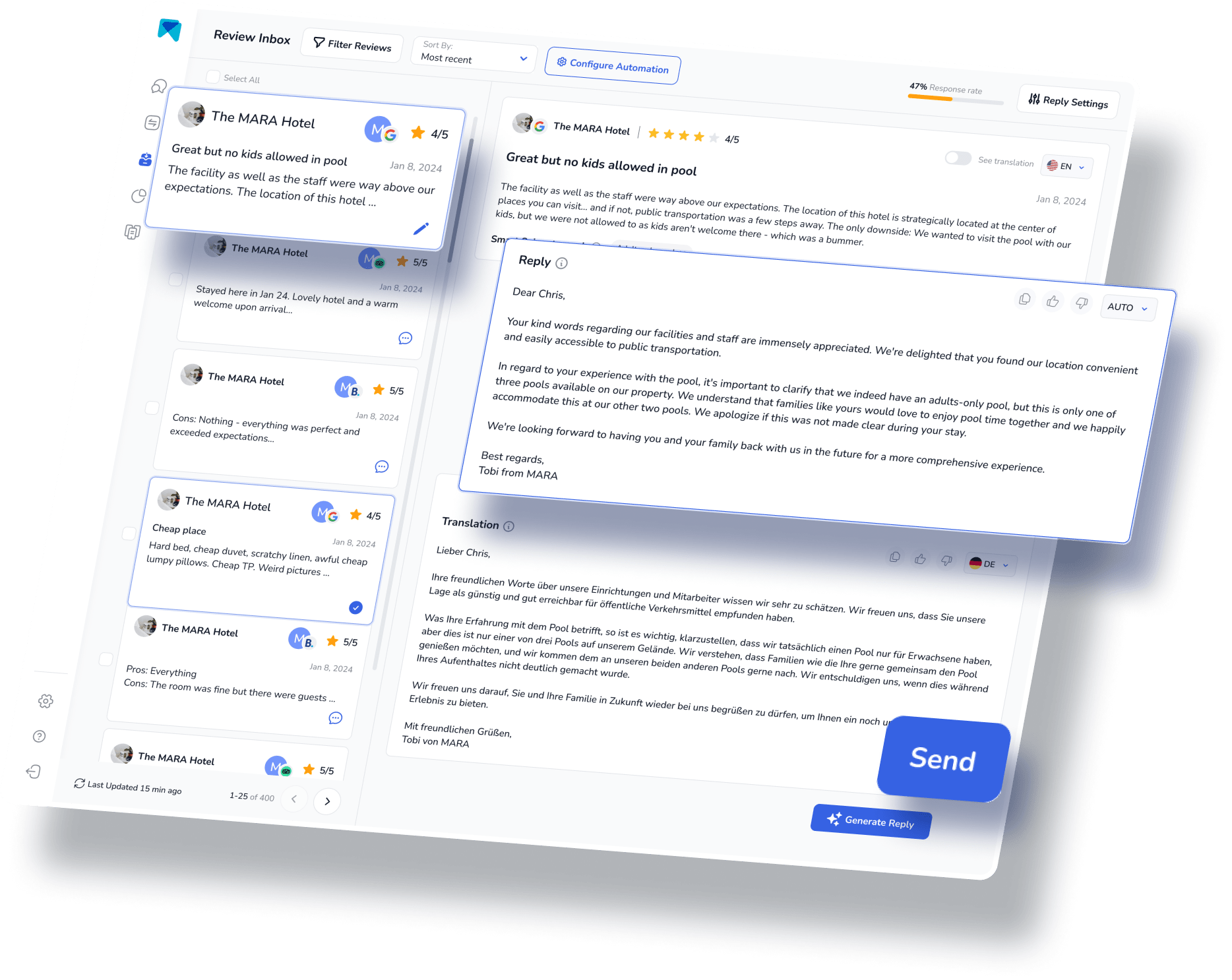
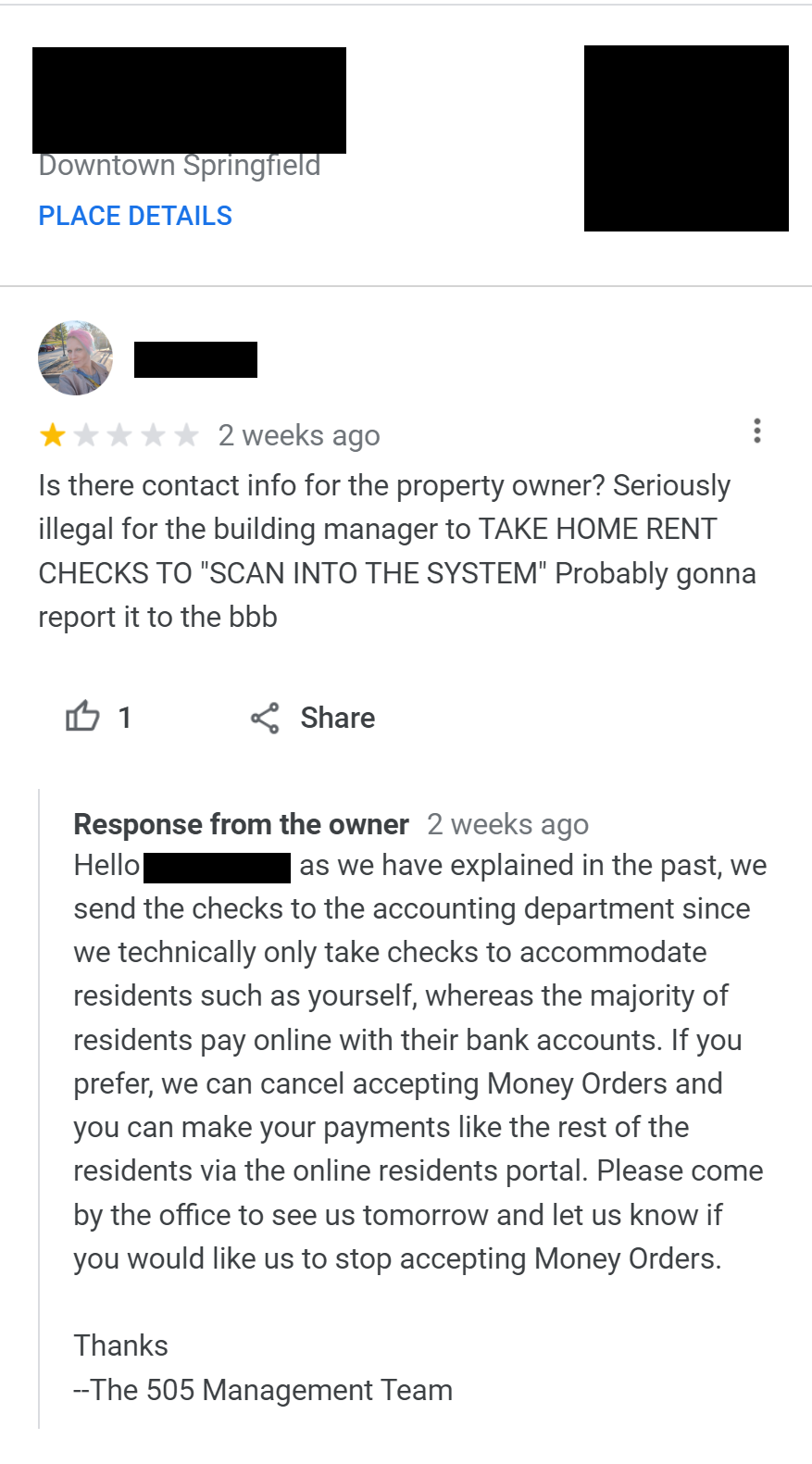
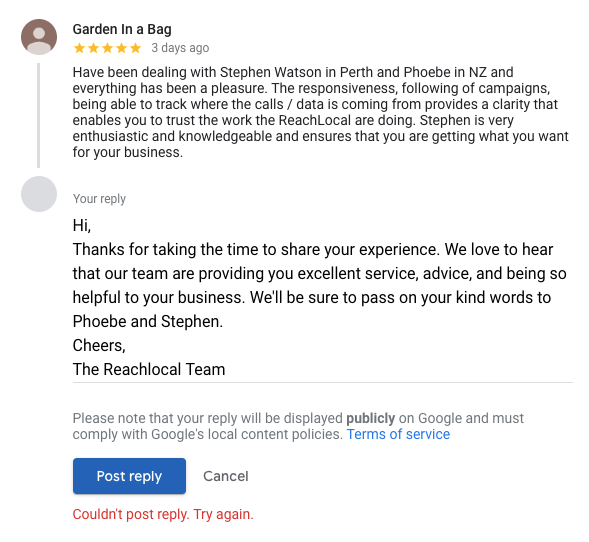
STEP 21 – Always Reply to Reviews
Most businesses ignore this.
Google tracks engagement.
Reply to:
Positive reviews
Negative reviews
Neutral reviews
Example reply:
Thank you for your valuable feedback. We are happy you liked our service.
SEO Tip:
Businesses replying to reviews rank better.
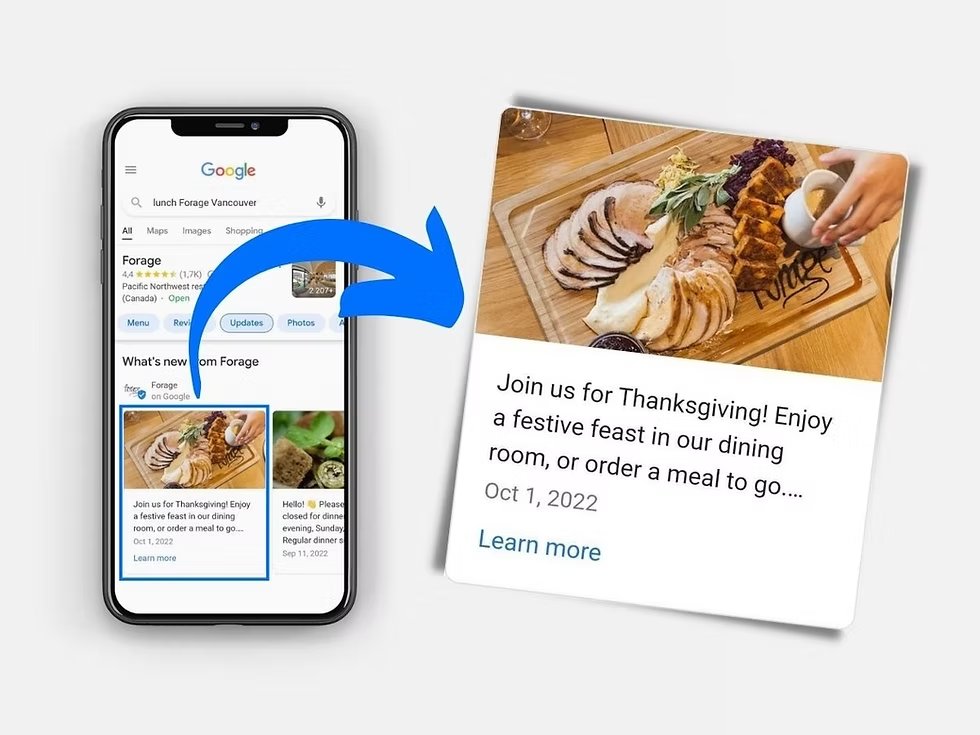
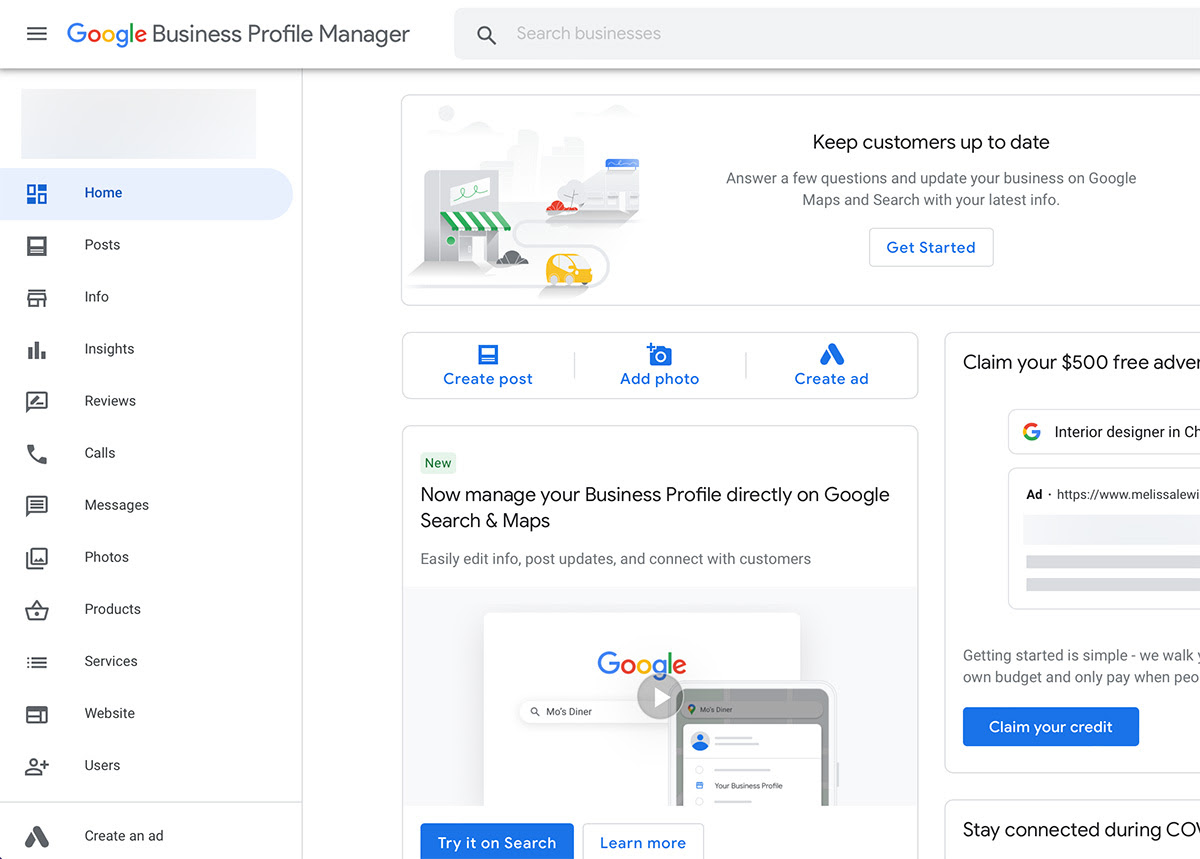
STEP 22 – Post Regular Updates (Freshness Signal)
Google allows posting.
Almost nobody uses it.
Opportunity.
You can post:
Offers
Tips
Updates
Announcements
Case studies
SEO Tip:
Post twice weekly.
Google rewards active profiles.
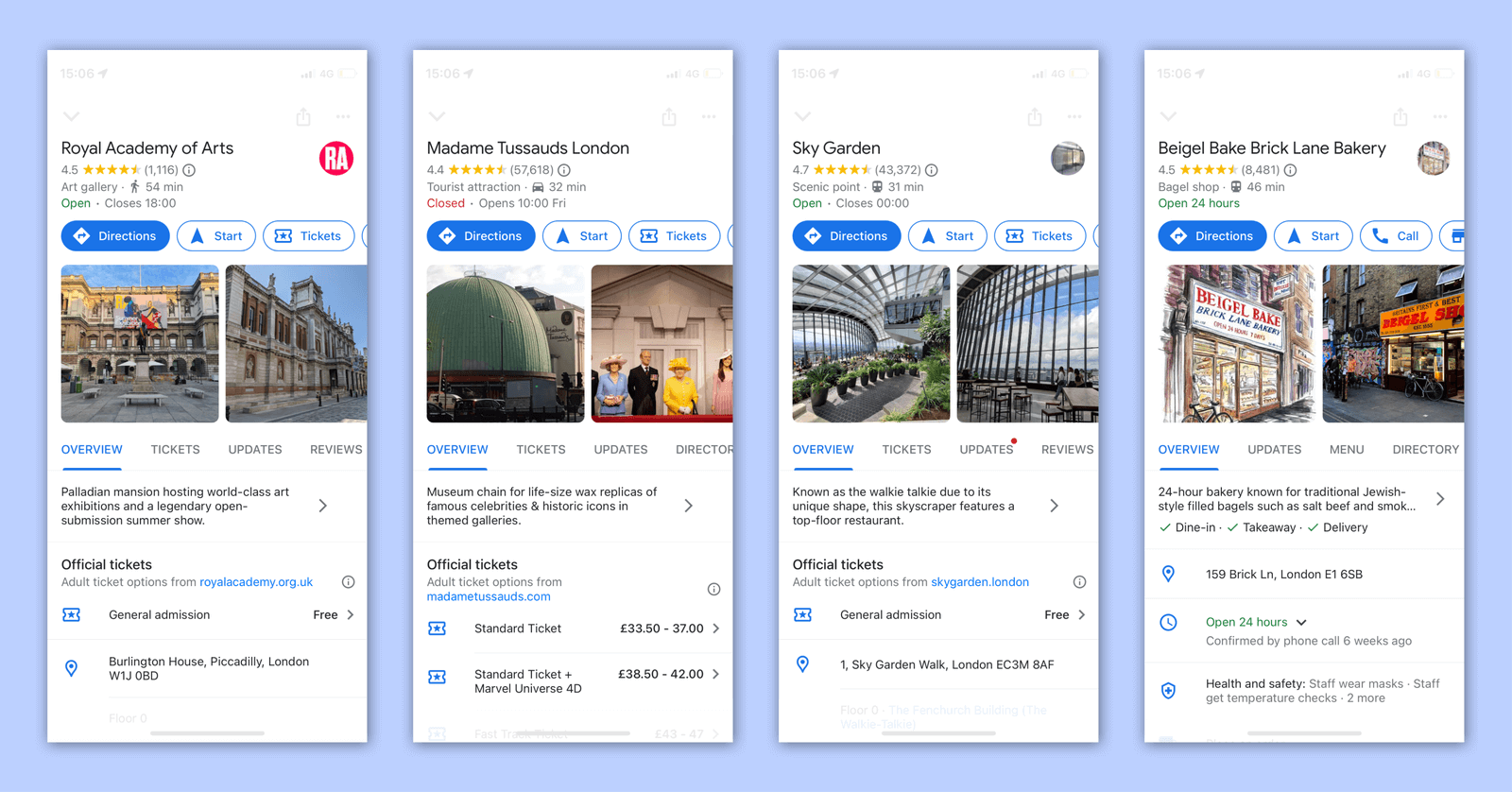
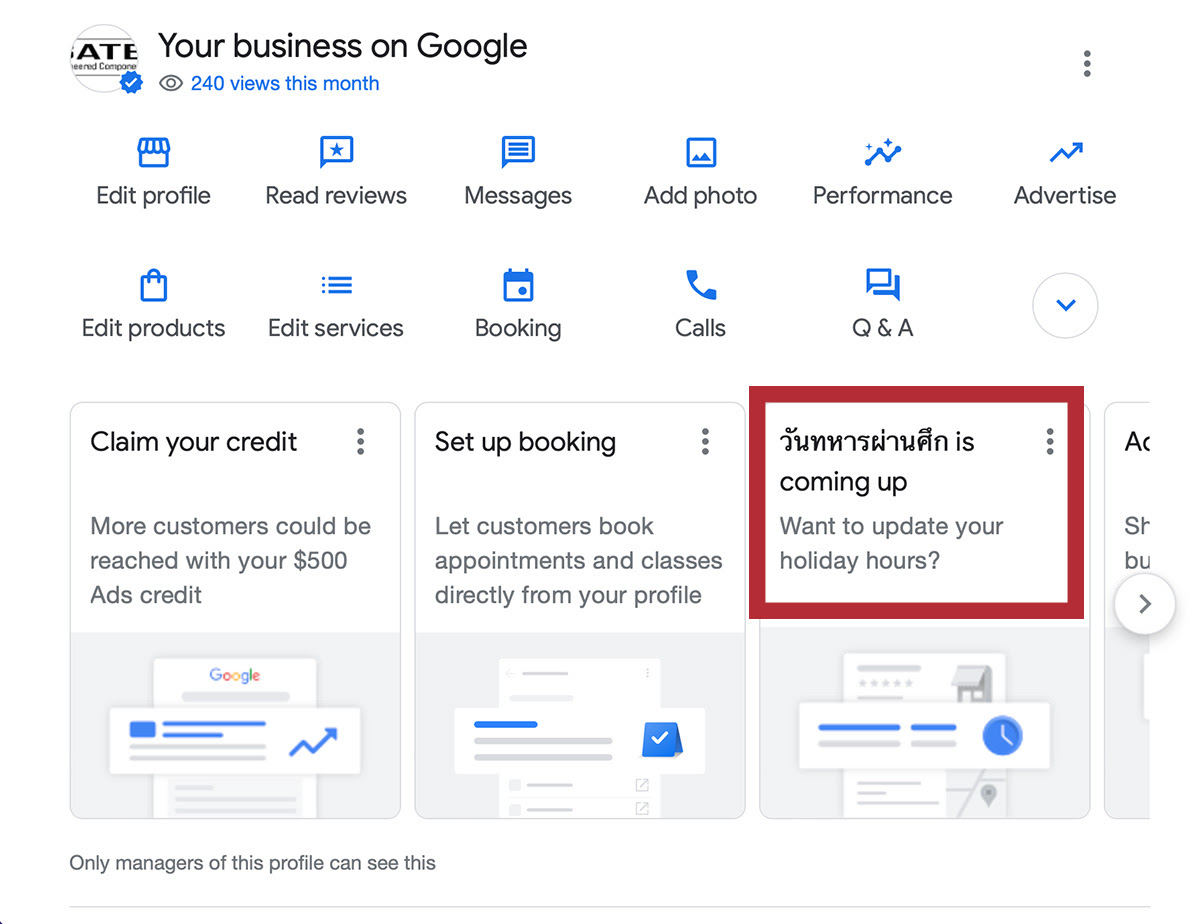
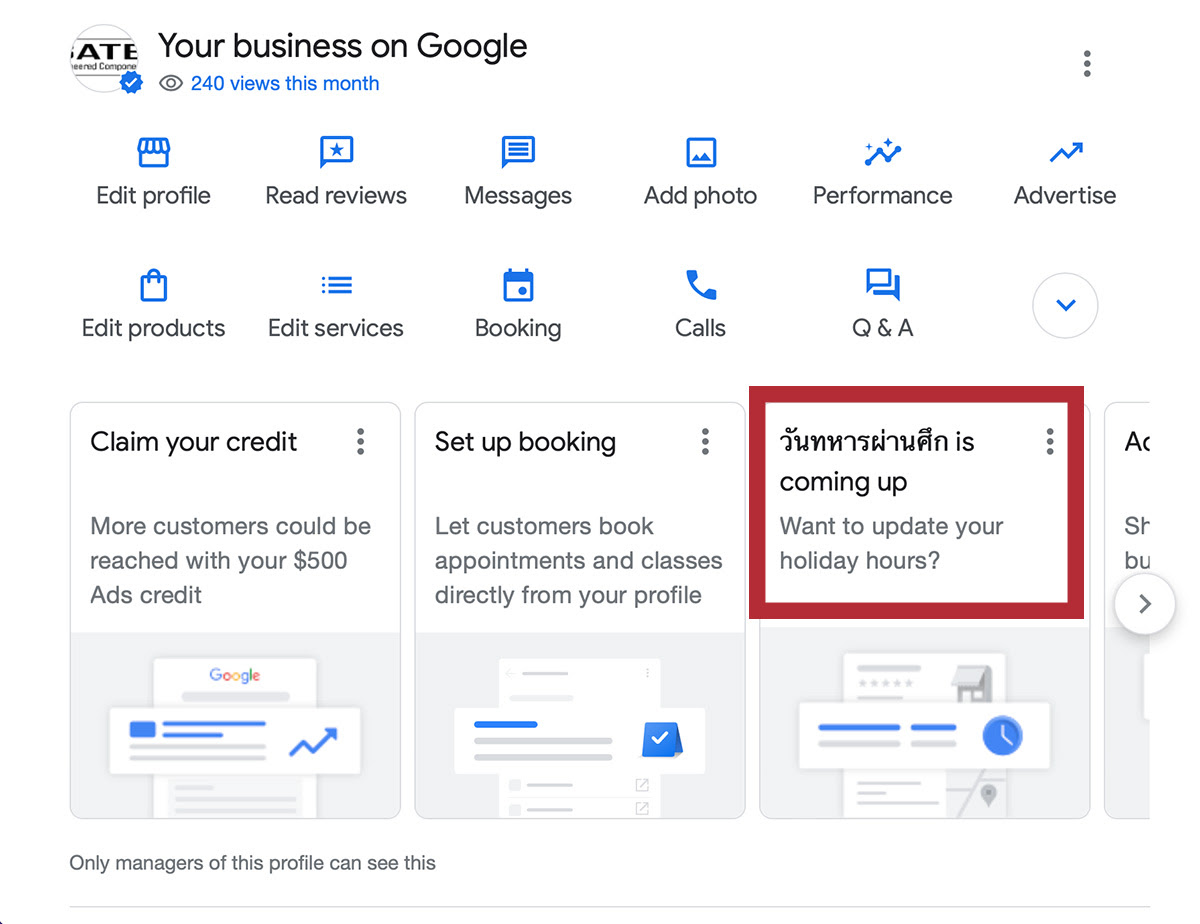
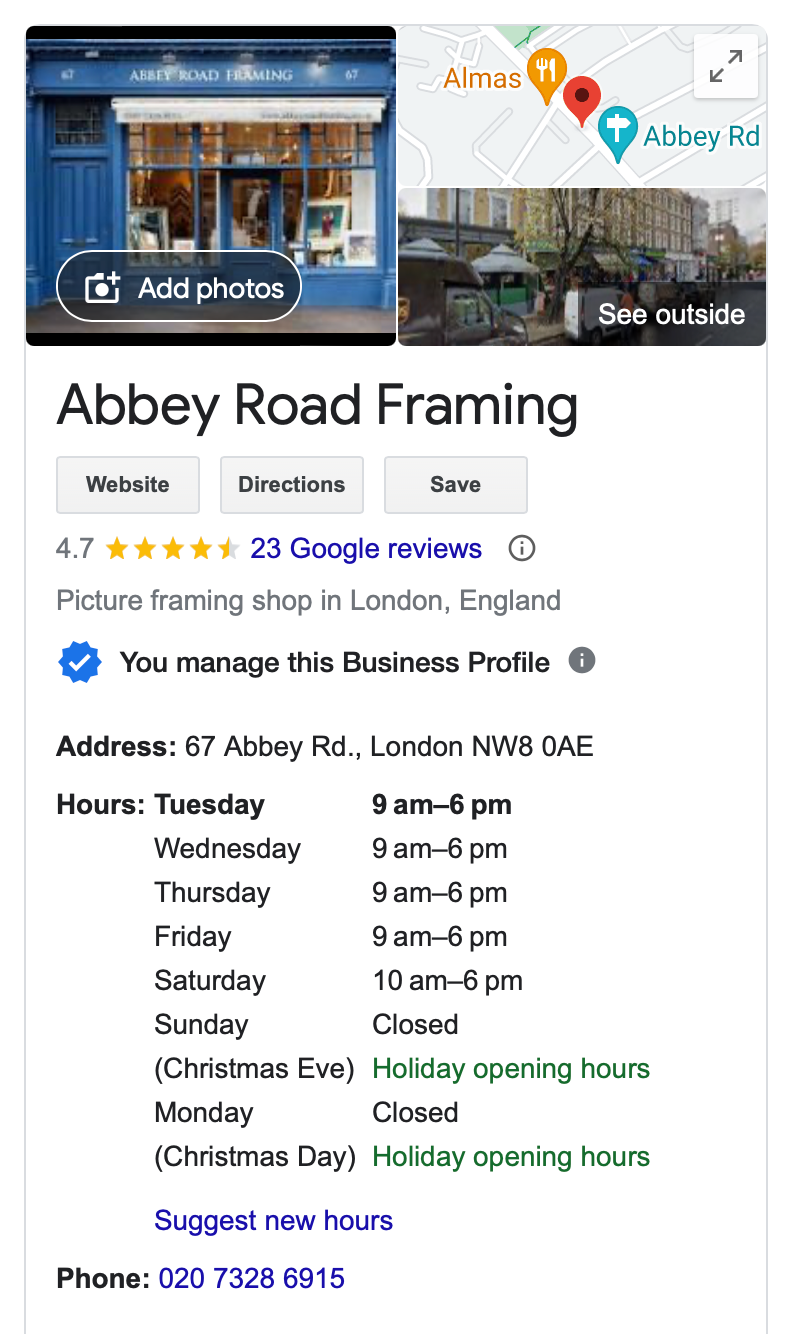
STEP 23 – Add Business Hours Properly
Customers check timings before calling.
Wrong hours lose leads.
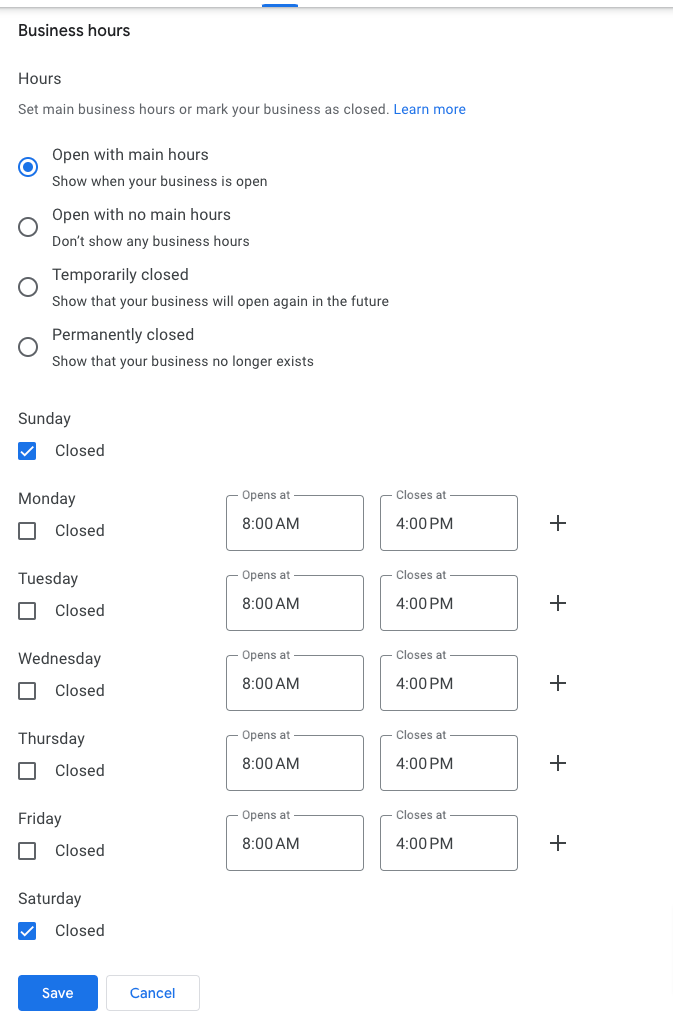
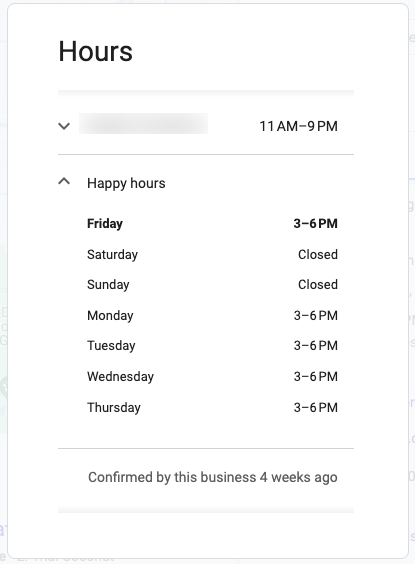
Always update:
Working hours
Holiday hours
Special timings
SEO Tip:
Businesses marked “Open Now” get more calls.
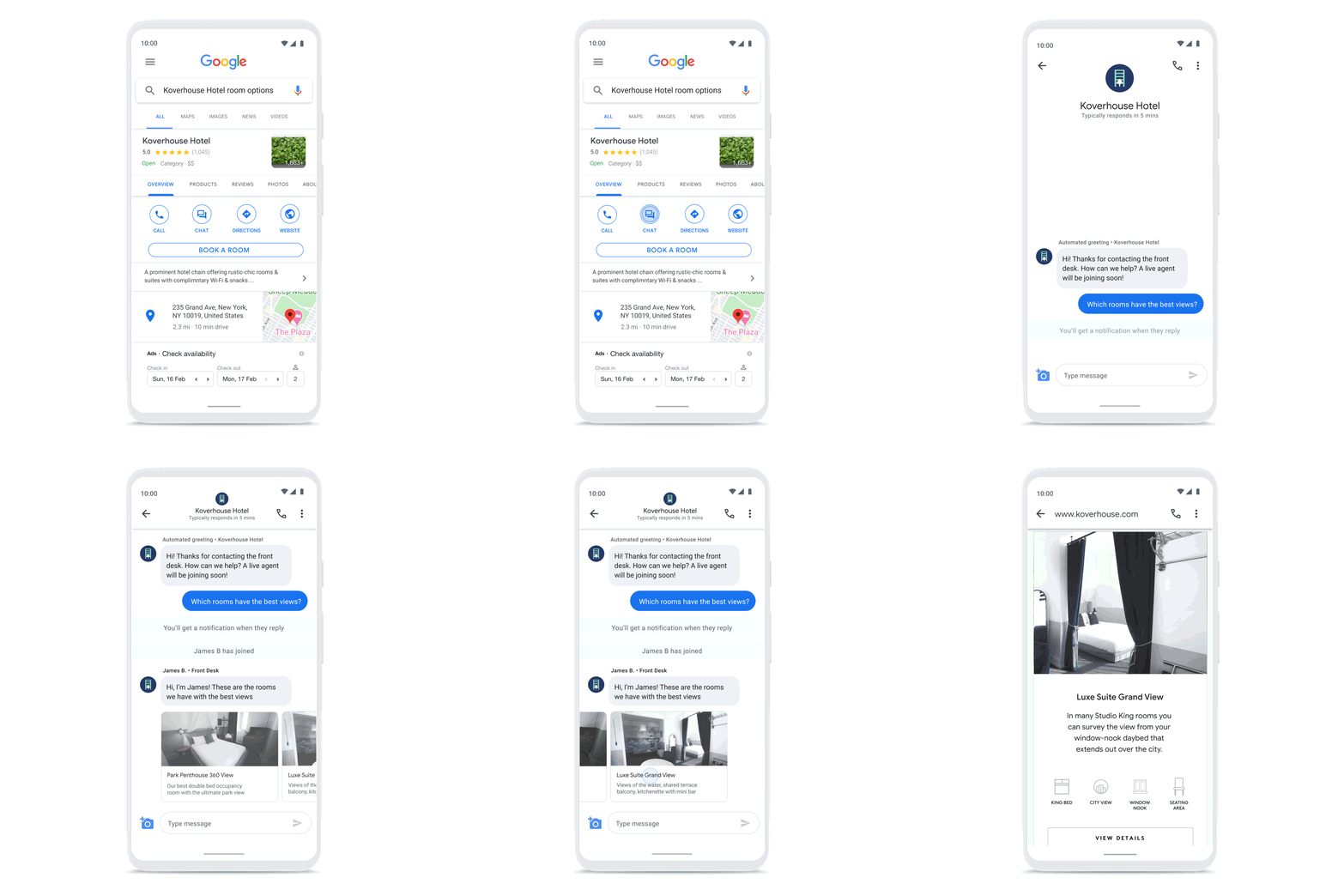
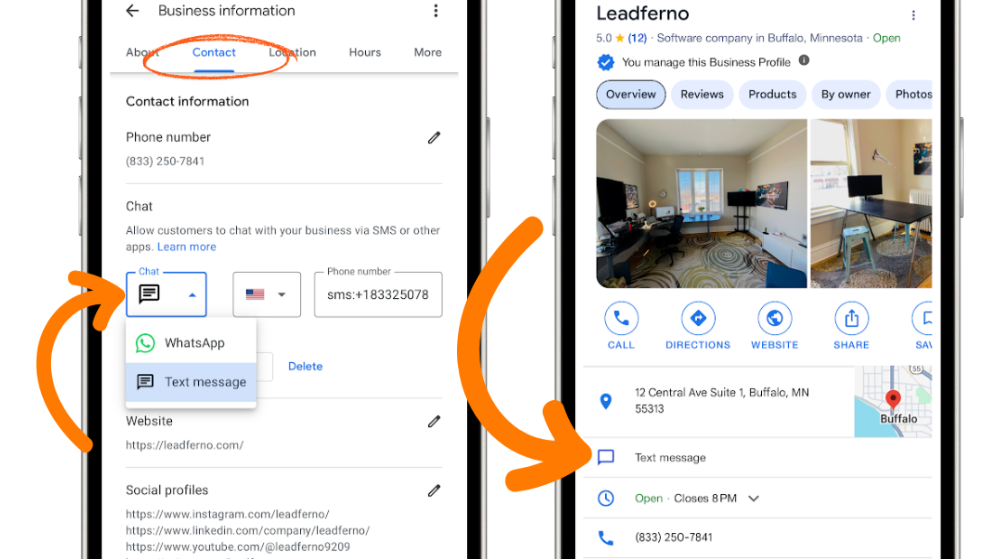
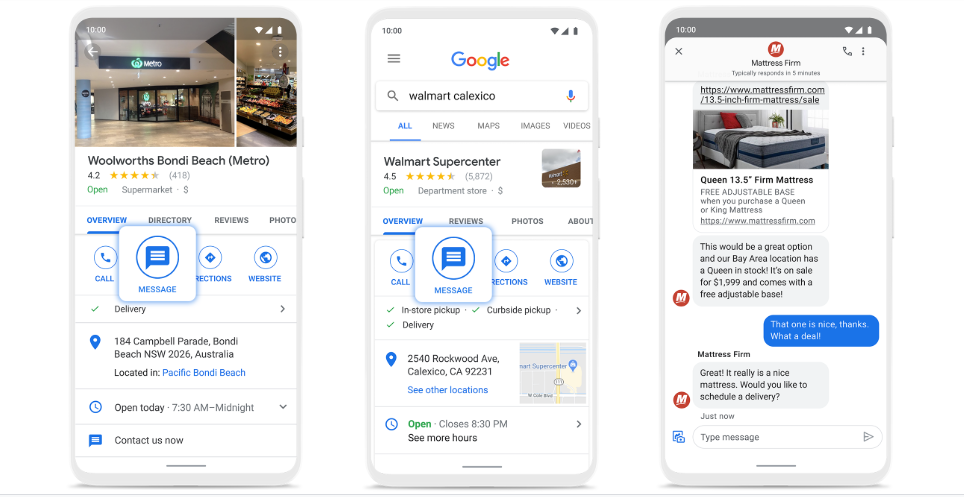
STEP 24 – Enable Messaging Feature
Google allows direct messaging.
Enable it.
Customers prefer messaging over calling sometimes.
SEO Tip:
Reply within 10 minutes.
Fast response improves ranking signals.
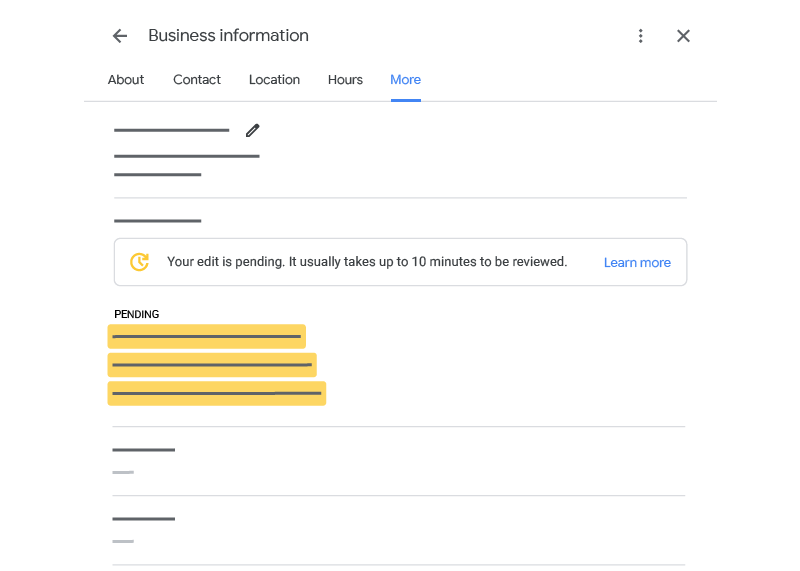
STEP 25 – Connect Your Website (Authority Signal)
Your website increases prominence score.
Add website link.
Ensure website includes:
Service pages
Location keywords
Contact page
Mobile optimization
SEO Tip:
Website improves local SEO authority.
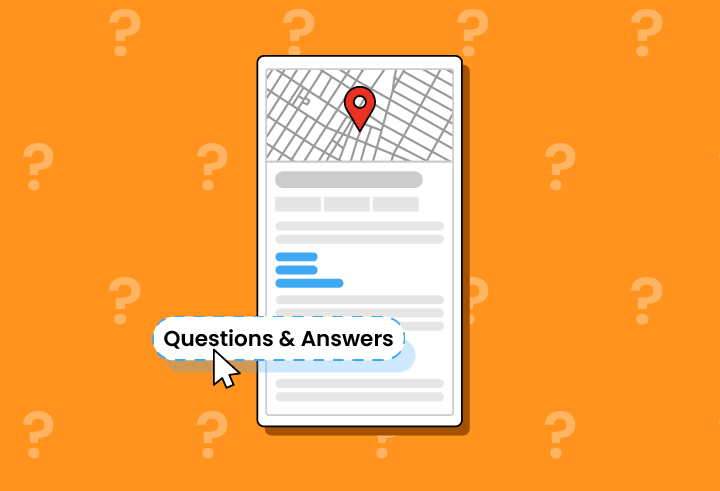
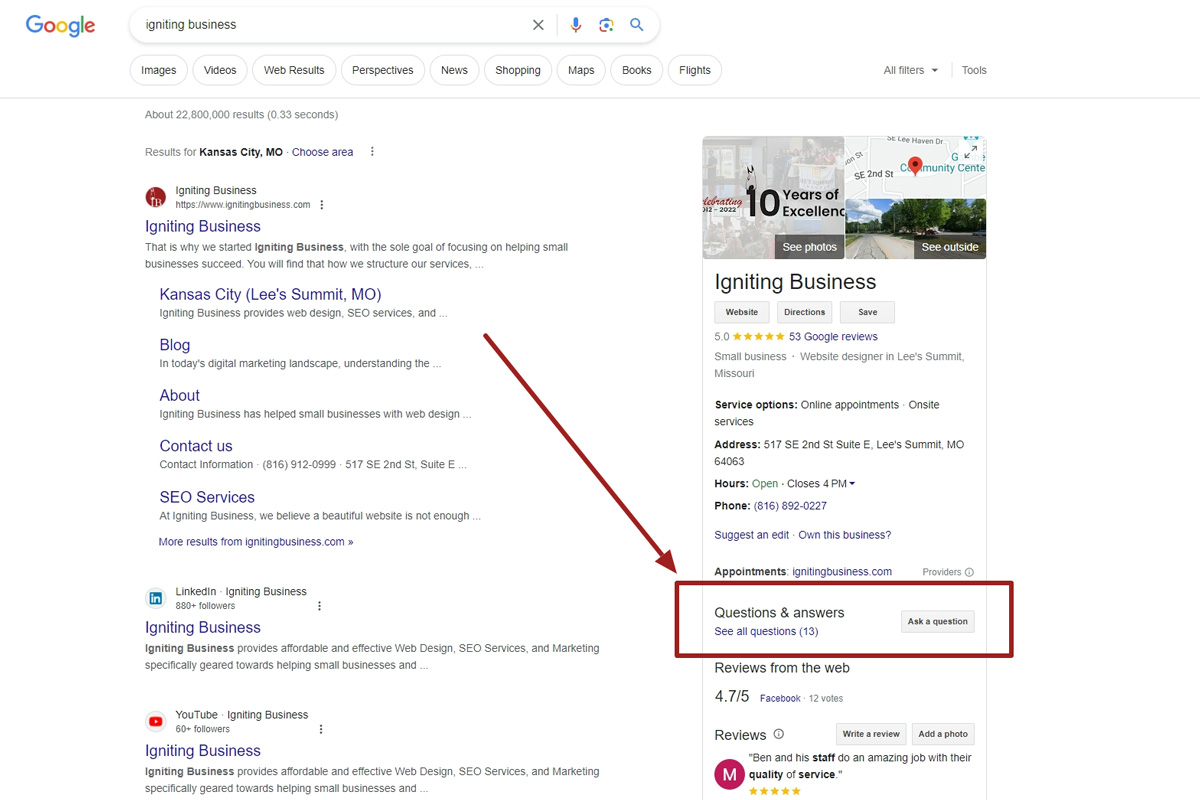
STEP 26 – Add FAQ Section (Hidden SEO Trick)
Google allows Q&A.
Add your own questions.
Example:
What services do you provide?
Answer:
We provide SEO, Google Ads, website development and social media marketing.
SEO Tip:
Add 5–10 FAQs using keywords.
Advanced Google Maps Ranking Strategies
Now we move to expert level strategies.
STEP 27 – Behavioral Signals Strategy
Google tracks:
Profile clicks
Call clicks
Direction clicks
Website clicks
Higher engagement increases ranking.
Encourage actions.
Example CTA:
Call now
Visit today
Book consultation
SEO Tip:
Engagement = ranking fuel.
STEP 28 – Review Keyword Strategy
Ask customers to mention service.
Example review:
Best digital marketing agency for Google Ads.
This improves keyword relevance.
SEO Tip:
Never force reviews.
Just guide customers.
STEP 29 – Local Citations Strategy
List your business on:
Justdial
IndiaMart
Sulekha
TradeIndia
Yellow Pages
Ensure consistency:
Same Name
Same Address
Same Phone
This is called:
NAP consistency.
SEO Tip:
Citations improve trust score.
STEP 30 – Geo Tagged Image Strategy (Advanced)
Upload geo tagged photos.
This helps Google understand location relevance.
Advanced local SEO technique.
SEO Tip:
Most competitors do not know this.
Lead Conversion SOP (Most Ignored Area)
Ranking alone does not generate revenue.
Conversion does.
STEP 31 – Handle Calls Professionally
Example script:
Hello,
Digital Drolia here.
How can we help you?
Ask:
Business type
Requirement
Budget
Timeline
Then propose solution.
Conversion Tip:
Professional call handling increases closing rate.
STEP 32 – Fast Response Rule
Respond within:
5 minutes.
Conversion increases.
Customers contact multiple vendors.
Fastest wins.
Conversion Tip:
Speed beats perfection.
STEP 33 – Use WhatsApp Follow Up
After call send:
Company profile
Services
Portfolio
Offer
Follow-up closes deals.
Common Google Maps SEO Mistakes
Avoid these:
Fake reviews
Keyword stuffing
Wrong category
Incomplete profile
No updates
Slow replies
Ignoring reviews
These reduce ranking.
Google Maps vs Social Media Marketing ROI
Google Maps:
High intent
Low traffic
High conversion
Social media:
High traffic
Low intent
Low conversion
Best strategy:
Use both.
Social media creates awareness.
Google Maps captures demand.
60 Day Google Maps Growth Blueprint
Week 1:
Setup profile
Complete information
Add services
Week 2:
Upload photos
Add products
Start collecting reviews
Week 3:
Add posts
Add FAQs
Reply to reviews
Week 4:
Increase reviews
Improve photos
Track insights
Month 2:
Post regularly
Collect reviews
Improve engagement
Results start appearing.
Final Conclusion
Google Maps is not just a business listing.
It is:
A local SEO asset
A lead generation engine
A trust builder
A conversion platform
Businesses optimizing Google Business Profile dominate local markets.
Businesses ignoring it depend on ads forever.
If you optimize correctly:
Google Maps becomes your daily lead source.
Final Action Plan
Do these today:
Create profile
Complete profile
Add services
Upload photos
Collect reviews
Post weekly
Respond fast
Within 60–120 days you will see growth.
Final Thought
Social media builds attention.
Google Maps captures buyers.
Businesses that understand this win local markets.
The question is:
Will your business be visible when customers search?
Or will your competitors take those leads?